

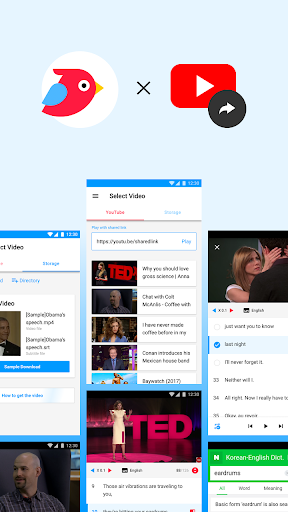
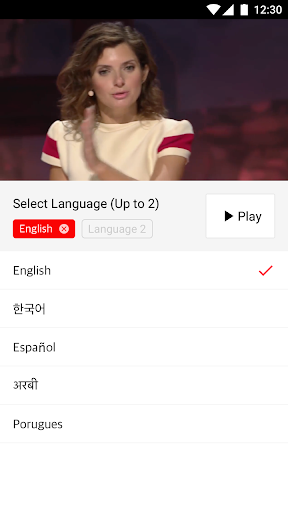
Learning a new language is not easy, and improving listening skills is a challenge for everyone. ParrotPlayer is the perfect tool for users who are practicing listening skills for new languages. With ParrotPlayer you can improve your language listening skills using your own videos or favorite YouTube links.
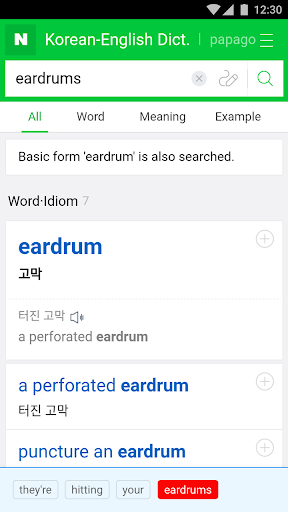
📑 The flow of study is not interrupted by searching for words.
With just one swipe gesture, you can use the dictionary without leaving the app.
Don't type words directly, just touch to search!
Once you look up the words you can see again through the vocabulary.
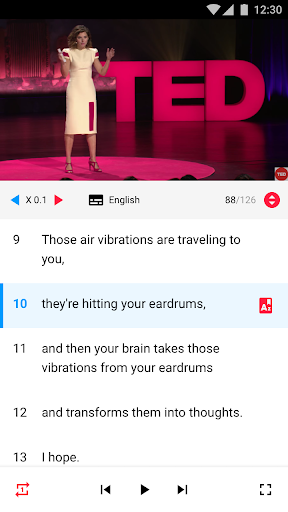
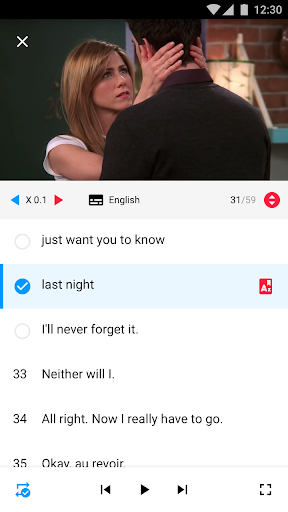
🎧 Pick only the parts that you can't hear and repeat.
The parrot player provides subtitle unit repeats.
Listen and follow the inaudible parts until you hear the repeat function.
⏲ Read the subtitles in the video.
Can you hear it in real-time if you can read it faster than the video playback speed?
Use reading mode to measure how fast you can read.
⌨️ Study the video you want.
Studying with your favorite videos can make studying more fun.
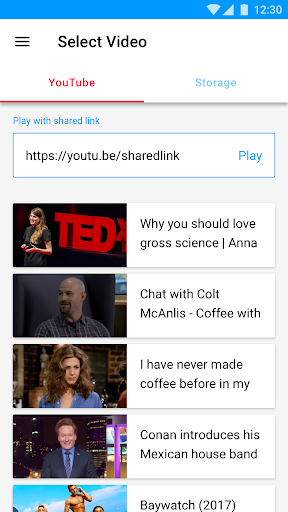
If you find a funny video while watching YouTube, study at Parrot Player.
If the video has subtitles, you can learn by sharing or pasting a link.
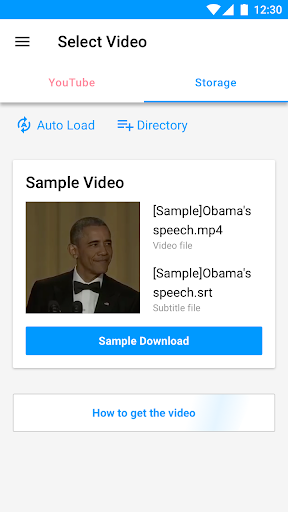
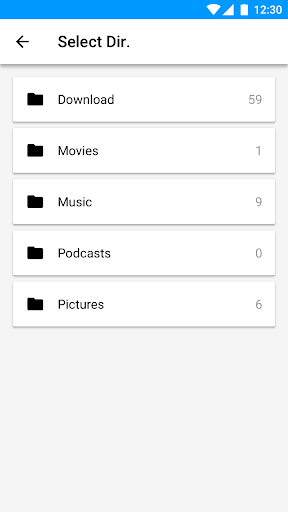
📀 Study with the video stored on your phone.
If you have video and subtitle files, you can use more rich functions.
If you use the video stored on the mobile phone, you can adjust the speed of the video,
You can enjoy the video in a fun way with text and images as if you are watching a blog post.
List of supported videos and subtitles.
Videos: mp4, mkv, webm, 3gp, ts
Subtitles: smi, srt, vtt
■ Access Rights
• Parrot Players only ask for privileges when they are absolutely necessary and use the acquired privileges only for that function.
[Optional] Storage Rights-Access Phone Storage
* Save permission is only available on the Storage tab. By using the Read permission, you can view the video and subtitles in the terminal as a list and select the desired video to play. Also, if there is no video on the terminal, write permission is used to download the sample video.








9Apps 4.9














