
Parallels Access is the fastest, simplest, and most reliable way to remotely access all your Windows and Mac applications and files from your Android device. From accessing a single file that you forgot on your home computer to editing a complex document, Parallels Access gives you the peace of mind of knowing that you will be effective anytime and anywhere with just your mobile device.
“Parallels Access is quick to set up, simple to understand, almost limitless in potential.”
– David Pogue, New York Times
“In terms of raw cleverness and technical derring-do, Parallels Access is way, way off the charts.”
– Harry McCracken, TIME
================
Leave the laptop behind when you are on the move. Or on the couch.
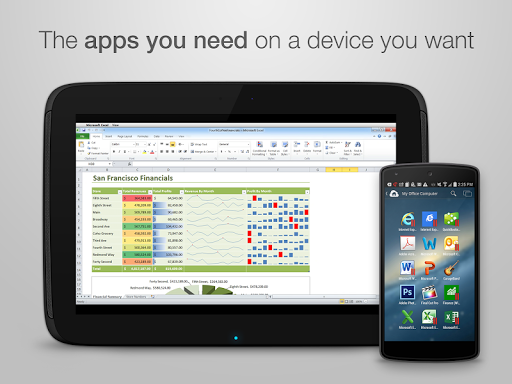
Our unique “applification” technology lets you use all of your desktop applications as if they were native apps for your Android device.
24/7 access to your desktop. The unanticipated happens all the time.
One simple tap on your Android device and you are securely connected to your computer. Quickly navigate thru the hard drive to find the document or photo you need using our file browser; and copy, or open it with just a tap.
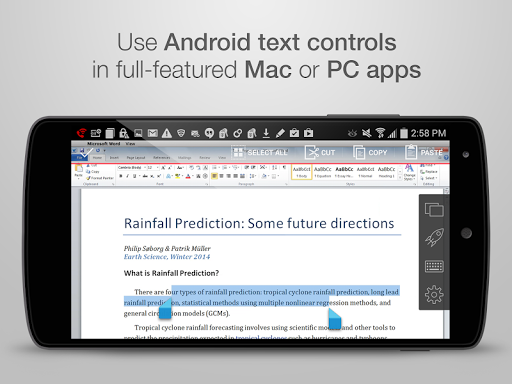
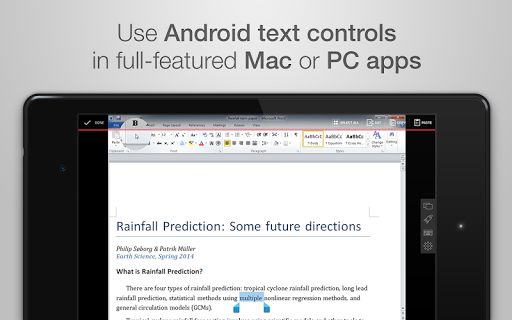
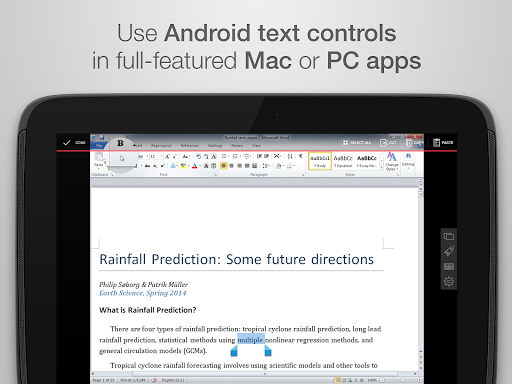
Edit content easily - No more finger gymnastics.
Precise selection, copying, and pasting of text. Tapping a small, almost invisible desktop button or dragging a picture with a natural one-finger lock is a breeze – our Lock’n’Go Magnifying Glass is a marvel of innovation.
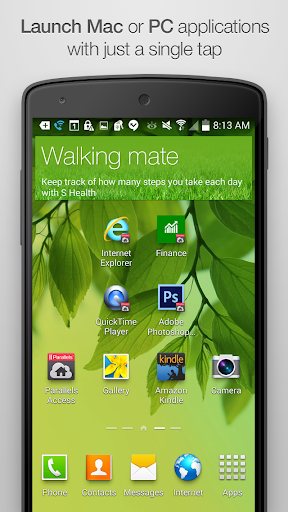
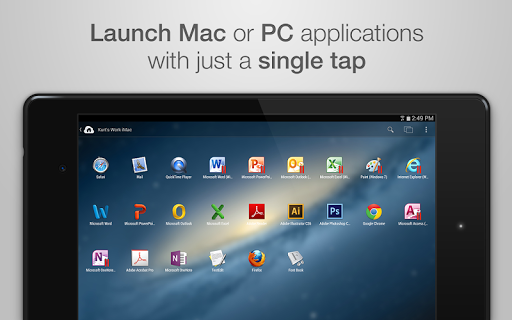
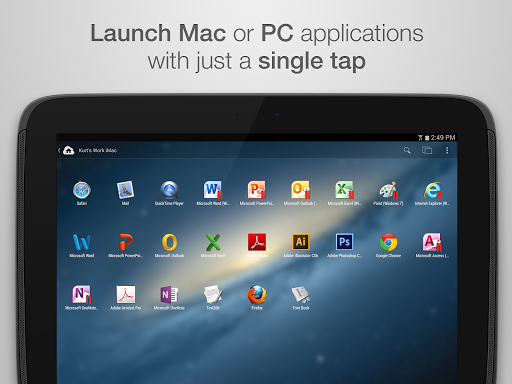
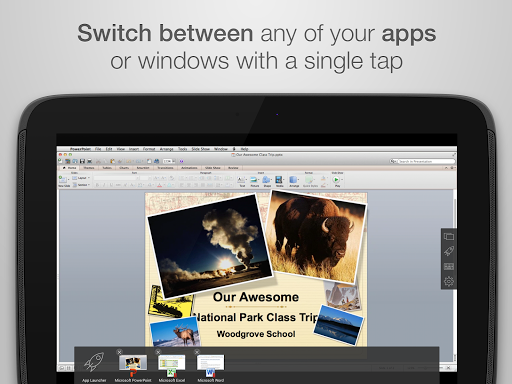
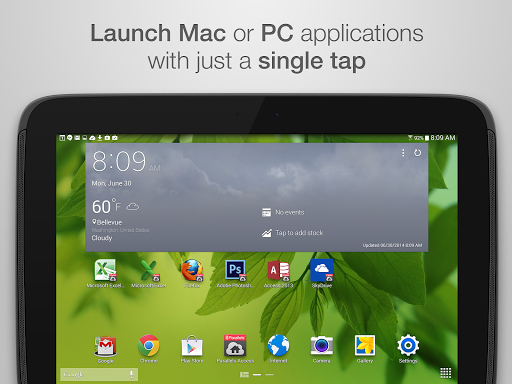
All your desktop applications are just a tap away.
Start applications or switch between them with just a tap. Put your favorite desktop application right on the home screen of your Android device. Plus a complete desktop keyboard to help you take full advantage those desktop apps.
Don’t stress your eyes. In fact, don’t stress at all!
See your applications using the full screen of your Android device. Have peace of mind knowing that Parallel Access will reliably connect you to your desktop when you need it. Even on slow 3G networks.
Stay effective with the fastest, simplest, and most reliable remote access technology.
You are connected to your desktop. And you are fast and effective. Reliably.
================
SUBSCRIPTIONS/NOTES:
Subscribe annually for $19.99 to get unlimited use of Parallels Access for up to 5 computers. Subscription can be purchased at https://access.parallels.com/#/buy.
Terms of Use: https://www.parallels.com/about/legal/terms/
Privacy Policy: https://www.parallels.com/about/legal/privacy/
For business use, please use Parallels Access for Business, which offers the ability to centrally manage multiple user accounts and grant and revoke access to company-owned computers. (https://www.parallels.com/products/access/business)
Parallels Access requires the installation of the free Parallels Access Agent on your Mac (OS X 10.9 or higher) or PC (Windows 7 or Windows 10). Just follow the instructions in Parallels Access on your Android device to download the Agent and install it on your computer.
Parallels Access is compatible with most Android tablets and phones running Android 5.0 or higher.




9Apps 4.9













