
PUBG Pinger for Anti LAG is publish now - Anti lag/such network for gamer. Lets download and enjoy your favorite PUBG Mobile online. This app is a simple ping for android. We tried to keep it as simple as possible, the app will help you to get best ping on your lan/wifi/internet network, this ping tool its different with another app. this pingtool its very easy to use. just one click and enjoy, dont setup / setting anything. it will confused you. just use this utility and boost your PUBG Mobile online.
How to use PUBG Pinger:
1.Close all application running
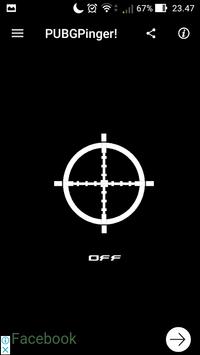
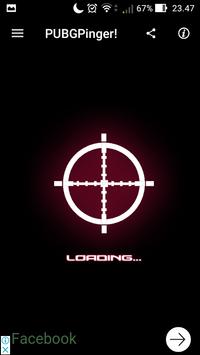
2.Open application
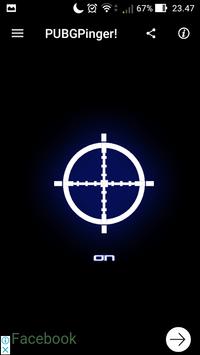
3.Turn on into blue button
4.Dont press back button. press home button (minimize)
How to use PUBG Pinger:
5.If ping its red, try mode AI
6.If lag open setting, set off all, graphic low, camera quality low
7.Disable speed mode
8.If still lag lets change your phone setting open settings > network mode > if used 4G change to 3G.
9.Restart your phone if not work
Features PUBG Pinger:
>Easy to use
>Small size app, its only 3 MB
>Not confuse to setup. just click and for online.
>Incredible fastest ping
>Reduce ping and stable your internet ping network
>Made specifically for PUBG Mobile gamers



9Apps 4.9












