
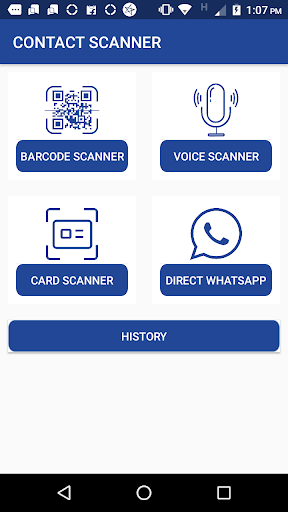
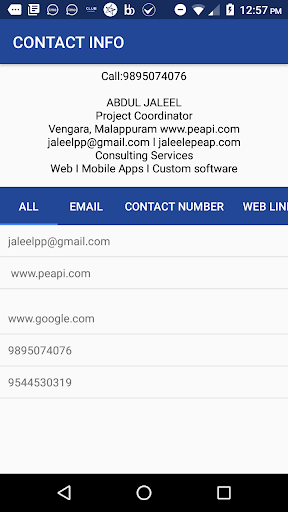
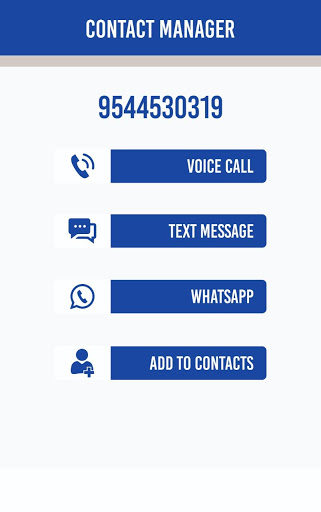
Using Google's Artificial Intelligence, we can scan the mobile number, email and website address from business cards and newspapers and save it on mobile. And you can chat on WhatsApp without saving the number.
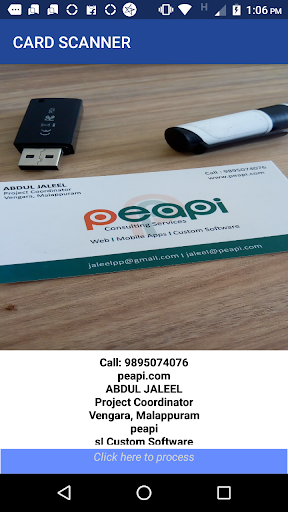
• BUSINESS CARD SCANNING
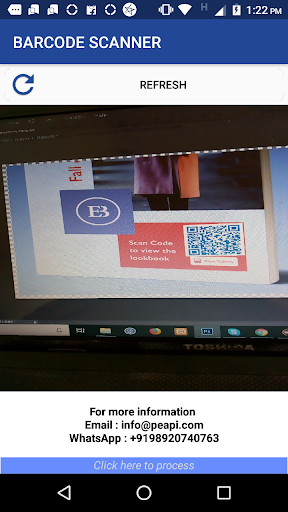
• BARCODE SCANNING
• CONVERT YOUR VOICE TO CONTACT
• DIRECT CHAT START IN WHATSAPP WITHOUT SAVE
• SAVE YOUR BUSINESS CONTACT FROM BUSINESS CARD WITHOUT MANUAL TYPING
BARCODE SCANNER
BUSINESS CARD SCANNER
START WHATSAPP WITHOUT SAVING CONTACTS
Use of App:
A Useful Android App for Business Man
You can use this App to open a person's private chat box in whats app without saving his contact number in your phone.
and also you can use a contact number, email, or website link from news paper, business card,adverticement , Barcode, or in your voice
and you can use for direct call, SMS, Whats app chat etc...
These information keep in your phone. so if once you scan a barcode you can use that bardode data later, this like business card also.
For Download Visit Here
Check Out This URL :
http://peapi.com/pp-scanner
- Create PDF option added.
- Different tools for manage PDF files.








9Apps 4.9















