PDF Compress Tool: Reduce PDF  icon

PDF Compress Tool: Reduce PDF

10.6 for Android
3.0 | 50,000+ Installs | Reviews

Tweenti Corp

Description of PDF Compress Tool: Reduce PDF

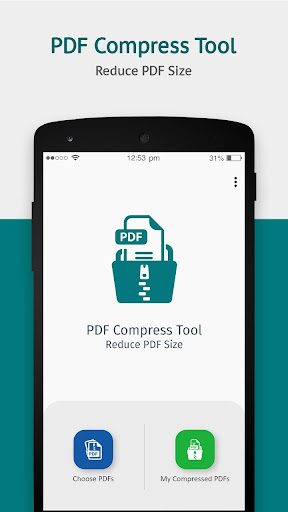
If you are facing any kind of trouble in uploading the PDF file due to its larger size then using this app you can reduce its size by compressing it.
Steps to compress PDF:
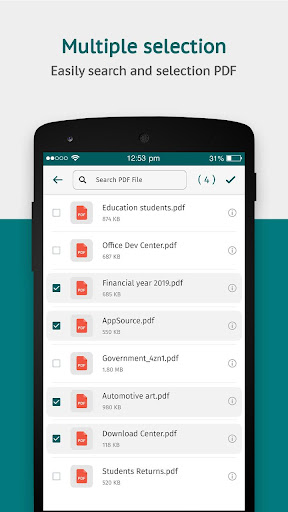
- Go to Choose PDFs option.
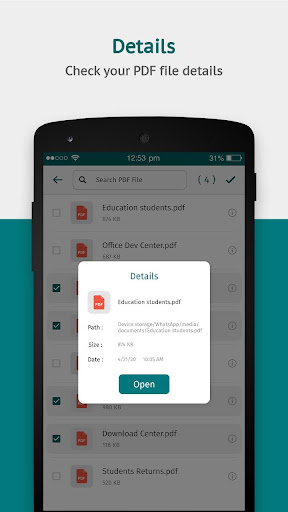
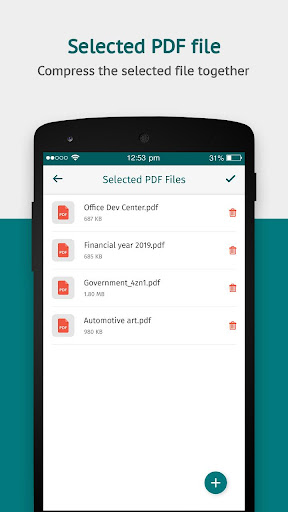
- Select one or multiple PDF files.
- Click on the tick mark option on the top right corner.
- Remove any PDF file if required.
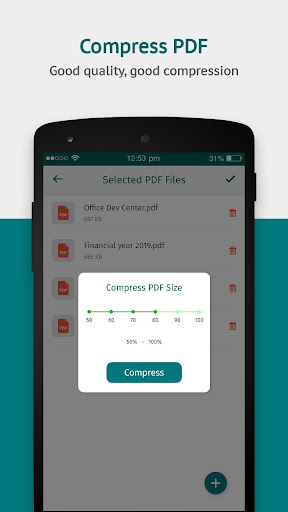
- Select how much percent of PDF size you want to reduce. The higher the percentage, the more size will get reduced.
- Click on the Compress button.
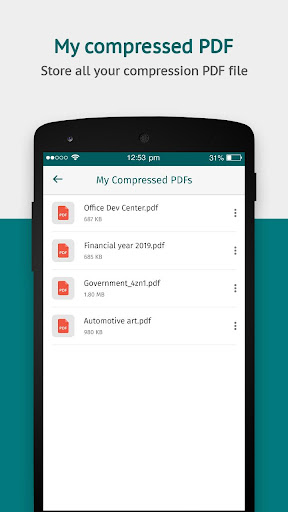
- Visit My Compressed PDFs section to get all your compressed files.
So, resize your PDF file to a smaller size with the PDF Compress Tool app.

What's New with PDF Compress Tool: Reduce PDF 10.6

- Bug Fixes.

Information

  • Category:
    Productivity
  • Latest Version:
    10.6
  • Updated:
    2022-12-24
  • File size:
    9.4MB
  • Requirements:
    Android 4.4 or later
  • Developer:
    Tweenti Corp
  • ID:
    com.pdfcompressortool.reducepdf
  • Available on:
Reviews
  • avatar
    Good but please update best of luck.
    2020-09-25 06:20
  • avatar
    It's a nice app for pdf compression...we can compress larger and larger PDFs and the percentage is also between 50 and 100%.So I am fully satisfied with this app...👍👍👍👍👍👍👍
    2020-09-18 10:46
  • avatar
    Fake app dont download/you can use for increase file size..
    2020-09-15 04:01
  • avatar
    Best pdf reducer app
    2020-08-26 05:36
  • avatar
    Super effective
    2020-07-31 04:05
  • avatar
    Excellent work. Good job for Developer
    2020-07-25 05:52