PDF to Image - PDF to JPG icon

PDF to Image - PDF to JPG

3.0 for Android
3.2 | 500,000+ Installs | Reviews

DLM Infosoft

Description of PDF to Image - PDF to JPG

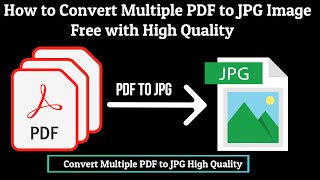
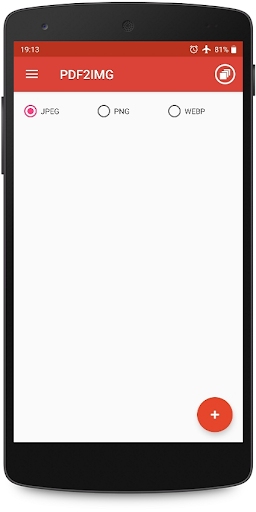
PDF to JPG Converter - Convert PDF to images in various formats like JPG, PNG and WebP
Steps to use PDF to JPG Converter
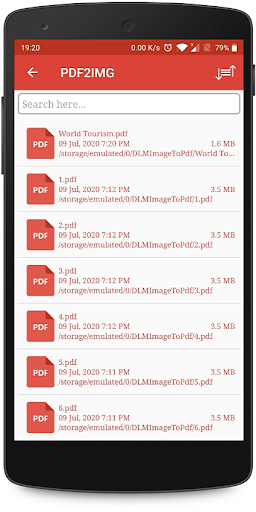
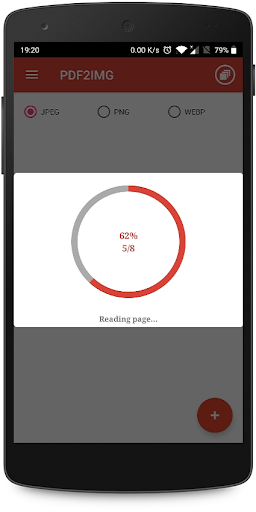
1. Select PDF file with icon.
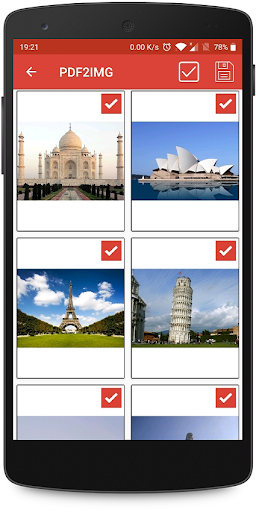
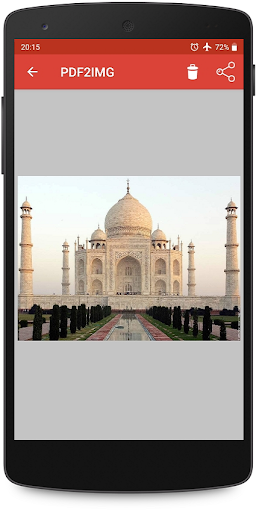
2. Click on image to preview and deselect unwanted images.
3. Convert to image/images.
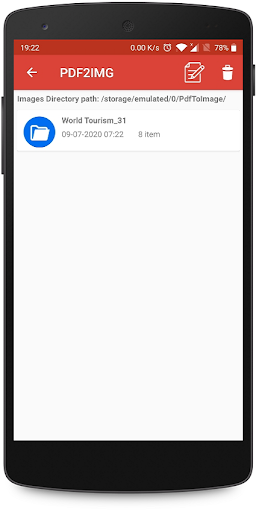
4. View newly created folder in list.
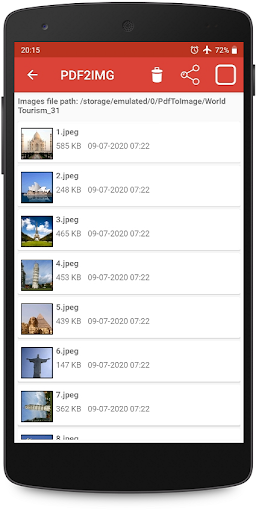
5. View all images inside new folder.
6. Share or delete the image by long pressing the image/images in image list.
PDF to Image Converter is free and can be used offline.

What's New with PDF to Image - PDF to JPG 3.0

Introducing file browsing option
Performance Improvement
Minor bug fix(s)

Information

  • Category:
    Productivity
  • Latest Version:
    3.0
  • Updated:
    2021-10-31
  • File size:
    13.5MB
  • Requirements:
    Android 5.0 or later
  • Developer:
    DLM Infosoft
  • ID:
    com.dlminfosoft.pdftoimage
  • Available on:
Reviews
  • avatar
    Unique feature which i liked the most is, this app can convert a pdf of 30 40 pages to jpg format respectively !! Kudos 2 Developers 🤞
    2020-10-12 01:46
  • avatar
    Pure'''''''''''''''' Magic'''''''', works beautifully.
    2020-09-04 06:35
  • avatar
    Very nice app for JPG, but I suggest if it would have quality option so that I could get the highest quality jpg images.
    2020-07-17 07:08
  • avatar
    It's reading pages is too slow. Please provide the numbering of pages so that it becomes easy for us.
    2020-07-11 05:28
  • avatar
    Image quality is getting low and blurred
    2020-07-09 03:47
  • avatar
    World fast, efficiently and perfectly! So convenient and effortless
    2020-02-15 06:01