

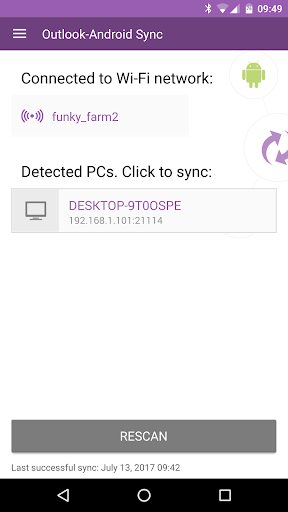
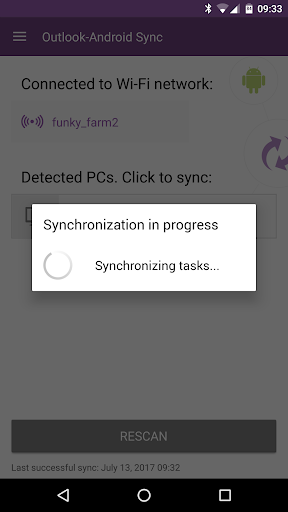
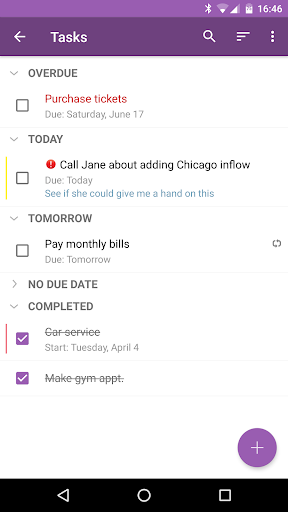
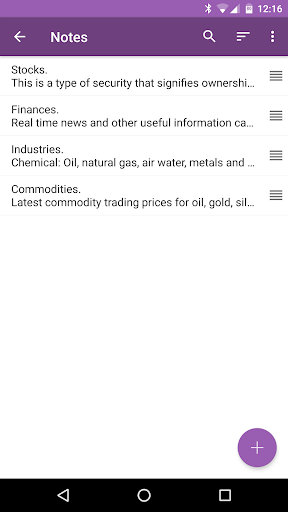
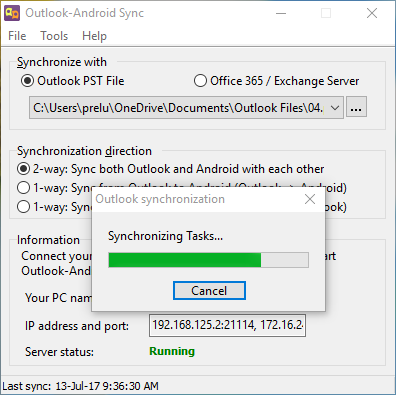
Outlook-Android Sync allows you to securely synchronize Outlook calendar, tasks, notes and contacts data with your Android device over established wireless (Wi-Fi, cellular networks, Bluetooth, Wi-Fi hotspot) or wired (via a USB cable) connection. Outlook data is synchronized with native Android Calendar and Contacts applications and with built into the Outlook-Android Sync app Tasks and Notes modules.
The Android app works with Windows companion Outlook-Android Sync software. The PC version is free to try for 30 days without any limitations or obligations and can be downloaded from our web site at http://www.ezoutlooksync.com/. Full Windows version of Outlook-Android Sync costs $29.95, Android version is always free.
Features:
- Complete bi-directional or single direction fast and safe synchronization of your calendar, tasks, notes and contacts data through a user-friendly wizard
- No cloud or third-party solution required for decure and direct sync over Wi-Fi, cellular networks (4G, 5G), Bluetooth or USB cable
- Convenient synch of Outlook data with native Android Calendar and Contacts apps and with built-into the Android version of OAS Tasks and Notes modules
- Keeps personal and business data separate, choose which Outlook and Android accounts to synchronize data between
- Full mirroring (including colors) of Outlook categories with Android calendars and contact groups
- Built-in Tasks and Notes modules with customizable widgets and shortcuts
- Supported Outlook versions: 2007, 2010, 2013, 2016, 2019, Outlook 365
Support:
If you have any questions or face any problem with the app, please either drop a message in our Support Forum (http://www.ezoutlooksync.com/forum/) or contact us at ezsupport@ezoutlooksync.com.
- Contacts stored in Outlook-Android Sync account can now be modified in the default Contacts app
- Couple of optimizations regarding Tasks synchronization speed
- Bug fixes and other minor improvements







9Apps 4.9














