To use Application it needs to read and agree Terms of Service.
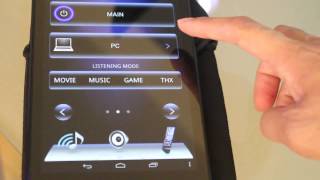
Onkyo Controller is the official Onkyo remote control application that allows users to conveniently operate compatible Onkyo network products from their Android handset.
The intuitive, user-friendly interface makes it easy to get more from your audio entertainment experience.
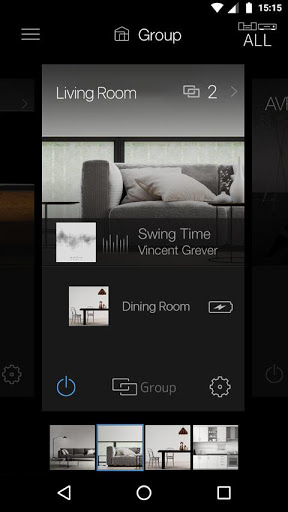
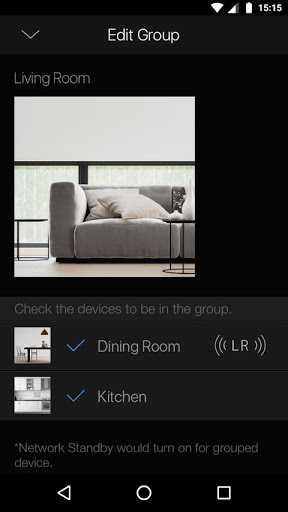
This app not only has the usual remote control functions (play/stop, volume control, etc.), it also has a multi-room feature that allows you to stream a different music track in every room or in a group of rooms. With this single app, you can stream CDs or Internet radio played through an AV amplifier in the living room to Onkyo compatible products in other rooms. *(Only compatible products released in 2016 or later)
Get more from your AV home entertainment experience with this app!
Main functions that can be operated through this application.
(1) Play music in each room or every room
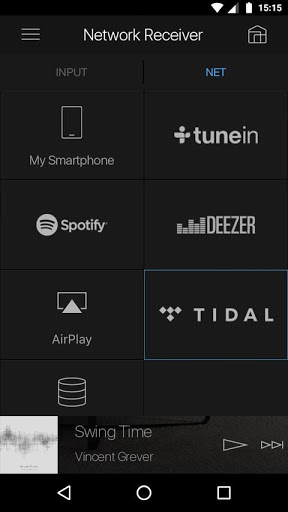
- Lets you play music from music streaming services such as Pandora , Spotify, DEEZER and TIDAL, your music library on your smart device, or your NAS drive on FireConnect compatible products.
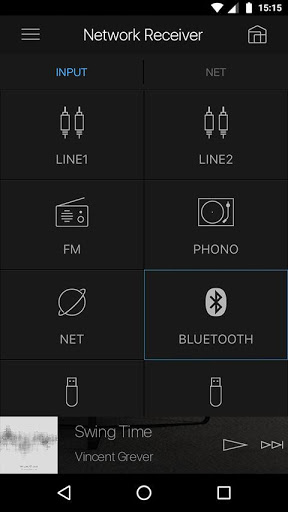
- You can play your music via radio, Bluetooth and USB.
(2) Remote control functions
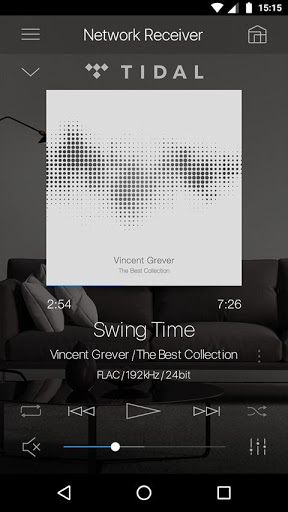
- You can operate general control functions (play/stop, control the volume, select the input source, etc.) from your smartphone.
(3) Operation of connected product(home theater product such as AV amplifier)
- Lets you control a Blu-Ray Disc player player or TV that is connected to an AV amplifier or home theater product via HDMI.
(4) Control of streaming audio files from a DLNA-compatible server. Your Android device can be used to select music directly from the server
(5) FLAC, DSD, and Apple Lossless playback capability via Home Media function (selected models only)
*By setting the “Network Standby” menu item in the unit’s initial settings to ON, you can use this application to turn on the power of the unit.
Compatible models (Models released in April 2016 or later)
Network AV Receivers launched in 2016
Home Theater: SBT-A500, HT-S7800
Wireless Speaker: NCP-302
■ Please note
・Onkyo Controller requires at least Android 5.0.
*Operation not guaranteed on all devices.
・All models require a firmware update to use Onkyo Controller.
・Available Service depends on regions
・In case of use Android 5, the permission indication will be indicated when install this app or update to the latest version
・Why the device's location is needed? Answer: In order to set-up your wireless devices which are located around you, the access point information such as SSID is needed. There is no other purpose to use the information of the device’s location.
Compatible with the latest products







9Apps 4.9