
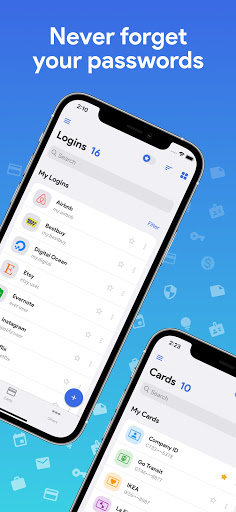



A simple and safe offline password manager that enables you to store all your passwords encrypted at one place on your device. Best Password Manager!
Primary Features:
■ Access all encrypted data with a single MASTER PASSWORD
■ NO INTERNET ACCESS of any sort required
■ Strongest Encryption using AES-256 bit algorithm
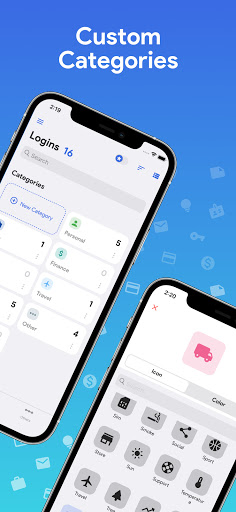
■ Custom categories and custom fields
■ Completely AD-FREE
■ Auto-fill all passwords
■ Export/Import CSV feature
■ Backup/Restore capable
■ Dark theme
All Features:
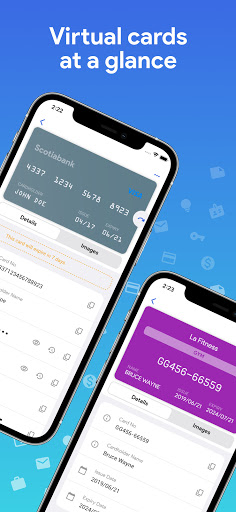
■ Virtual cards generation based on information
■ Store Credit Card details, Website logins, e-Banking logins and other details
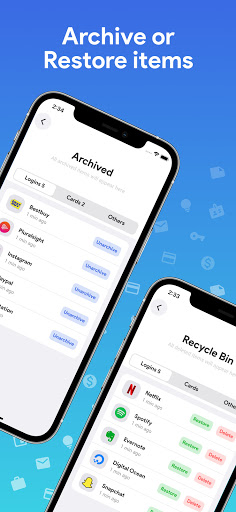
■ Recycle bin to restore or permanently erase all deleted passwords
■ Custom categories and custom fields
■ Backup and Restore capable
■ Block Screenshots
■ Different colored card types for convenience
■ Beautiful animations and Dark theme
■ Passwords are stored using strong AES-256 encryption
■ Easy Search and Sort
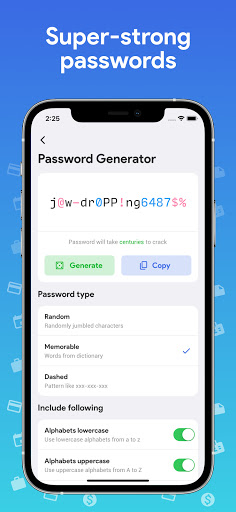
■ Password Strength indicator to help you choose strong passwords
■ AUTO-LOCK on screen turn off
■ Password Generator Feature lets you create strong passwords
■ Ad-Free
Permissions explained:
■ Run at startup - To enable auto-backup on device restart
■ Storage - To securely store all passwords on your device
■ Google play license check - For in-app purchases
- FIX: Fixed Multiline text to auto expand and go to next line on enter
- NEW: Multiple languages added


9Apps 4.9