
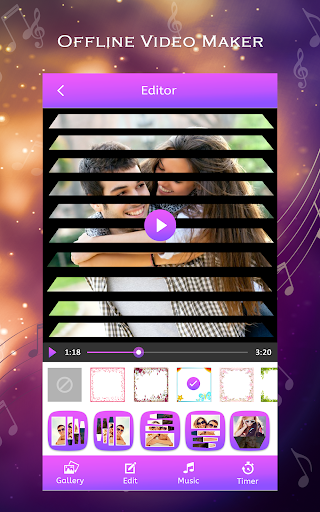
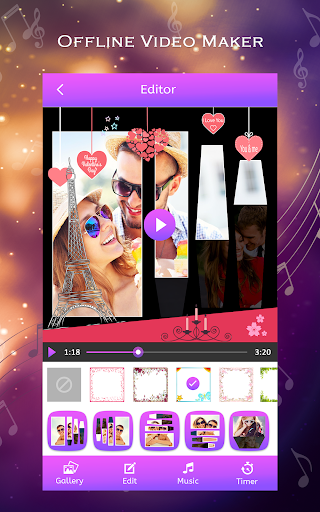
OffLine Video Maker
application with no need internet connection to make movie.just install this application and see the many more option to convert your image into videos.
Nowadays all people want to use the smart device and also want to use social sides status and also want to share many more thing and all that will possible with our
OffLine Video Maker
application.
OffLine Video Maker
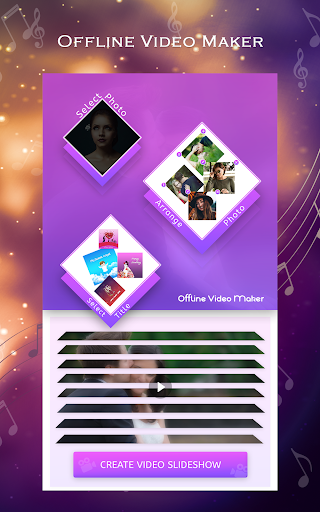
have all simple steps to change your images into a small short and simple movie
Step.1
Simple and free to install this application
Step.2
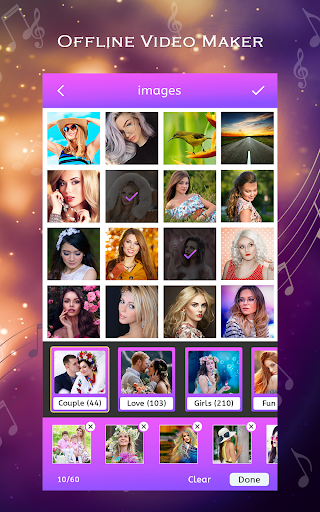
Choose image from gallery
Step.3
Have the option to select more than 3 images to make a video
Step.4
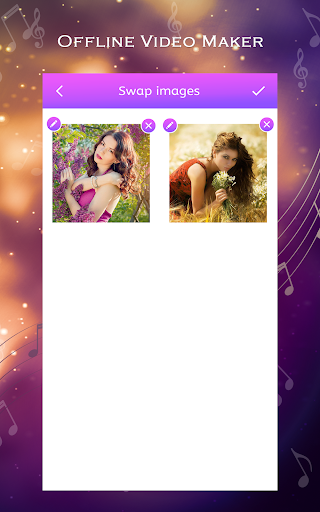
Now have to see the option to delete an image, edit image
Step.5
Edit image with Stickers, Text, Filters and also crop image to make a more adorable video
Step.6
Tap on right arrow button
Step.7
You see the option of add title in videos
Step.8
In video title you can put start and end title in videos
Step.9
Put title with the best color and decorative BG image
Step.10 Apply the best animation in videos
Step.11 Set frame out of videos
Step.12 Make short movie clip with using time option
Step.13 Set music in the video
Step.14 Save video in-app personal folder "My Creation"
Step.15 Video ready to share on social sides
OffLine Video Maker
is best video maker application to decorate your images with applying name via the help of text option. also, the option to filter your image with attractive light and dark color.crop your image with free finger touch and you can also put a little sticker in your all image. then you change all images into one little video story. Now no need to find video into any video player our
OffLine Video Maker
application have a personal folder "My Creation" in which you can find all your created videos so direct tap on the share button and share as everyday status in your social account.
OffLine Video Maker Highlights
# Make video offline
# Create video without internet
# Option to make a video with your best images collection
# Option to direct delete image
# Image edit option like apply stickers, text, and filter on the image
# Crop image option
# Best option to put the title in video
# Add first and last title in videos with best BG
# Best collection of video title BG
# Apply animation
# Set frame out of videos
# Add music and also timing
# Save with one tap on the mobile screen
# Share on social sides application




9Apps 4.9














