
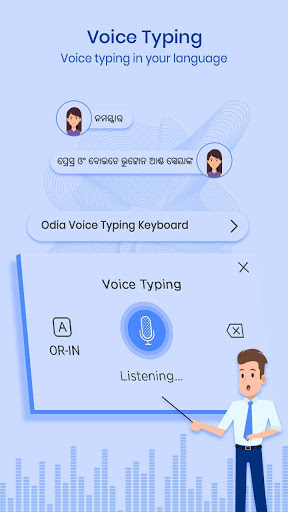

Odia Voice Keyboard, Typing Keyboard makes Odia voice texting faster.
Odia Voice Keyboard - Typing Keyboard
Odia Voice Keyboard - Typing Keyboard is an Odia typing keyboard that makes
voice texting
faster than ever before.
FEATURES of Odia Voice Keyboard - Typing Keyboard & Translator Keyboard.
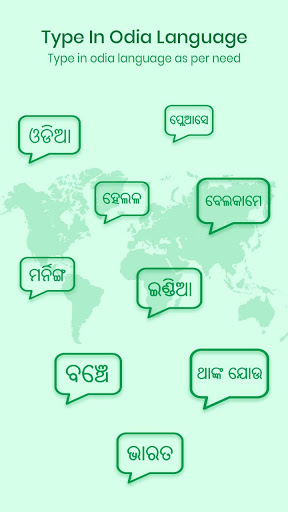
Type in Odia to get Odia letters called Odia indic typing or called typing keyboard.
Stickers & GIFs. Powerful Odia typing keyboard.
Typing Keyboard also provides Odia to any language translator.
Works inside all apps on your phone - a Odia Voice keyboard app for all social media apps.
Saves time compared to handwriting input or other Indic Odia input tools, Voice Typing Keyboard.
How to Setup Voice Keyboard we can say Typing Keyboard and Voice Keyboard:
Download and Install Odia keyboard.. voice keyboard or typing keyboard!.
Open App => Odia Voice Typing Keyboard.
Enable Keyboard => Choose the Odia Voice Keyboard
Select Keyboard => Choose Voice Keyboard.
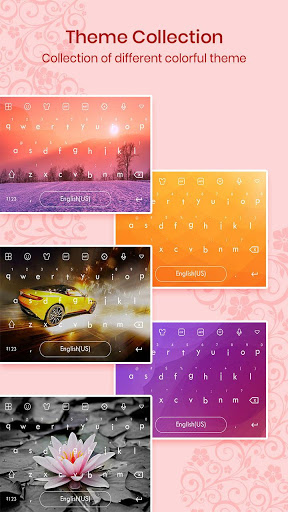
Themes => Select Favorite of your Choice & enjoy Odia voice keyboard.
The Odia keyboard - Voice Typing will get by:
We hope you like Odia Voice Keyboard - Typing Keyboard or we can say Translator Keyboard so please Share it! Review for more improvements! Thanks to using voice keyboard.

![[Odia] Odia Typing in COMPUTER | Computer re Odia re typing kemiti karajae | Mr Jyotiprasad screenshot 1](https://i.ytimg.com/vi/gURgvoqRF_8/mqdefault.jpg)



9Apps 4.9













