OTG USB File Explorer for android
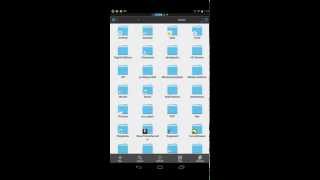
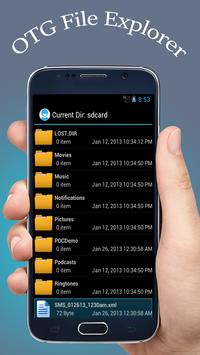
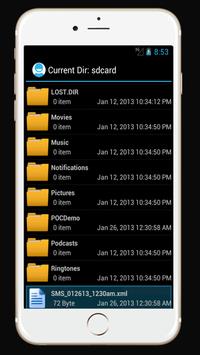
Access OTG devices through OTG USB File Explorer application. OTG USB File Explorer for android allows you to manage files from any USB mass storage device with a FAT32 or NTFS file system using the USB OTG port of your device, tablet or phone.
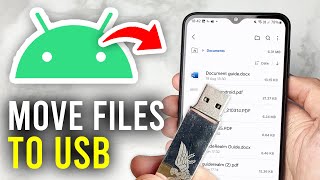
You can easily copy files from any USB mass storage device to your Android Phone, Tablet (rename, add folders, delete files etc..)
Root access is not required. You can find the android USB driver for PC from more than 800 mobile phone manufacturers like Samsung, LG, or Sony, etc ..., supported for Windows XP, Vista, 7, 8, 10. USB OTG File Manager app allow you to read USB flash drives as well as card readers with phone and tablets. You need to connect the flash drive to an OTG (On-the-go) cable then launch OTG USB file explorer app and you will be able to see all files to access in USB drive.
It is OTG connector software for Android devices which allows OTG checker to access the devices through USB connector. OTG view all sort of files in android devices. It is USB viewer to check which is also known as USB checker. Using USB file manager you can manage files in USB according to your desire and also there is option to transfer data from USB to phone with OTG USB helper. USB OTG is capable for all Android versions devices to check USB status with computer connection. There are option to change overlay setting, data setting, phone info and some other feature.
Bugs fixed.
Crash resolved.

9Apps 4.9