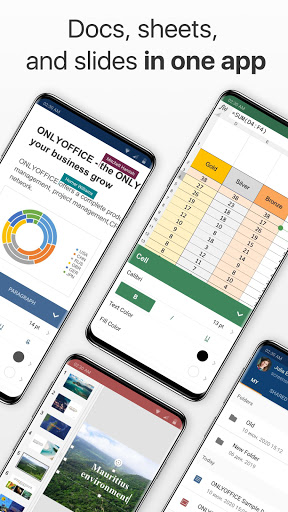
ONLYOFFICE Documents is a free app for working with office documents. Easily access and manage files stored in ONLYOFFICE cloud. Collaborate on docs together with your teammates. View, manage and edit local files.
• View and edit online Office documents
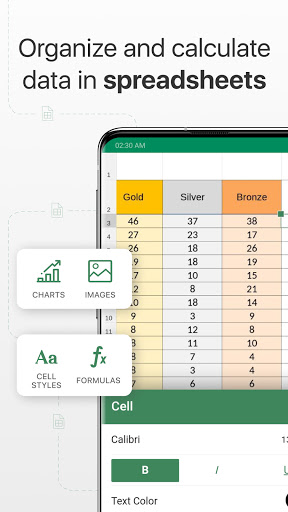
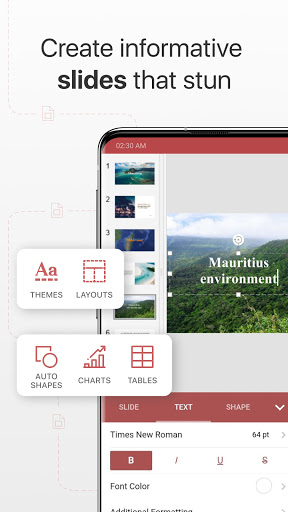
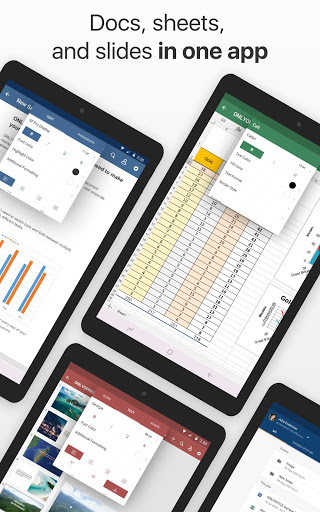
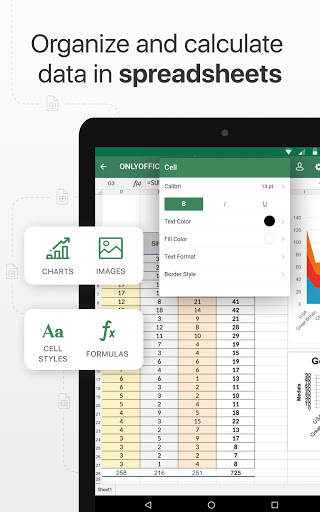
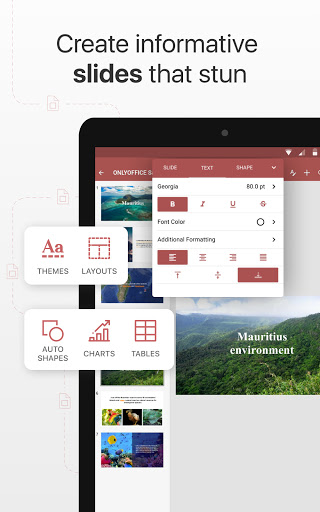
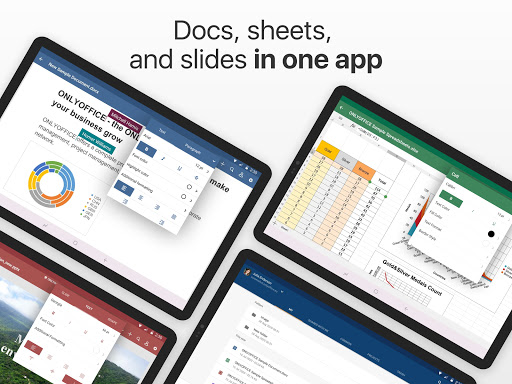
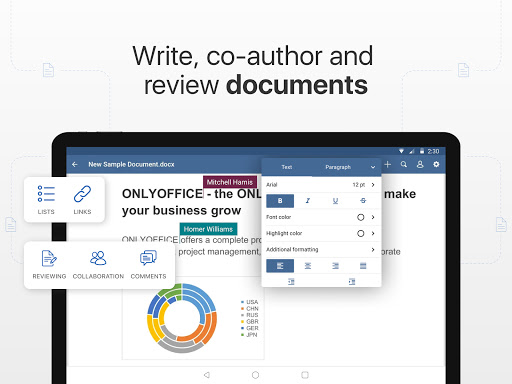
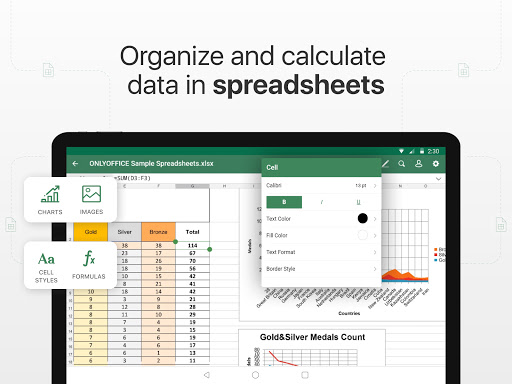
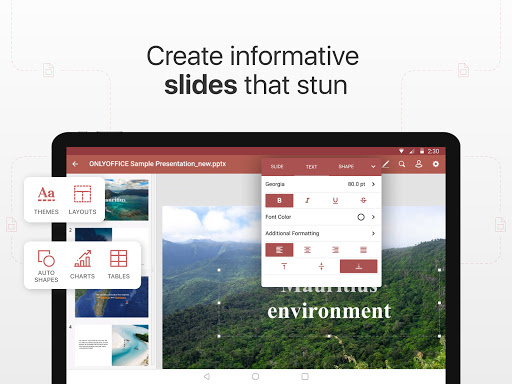
With ONLYOFFICE you will be able to create and edit all kinds of office documents - text documents, spreadsheets and presentations. The basic formats are DOCX, XLSX ans PPTX. All the other popular formats (DOC, XLS, PPT, ODT, ODS, ODP, DOTX) supported as well.
PDF files are available for viewing. You can also save and download files as PDF, TXT, CSV, HTML.
• Share & grant different access rights
Choose your collaboration level. ONLYOFFICE allows you to share files to your teammates granting different types of access rights: read only, review or full access. Provide external access to files via links.
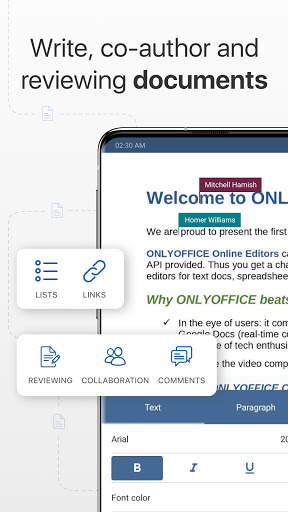
• Co-edit documents in real time
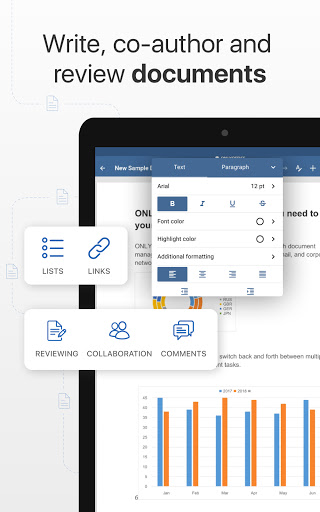
With ONLYOFFICE Documents multiple users can edit the same doc simultaneously. You will see changes appear as your co-authors are typing.
• Fill out online forms
View and fill online forms to quickly create model documents from ready templates, save them as PDF. You can create form templates in the web version of ONLYOFFICE Docs, or use ready templates from the template library.
• Work locally
Edit text documents and spreadsheets, view presentations, PDFs, photo and video files. Sort, rename, move and copy files, create folders. Convert files for export.
• Access cloud storages
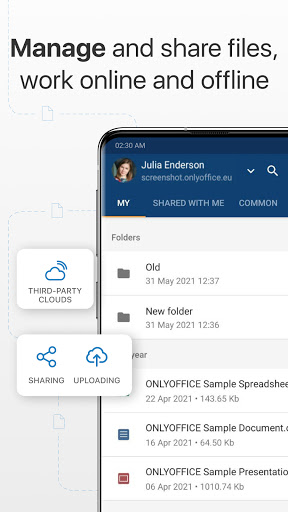
Log in to clouds via WebDAV. With this feature, you can directly manage, edit text documents, spreadsheets, and presentations, and view PDFs stored in the connected clouds, download and upload them, as well as work with collections and directories.
• Easily manage docs on your portal
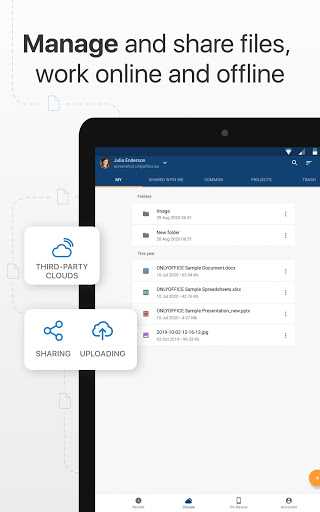
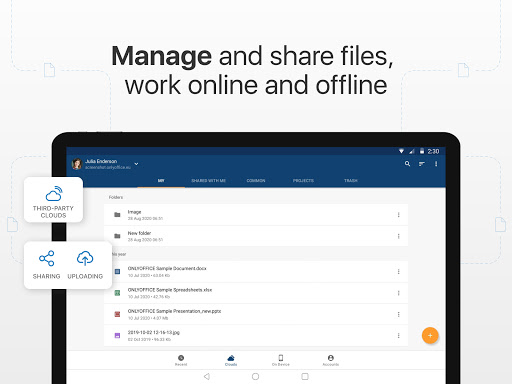
Upload and download files, sort, filter, rename and delete them, add favorites. To work with the app in the cloud you need to have an ONLYOFFICE portal, either a corporate or a free personal one. If you don't have one, you can easily create it from the app.
Editors
· Collaborative editing
· New search (ui)
· Custom shape size
Documents
· Drawing
· Custom document size
· Auto hyphenation
Slides
· Changing slide size
All
· Performance improvements and bug fixes




9Apps 4.9