Indulge in a brand new and easy-to-use note scanner & Note Plus to make quick notes, checklists & scan text. Organize your tasks and make your life easy with this Text Scanner OCR, QR & Barcode Scanner app. Scan texts, scan barcode and remove watermarks in PDF with just your mobile device. Now, you can easily scan notes, make a check list, and run some errands quickly. You can also pin the most important notes at the top to view easily in Note Plus.
Bear in mind that now you can have multiple functionalities in Text Scanner OCR, QR & Barcode, Note Scanner. Our Text Scanner OCR, QR & Barcode, Note Scanner app uses optical character recognition software that saves a lot of time and helps you in many ways one can think. Note Plus has multiple functionalities. With this century’s advancement, you don't need to be worried about a text scanner, barcode reader, and note saver app, but you can organize all of these features at one place in nanoseconds.
App Features
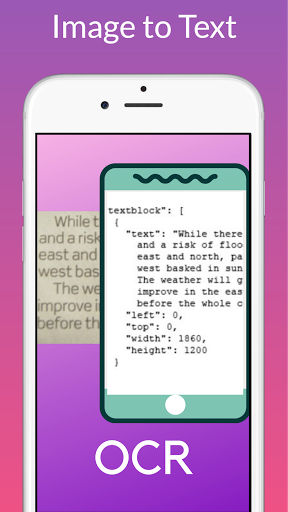
Note OCR Offline & Image to Text converter: Use this text scanner feature to convert image to text or picture to text. Convert image to text from camera, gallery, or anywhere and get instant results into PDF.
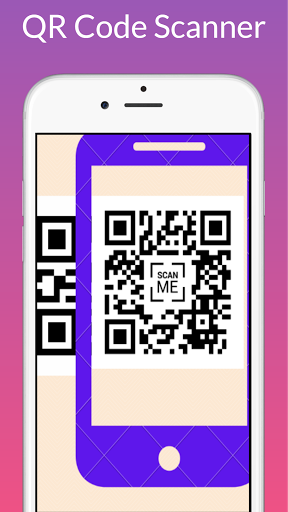
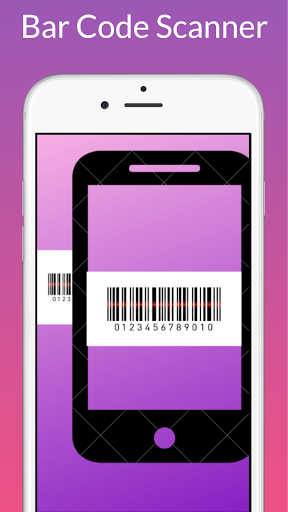
Barcode Scanner & QR Scanner: Use a barcode scanner from any device such as laptops, PC, and tickets to find the relevant data. Use a barcode scanner and reader from different goods and products through this app.
Real-Time Scanning: Real-time scanning enables you to scan a text from anywhere and get results in real-time.
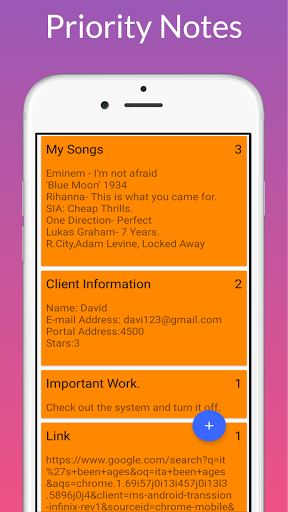
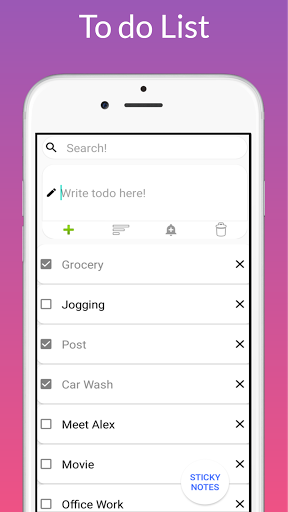
Make Notes: This Note Plus app feature serves as the word saving program. You can easily take notes as much you're willing to type. Once saved, you can edit the notes, share, delete, or set a reminder. Make a todo list and hit on tick when you complete a task. You can easily take priority notes and make a todo list app with alarm.
Note Formats: There are three formats in which user can Organize notes.
1. Notes: includes notepad, voice notes, translation, make pdf, set reminder etc.
2. Checklist: Make any checklist and set reminder of it.
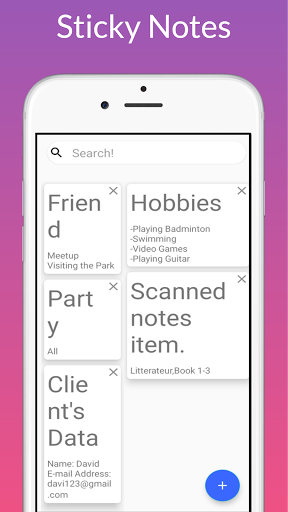
3. Sticky Notes: Make sticky notes with easy user interface.
• Speech to Text Conversion: Effortlessly speak in the microphone and get results text.
• Text To Speech Conversion: Make notes and translate them with text to speak conversation. Our app has inbuilt assistance that speaks out so you can write notes.
• Voice Alarm System: Set alarm for any time and stay tension.
• Notification Reminder: set a notification so that it can remind you of the mattering tasks that are due.
• Drawing Notes (paint): Draw a note comfortably on a sketch board, or recreate a picture from the gallery. Later on, you can save the photo in the gallery.
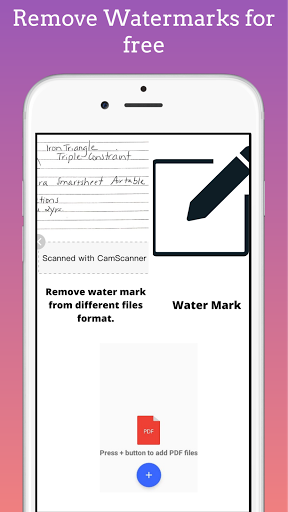
Remove Watermark: Remove watermark from PDF file and different documents.
Unique Features
This note scanner app is a brand new and easy-to-use way to note down notes and scan as much as you want. Scan almost everything through these note scanner app.
Note OCR, QR & Barcode Scanner App 2021: Note OCR has scanner for extracting text from anything.
Note Scanner OCR: This app has a friendly interface and easy to make notes & scan text.
Barcode Scanner & Reader App: Scan barcodes and get results.
QR Scanner App 2021: Scan QR codes.
Remove Watermarks: Remove Watermarks from pdf, doc, ppt, xls, txt files.
Why This App?
Our app brings you the easiest and the most forward ways to handle your daily work. Note plus is a simple camera note scanner app in which you can extract the text from the image. Also, you can make PDF by using text scanner.
Bug fixes.





9Apps 4.9