


A new, unique and easy-to-use app from Nippon Paint.
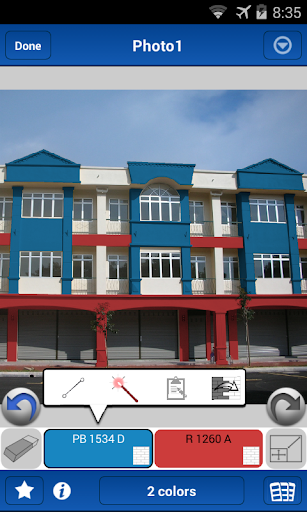
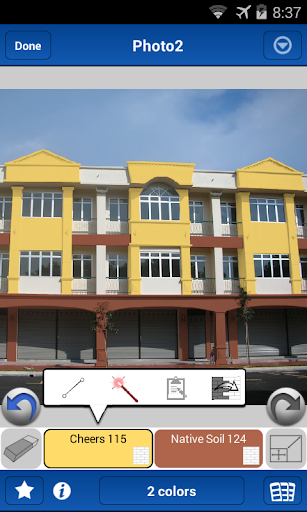
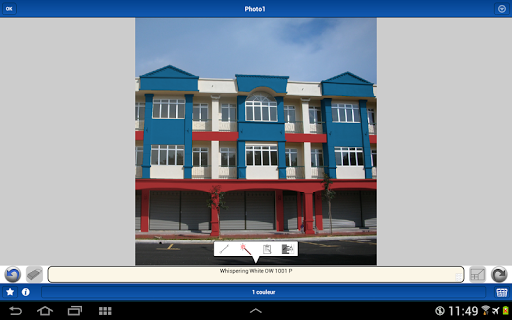
The app allows you to instantly apply Nippon Paint colours directly onto an image, virtually painting your walls with a brush of a finger. The app is designed to assist homeowners and professionals alike in visualising colours within a space before putting a drop of paint onto the walls.
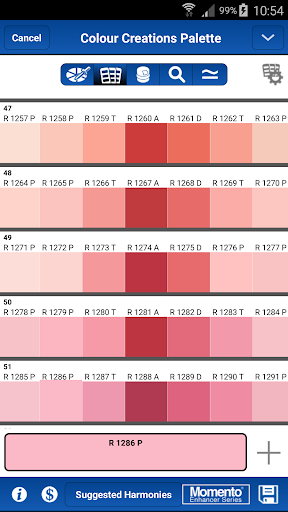
With Nippon Paint Colour Creations, you can get access to unlimited colour cards from our library, and tools to create colour schemes and palettes. The app also allows you to organise your current projects making it easily accessible for future references.
All these in three simple steps:
Step 1
Take a photo or add one of a space you wish to paint.
Step 2
Select your preferred colour from our colour card library.
Step 3
Apply selected colour onto image and see your space transform.
Features include:
- Create colour schemes and palettes easily
- Search unlimited colour cards from our library
- Organise home or work projects neatly
- Save images and colour palettes for future references
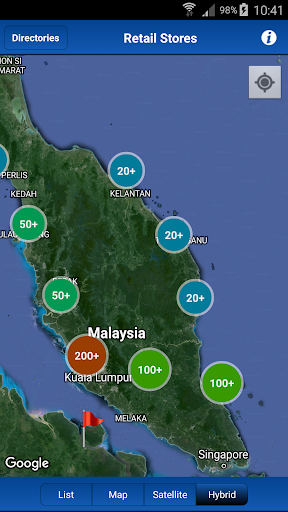
- Find a Nippon Paint dealer or store near you
A world of colour awaits you.
Try the Nippon Paint Colour Creations app and explore paint colours at your fingertips.
*Note: Colours seen in this app may vary from actual Nippon Paint colours due to technical limitations. For more accurate colour and finishing representations, please visit the nearest dealer shop.
- Android 13 compatible
- Bug fixes and performance improvements









9Apps 4.9













