
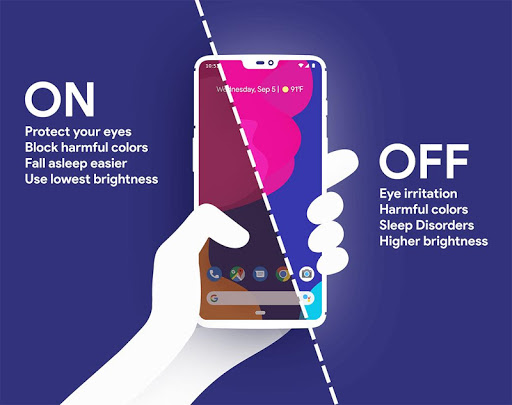
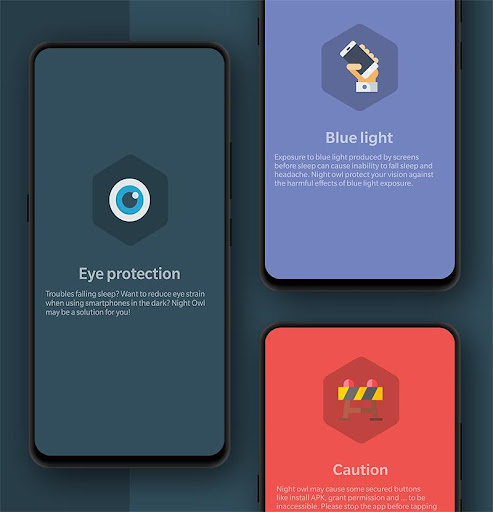
Do your eyes feel tired when you read on your phone at night? Do you have trouble falling asleep after looking at your phone's screen for a long time? Night Owl might be the solution for you!
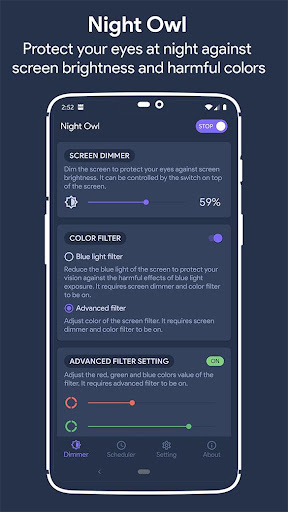
Night Owl filters out blue light and reduces the brightness of your phone's screen more than you can achieve with Android settings, which helps you avoid eye strain, insomnia (inability to sleep), and headaches when staring at your phone in the dark.
• Dim the entire screen, notification icons, and notification drawer
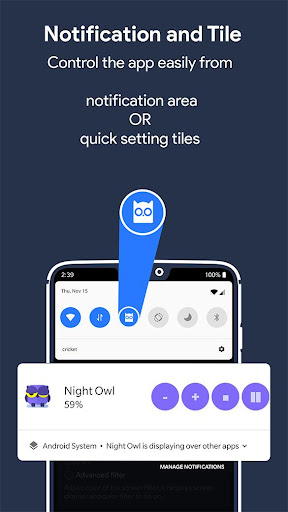
• Easily adjust the filter intensity in the app or from the notification.
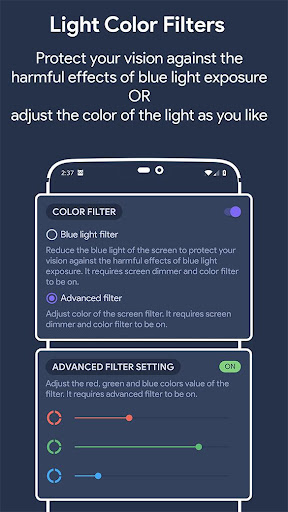
• Filter the blue light or customize the tint color.
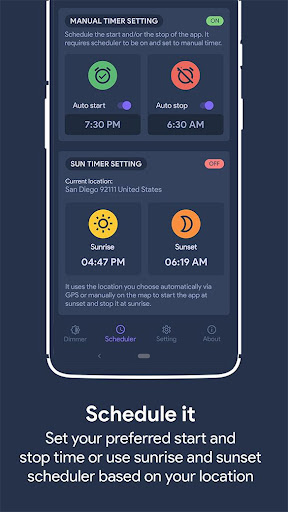
• Schedule the app to start and stop automatically via timer or sun scheduler.
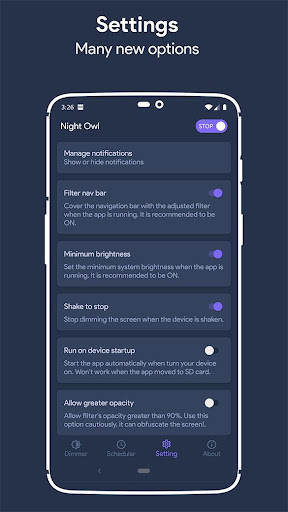
• Shake the device to stop the app. (optional)
• Disable auto-brightness and lower device brightness to minimum automatically when the app starts. (optional)
• Use quick setting tiles to start or stop the app quickly.
Night Owl uses the "Display over other apps" feature to put a filter on the screen to make it darker than usual and/or change its color.
Beta feature: Night Owl uses Android's accessibility feature to display a tinted overlay over the screen (including notification and lock screen) to make it darker than usual and/or change its color. Night owl does not read your screen content and does not collect any data through the Accessibility service. You need to enable Night Owl Accessibility to use the app.
• Now compatible with Android 12
• Sun timer bug fixed







9Apps 4.9















