
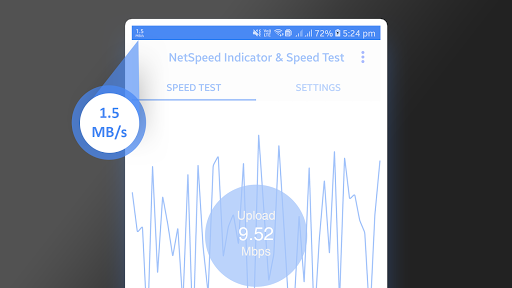

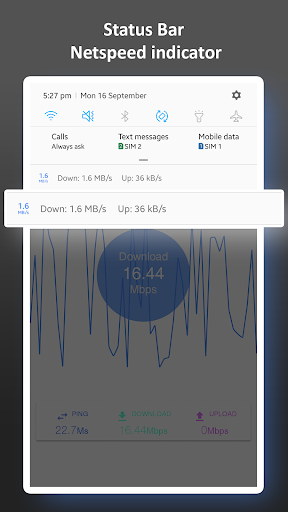
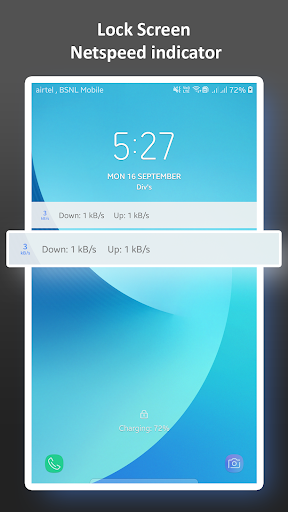
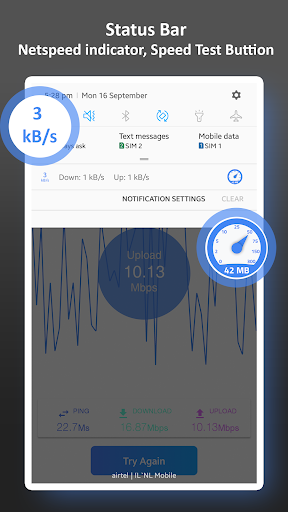
NetSpeed Indicator & Speed Test shows your current internet speed in the status bar
notification displaying live upload/download speed and/or daily data/WiFi usage.
Key features:
Speed Test upload/download Total Speed
Real-time internet speed in status bar
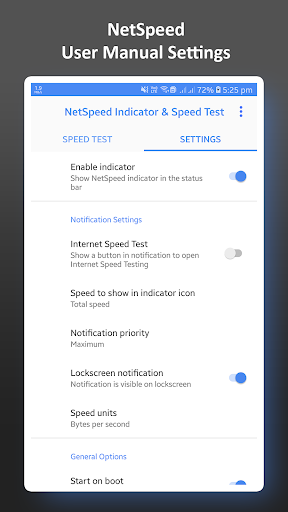
Lockscreen notification Enable And Disable Option In Settings
Check Your Real-time upload/download Total Speed
Track and monitor daily data and WiFi usage from notification
Enable And Disable NetSpeed Indicator Option In Settings
Show Speed Test Buttion In Notification bar
Notification priority ,Maximum,High,Normal,And Low
Enjoy .....!


![Net Speed Monitor / Internet Speed Meter for Windows [ windows ] [ Tutorial ] screenshot 2](https://i.ytimg.com/vi/w0jve-Iwje0/mqdefault.jpg)



9Apps 4.9













