

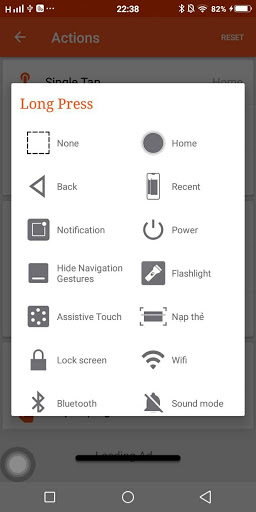
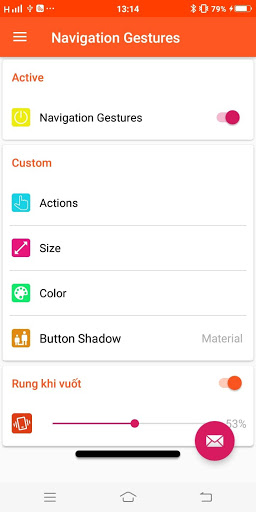
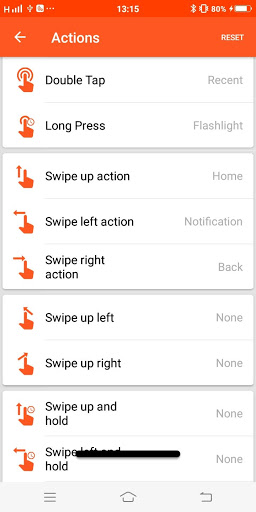
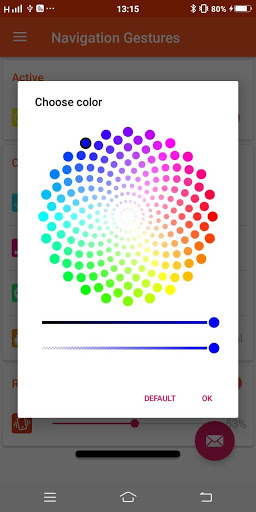
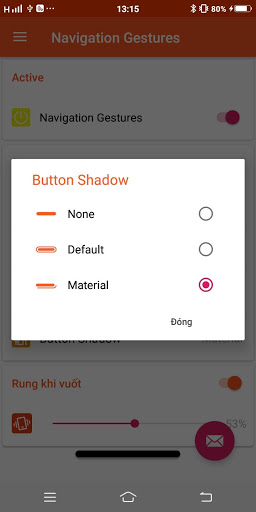
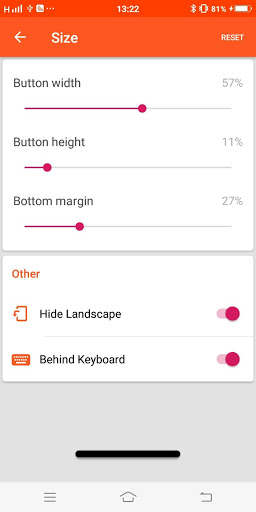
Swipe left, right, up, or down. Swipe up and hold. Tap. Double tap. Long press. Go crazy and split the pill in 3! There's a lot of ways you can use the gesture bar to control your phone. Don’t like how the gesture pill looks? Customize it!
★ Quick toggle includes:
- Return to the main screen (Home)
- Back button (Back)
- View notifications
- Multitasking
- Lock screen
- Turn on / off Wifi
- Turn on / off Bluetooth
- Switch audio mode (Vibration, Bell, Silent)
- Turn off / unlock the screen rotation
- Open location (Location)
- Super bright flashlight
- Increase / decrease the volume
- Airplane mode (Airplane)
- Change the screen brightness
- Screen capture
- Save favorite apps
-V.v...
- Permission android.permission.CAMERA to turn on Flashlight, not take a photo.
- Permission android.permission.WRITE_EXTERNAL_STORAGE only save the screenshot, not read or get any data from your device.
- Permission android.permission.BIND_DEVICE_ADMIN only use for lock the screen function. App does not use the permission for any other purpose.
Welcome



![How Navigation Gestures SHOULD have been done on Android Pie [ No root ] [ Free ] screenshot 5](https://i.ytimg.com/vi/DDxz7KoqUrQ/mqdefault.jpg)






9Apps 4.9














