
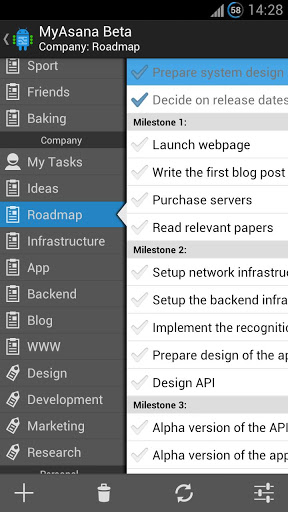
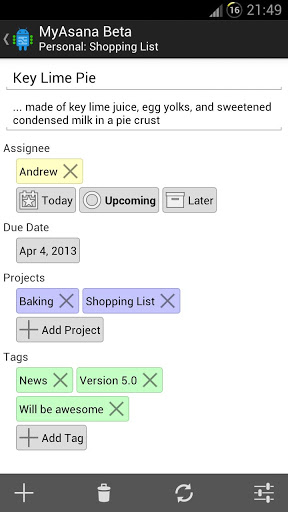
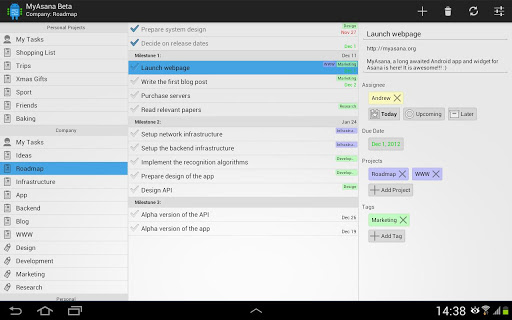
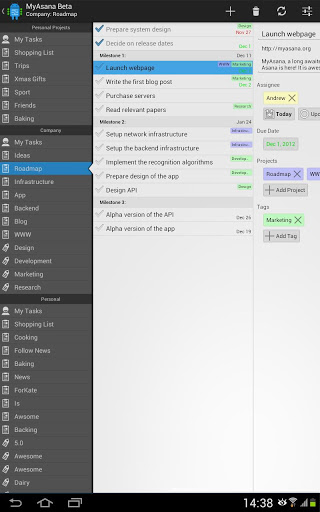
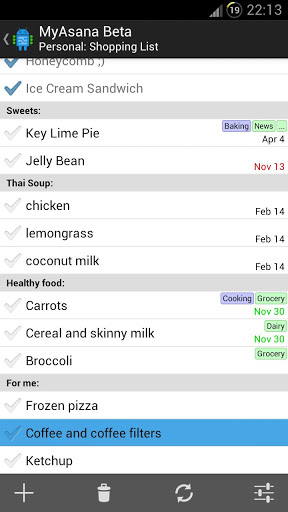
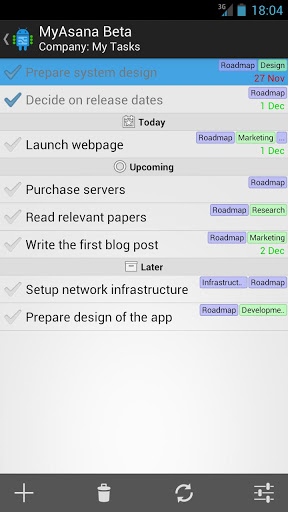
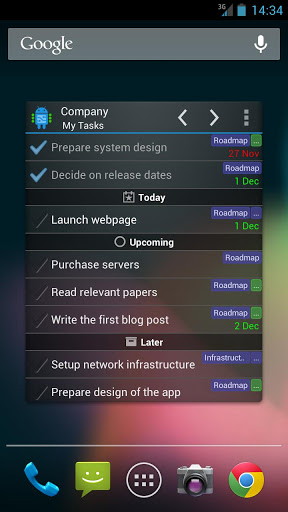
MyAsana is a long awaited native Android app and widget for
Asana (http://www.asana.com)
. Asana is a task list and project management web application for individuals and teams. It is great for organizing daily tasks and sharing them within a project team or family. With MyAsana, you can enjoy the simplicity and flexibility of Asana
on the go
, using a phone or tablet app or straight from your Android home screen!
Please feel free to try the free limited TRIAL version of MyAsana before you buy. The trial version contains all features, but shows only 10 tasks in each project.
I'm myself a big fan and everyday user of Asana. The only feature I always missed was access to my tasks on my phone and tablet. I wrote this app for everyone who just like me needs to manage their tasks quickly wherever they are. Now, I use Asana not only for project management, but also to store new ideas or to share a shopping list with my girlfriend! :-)
To use MyAsana you need an Asana account. To create one, go to http://www.asana.com.
Features:
★ Sync Asana tasks, projects, tags and workspaces
★ Access your data off-line
★ Phone and tablet-optimized application
→ View tasks in selected workspaces, projects and tags
→ Create/delete tasks
→ Mark tasks as completed
→ Edit task information
→ Assign tasks to yourself
→ Schedule tasks for today/upcoming/later
→ Organize tasks by tags and projects
→ Change due date
→ Sort tasks list by priority or due date
→ Show/hide completed tasks
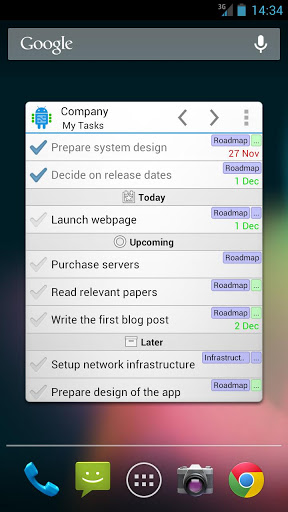
★ Home screen widget
→ View tasks in selected workspaces, projects and tags
→ Mark tasks as completed
→ Schedule tasks for today/upcoming/later
→ Sort tasks list by priority or due date
→ Show/hide completed tasks
→ Change skins and appearance settings
Please go to http://feedback.myasana.org to add or vote for feature suggestions and see planned features.
Asana Limitations:
There are several limitations of Asana API that limit the functionality of mobile apps. Currently, it is not possible to re-arrange tasks. Moreover, using API requires the API key which can only be obtained through Asana website.
Please report:
★ Bugs: bugs@myasana.org
★ Feedback&Suggestions: http://feedback.myasana.org
★ Questions: support@myasana.org
Features in development (coming soon):
* Sub-tasks
* Comments
Please check available features before installing!
1.0.1:
* Fixed email/password login for Android 4.2 devices
1.0:
* First release!
* Plenty of bugs fixed since the first beta! Many thanks go to all Beta Testers!




9Apps 4.9


![How to Get Asana API Key [2026 Full Guide] screenshot 4](https://i.ytimg.com/vi/gKbLjLpyjOI/mqdefault.jpg)