

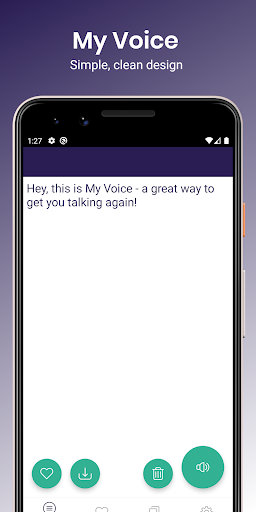
My Voice, a simple Text To Speech (TTS) app, helps you to find your voice again. Simply enter your desired text, and let My Voice speak it aloud for you, using your chosen Text To Speech (TTS) engine.
My Voice Text To Speech (TTS) supports over 30 languages, depending on your device settings. Please see the bottom of this description for a full list.
My Voice is featured by the MNDA (Motor Neurone Disease Association) as a recommended communication aid.
The My Voice developer has recently won a BIMA100 award for the app, in the Tech For Good (sponsored by Microsoft) category!
Visit our website to learn more: https://myvoiceapp.org/
Speech & Voices:
• Pause and Resume speech. Depending on your TTS engine, device OS level, and other settings, this functionality may be Play/Stop
• Words or Sentences are highlighted as they are spoken
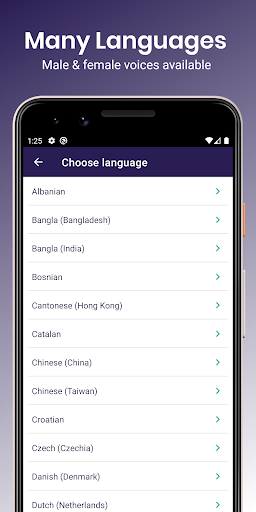
• Choose from over 30 voice languages
• Choose a regional dialect for your chosen language
• Includes male and female voices where possible
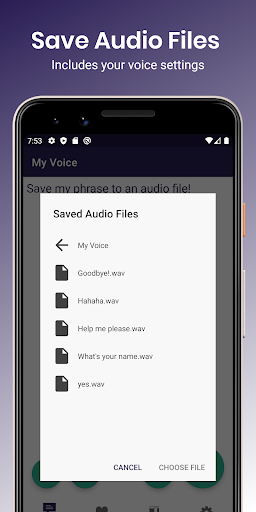
• Download your phrases as Audio files in MP3 format - with your voice settings applied!
• Banked your own voice? My Voice supports personal banked voices, such as a Model Talker voice!
Phrases:
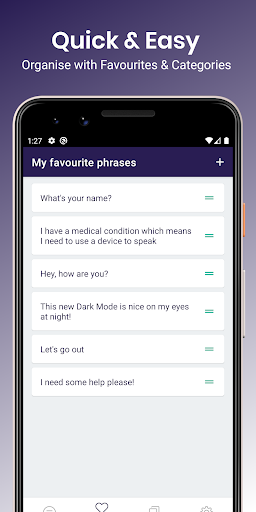
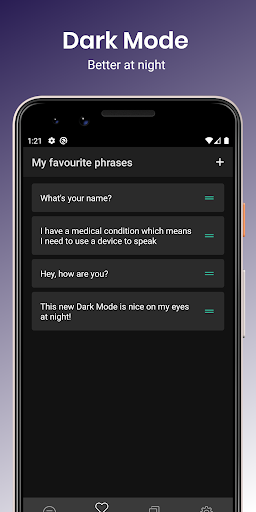
• Favourite phrases - save phrases to your favourites so you can quickly access them later
• Categories - create your own categories and save words and phrases into them so you can group common phrases together
Settings:
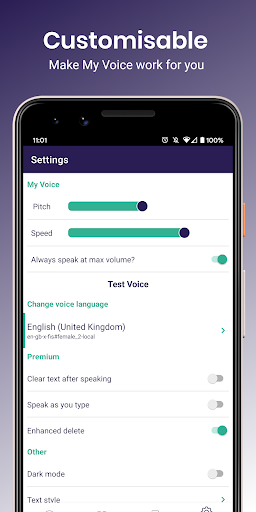
• Change the pitch & speed of your chosen Text To Speech (TTS) voice to get it just right
• Choose to always speak at maximum volume - great in noisy situations!
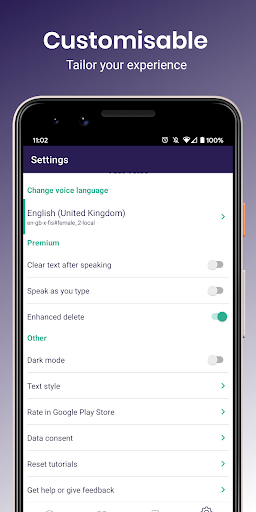
• [Premium Feature] Clear text after speaking it
• [Premium Feature] Speak each word as you type it
• [Premium Feature] Enhanced delete options available
• Adjust text size and opacity to suit your needs
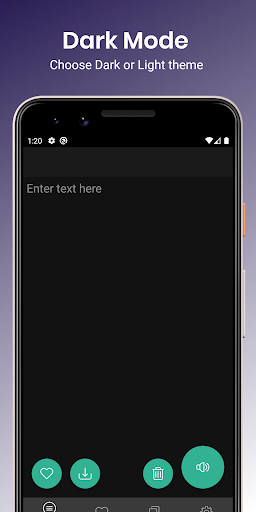
• Choose between Light or Dark Theme
• And more!
We have tried to develop this app with accessibility in mind, with simplicity and ease of use as top priorities. The app features content descriptions for all major functions, as well as adhering to minimum touch target size guidelines and other accessible design guidelines.
The My Voice Text To Speech (TTS) app is developed as a labour of love and passion - someone close to the developer has a terminal illness which causes speech difficulties, and that’s where this project was born. If you’d like to leave feedback or ask questions, please do so by emailing us at support@myvoiceapp.org .
Full List of Supported Voice Languages when using Google Text To Speech Engine (TTS) as default*:
Albanian
Bangla (Bangladesh)
Bangla (India)
Bosnian
Cantonese (Hong Kong)
Catalan
Chinese (China)
Chinese (Taiwan)
Croatian
Czech (Czechia)
Danish (Denmark)
Dutch (Netherlands)
English (Australia)
English (India)
English (United Kingdom)
English (United States)
Filipino (Philippines)
Finnish (Finland)
French (Belgium)
French (France)
German (Germany)
Greek (Greece)
Hindi (India)
Hungarian (Hungary)
Indonesian (Indonesia)
Italian (Italy)
Japanese (Japan)
Khmer (Cambodia)
Korean (South Korea)
Kurdish
Latin
Nepali (Nepal)
Norwegian Bokmal (Norway)
Polish (Poland)
Portuguese (Brazil)
Portuguese (Portugal)
Russian (Russia)
Serbian
Sinhala (Sri Lanka)
Slovak
Spanish (Spain)
Spanish (United States)
Swahili
Swedish (Sweden)
Tamil
Thai (Thailand)
Turkish (Turkey)
Ukrainian (Ukraine)
Vietnamese (Vietnam)
Welsh
*Note that the list of languages available on your device will depend on your default Text To Speech (TTS) engine. For best results, we recommend using the Google Text To Speech (TTS) engine as default, which you can change in your device settings. If you use an alternative Text To Speech (TTS) engine, such as Samsung, My Voice will still work, but your list of supported languages will be different and not as extensive.
- Saving voice clips to file now works on all API levels and complies with Googles new Scoped Storage policies!
- Enhanced Get Help to enable users to jump straight into TTS Engine settings to change the Preferred Engine
- Added new banners to encourage users to use the Google Test To Speech Engine
- Minor bug fixes and performance improvements












9Apps 4.9















