

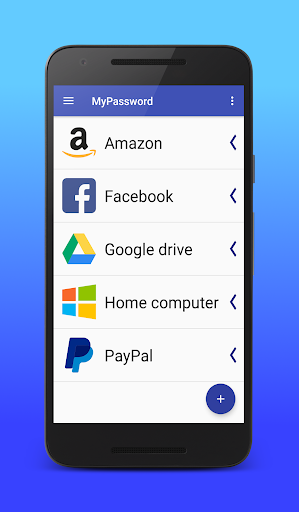
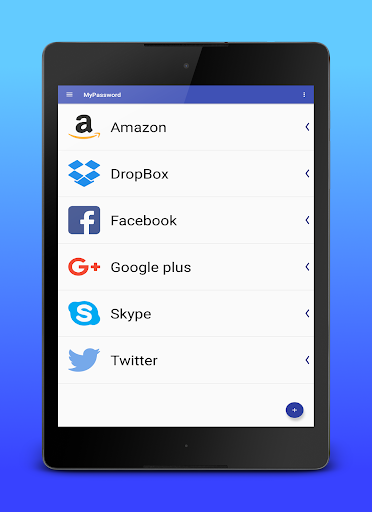
My Passwords allow to store all your password
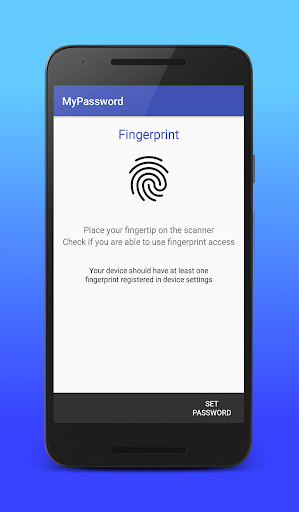
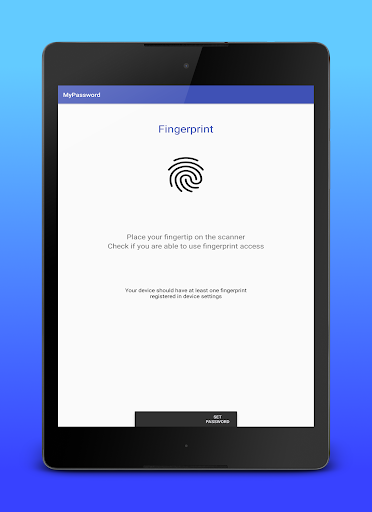
Use finger print access to get all your password easily and fast
✧✧✧✧✧✧ MAIN PASSWORD ✧✧✧✧✧✧
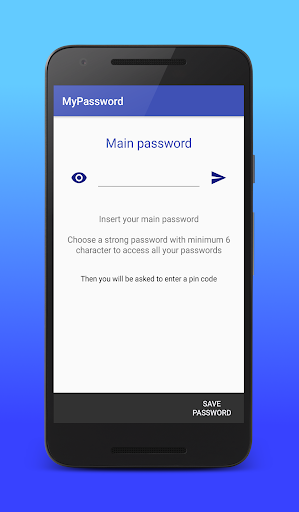
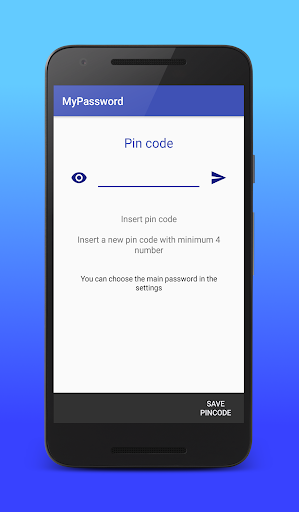
Register all type of the main password and set your primary access in the settings
The application provides you following type of the main password:
➢ Fingerprint *
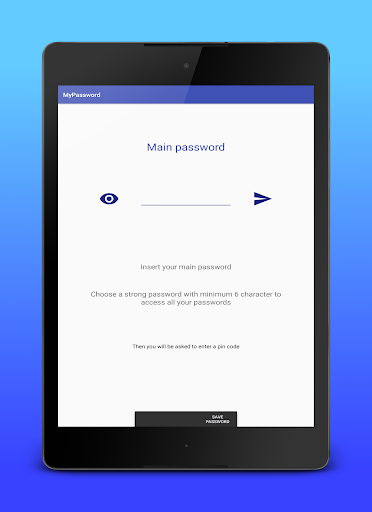
➢ Password
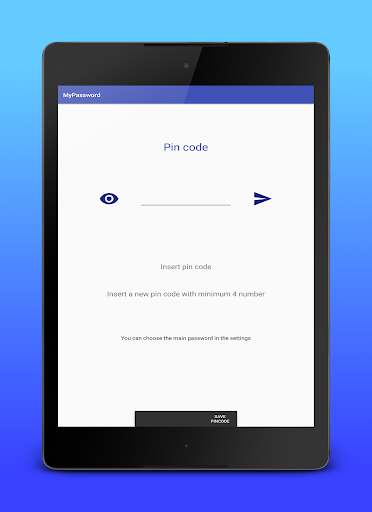
➢ Pin code
*
Finger print works only on device with finger print scanner and with at least 6.0 (Marshmallow) Android version
✧✧✧✧✧✧ SECURITY ✧✧✧✧✧✧
All your password are stored in the application database, not accessible from other applications or devices.
The passwords are clearly showing in the application, but they are stored using the AES-256 encryption method
✧✧✧✧✧✧ CREATE YOUR PASSWORD ✧✧✧✧✧✧
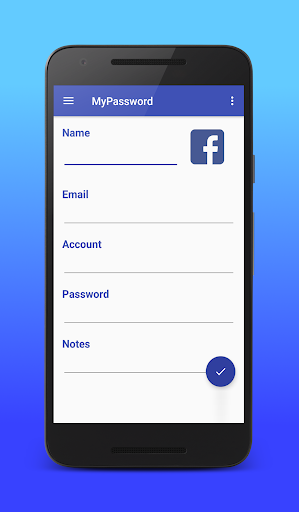
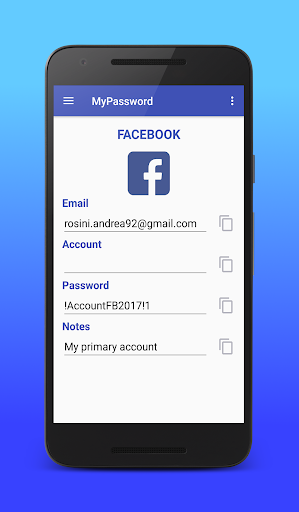
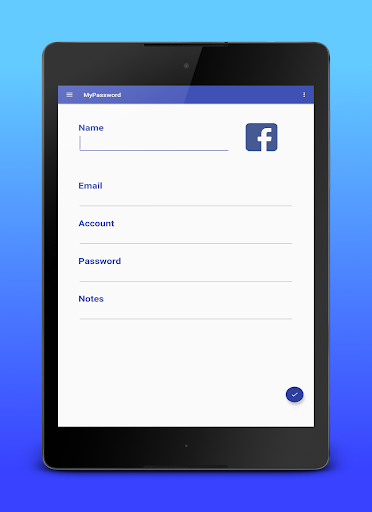
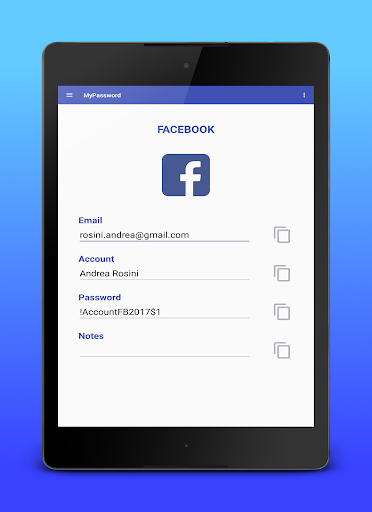
Create your passwords easily
✛ Insert a name
✛ Insert the email or account
✛ Insert your password
✛ Add some notes
✧✧✧✧✧✧ USE YOUR PASSWORDS ✧✧✧✧✧✧
✭Double-click to copy password directly
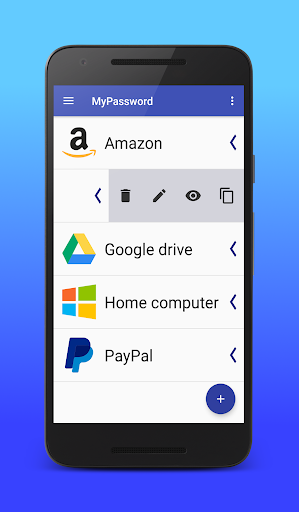
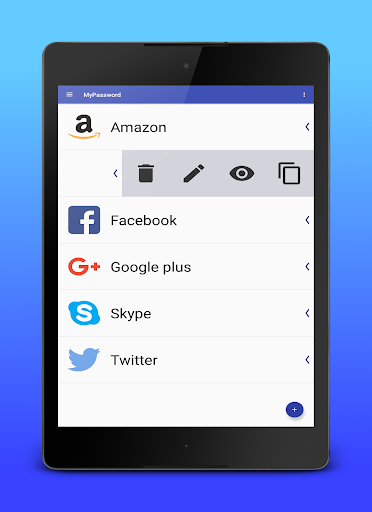
Slide on password item to open the extended menu
➢ Create a notification to copy account, email and password
➢ Copy single email, account, password or notes
➢ Delete, edit or view the password
✧✧✧✧✧✧ IMPORT & EXPORT ✧✧✧✧✧✧
In the settings, you can export your passwords in a CSV file or import from another
In case of a problem with import/export function, please write me and I will be glad to help you
➢ Import function
Create a new csv file with the following formats:
➥ ImageCode;Name;Email;Account;Password;Note;
➥ Name;Email;Account;Password;Note;
➥ Name;Email;Account;Password;
➥ Name;Email;Password;
Copy the new file into Documents folder of your smartphone and then import from the application
➢ Export function
The application creates a new CSV file called 'passwords.csv' with the following format
➥ ImageCode;Name;Email;Account;Password;Note;
Export your password then connect the smartphone to a computer and get the file from the Documents folder
*
Finger print works only on the device with a fingerprint scanner and with at least 6.0 (Marshmallow) Android version












9Apps 4.9














