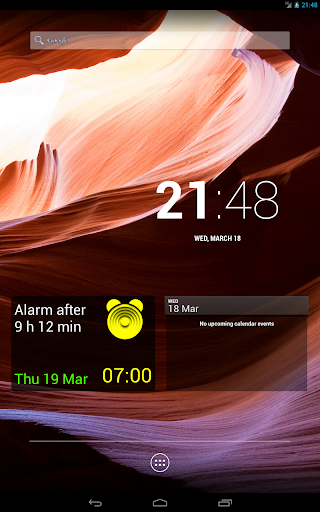
Select the folder with the compositions, alarm clock plays soundtracks one by one
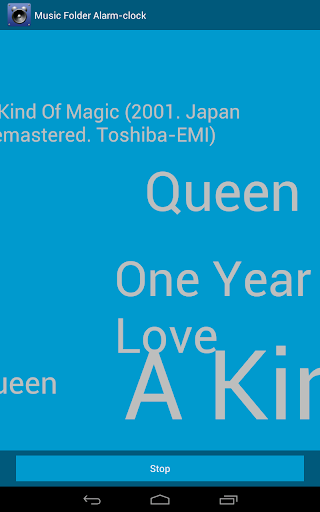
Wake up with the sound of your favorite music. Simply select the folder with the compositions, alarm clock plays soundtracks one after the other, or each time a new order. You wake up gently, and through the border of sleep and waking hear the wonderful sounds of music.
The facilities of an alarm:
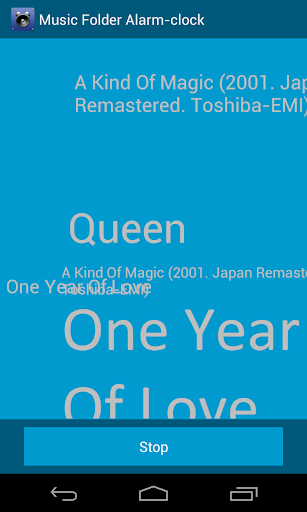
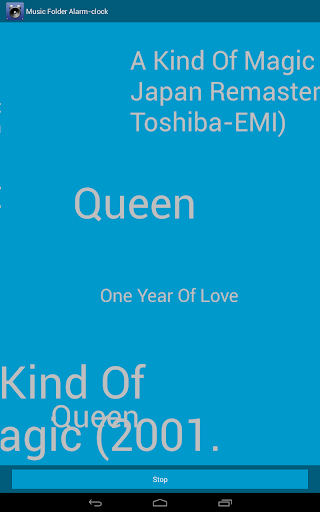
1. Any amount of music files in the track list. Melodies are played one after another, until you press "Stop".
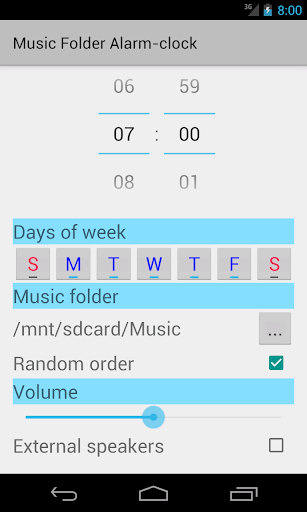
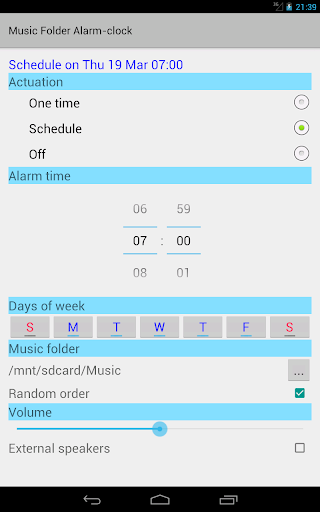
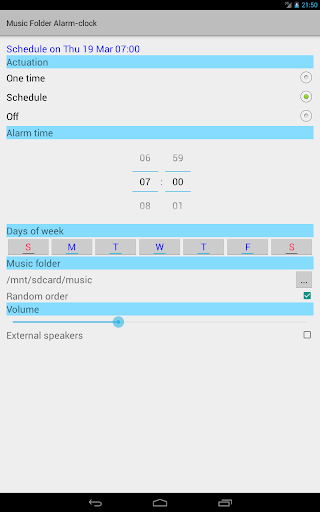
2. Simple setup: the alarm time, days of the week and a folder with music files. No setting multiple alarms.
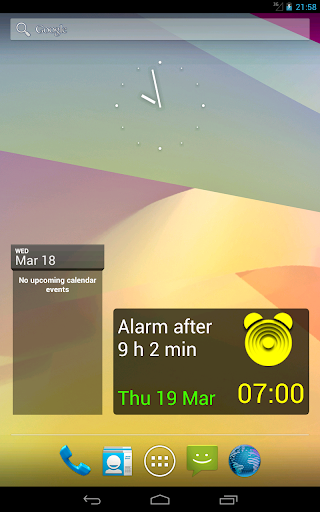
3. Widget on the screen: the alarm time is always visible, you can enable or disable the alarm directly on widget.
4. Ability to use external speakers for deep sound.
In our alarm clock only what you need music lovers.
Sweet dreams and pleasant awakening!
- Adapted to Android 6.0.
- The element of time picking in settings has not always functioned steadily in the Android versions 5 and 6. For these versions are now open dialog to select the time.
- Fixed: unstable behavior if the device performs time synchronization too frequently (every few minutes).







9Apps 4.9