

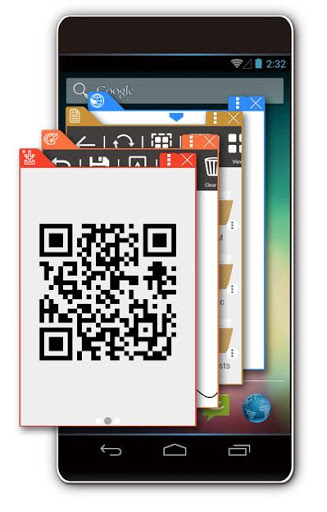
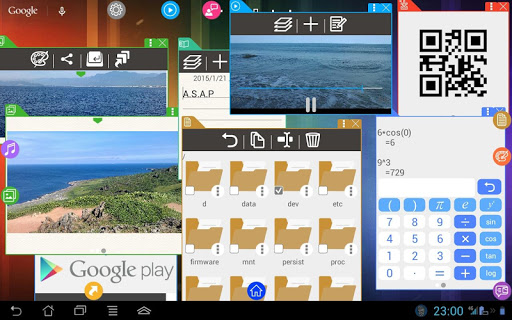
In Mr. Float, each window floating on common Apps can work independently and parallelly, bringing your Android to the full play.
Mr. Float "windowlizes" all features. Via float technology, you can conduct several jobs at the same time and have unprecedented Android experience.
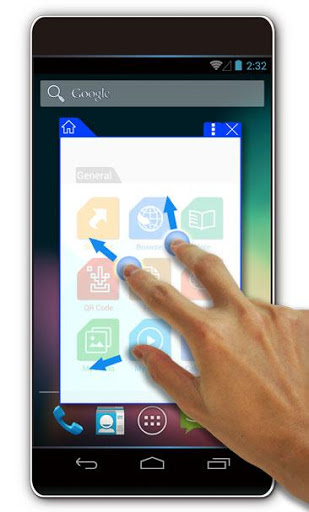
Mr. Float makes good use of one finger, two fingers, and three fingers to conduct Click, Zoom in/Zoom out, and Drag and Drop, so that you may enjoy a trip over the windows.
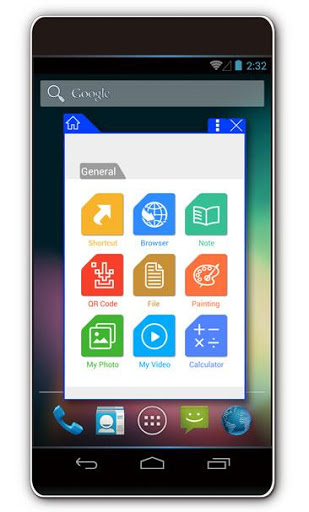
We provide
-Floating Widgets
-Shortcut
-Browser
-Note
-QR Code
-File manager
-Painting
-Picture viewer
-Video player
-Audio player
-Calculator
……more features are now being added
Please visit our website for more information:
https://mrfloat.net
**This is free version.
You can upgrade anytime so as to use all functions(By In-App Purchase).
We introduce a powerful web browser !
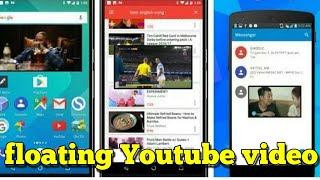
Now you can watch YouTube movies, see Facebook messages, and something else, through Floating Browser technique.
Also, there will be a new feature -- Desktop Mode ! Now you can use Mr. Float in full screen just like a general App.
New feature : Auto-minimize all windows when you press the Home key twice










9Apps 4.9















