

Moving Boxes icon

Moving Boxes

2.5.3 for Android
4.1 | 10,000+ Installs | Reviews

scalan

⚠️ You need 9Apps App to install .XAPK File. How to install XAPK?

Description of Moving Boxes

Is there a move and your last moves were chaotic? Not any longer longer!
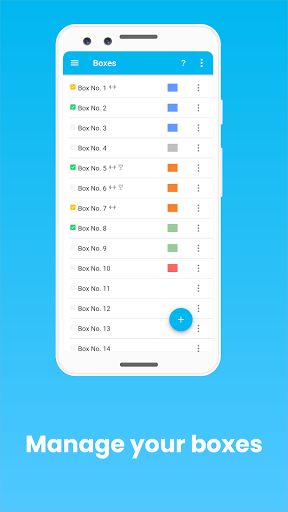
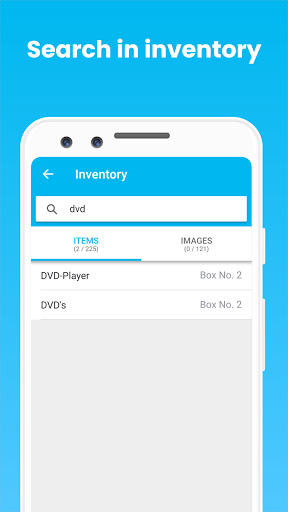
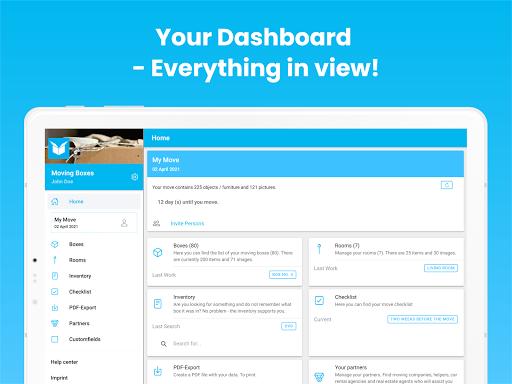
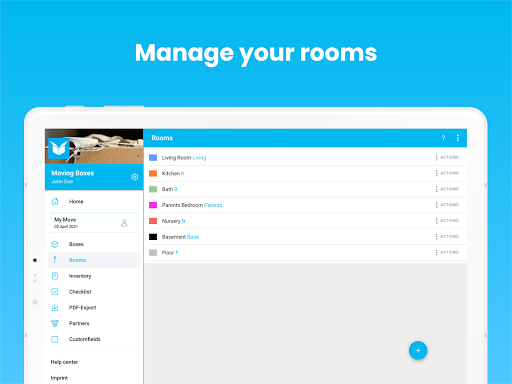
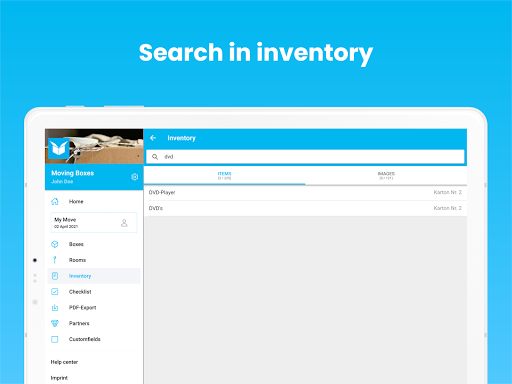
With the app MOVING BOXES you manage your boxes and find everything by full-text search again.
- The inventory function helps you to find.
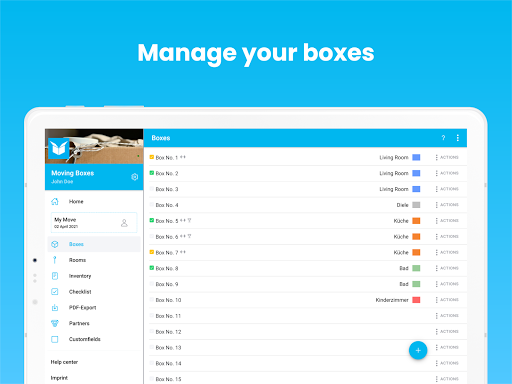
- Name and fill your boxes, you'll find everything again - faster than you ever thought.
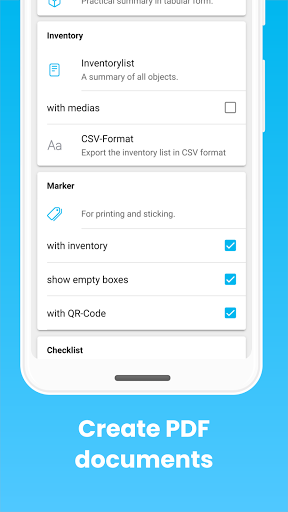
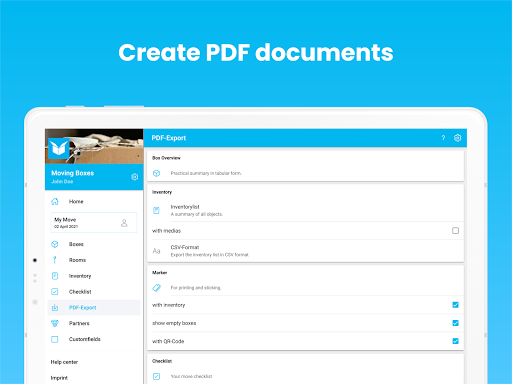
- You can export and print the list of boxes and contents as PDF.
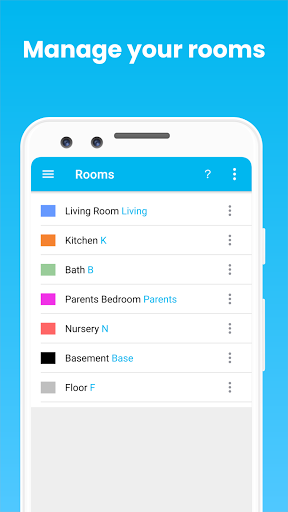
- "Where to go !?" - A color code and printable labels for the boxes help you and your helpers on the move day in the assignment of your belongings.
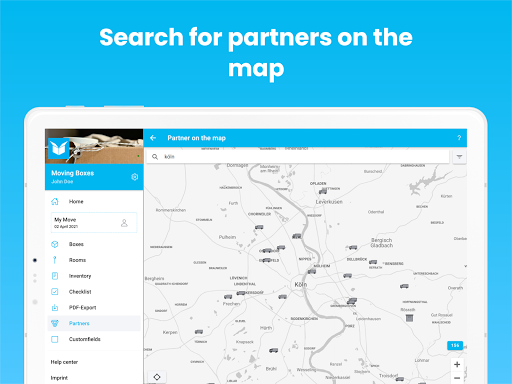
- Do you need help with your move? Look for partners in your area and link them for a smooth flow.
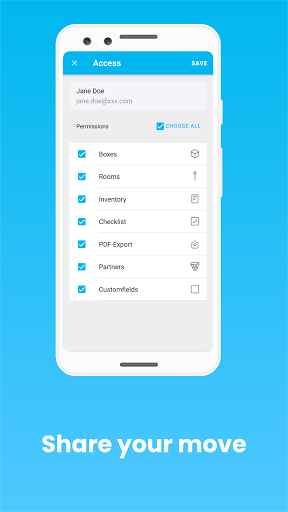
- Share your move with family and/or friends. They can help you too!
- Edit your move on any compatible device, or even in your browser.
Stressful moves are over with MOVING BOXES!
Why relocate with MOVING BOXES?
Because your smartphone is always there when you move.

What's New with Moving Boxes 2.5.3

Bug fixes and stability improvements.

Information

  • Category:
    Productivity
  • Latest Version:
    2.5.3
  • Updated:
    2023-10-30
  • File size:
    20.1MB
  • Requirements:
    Android 5.1 or later
  • Developer:
    scalan
  • ID:
    de.scalan.movingbox
  • Available on:
Reviews
  • avatar
    No possibility of sharing your list with someone. You can't add or remove items you and your partner or someone else in a shareable way.
    2020-10-05 04:33
  • avatar
    Was 4 stars now only 2 I was really happy with this app. Until..... I sat down to print the "markers" (box labels). They aren't evenly spaced on the sheet. I wish the "print"markers" features was designed to be evenly distributed on a US size sheet (or at least have that option). It is pretty much useless as is. I spent 50 bucks on label stock, plus the cost of the upgrade to find out that it prints unevenly spaced on the page, so everything is kind of smooshed in the center. Premade label stock generally has each label positioned in it's column or row equally spaced.so having a 5/16 inch (1cm-ish) gutter between columns, and 3/4 inch (2cm) left and right margins makes the info nearest the center print off the labels and into the white space between the labels ARGH. This is REALLY frustrating.
    2020-08-24 07:15
  • avatar
    Does anyone know how to add multiple items ? I'm confused with the {{splitter} command.
    2020-05-02 01:35
  • avatar
    This is an amazing app for keeping track of your move! Easy to use and navigate! The ads do get annoying, but the app is free, so it's not a huge deal. I love having the option to print off a list of everything (that costs, but it's under $3 for a pdf file to print, not bad at all.) This is the perfect app for OCD movers like myself. Keep track of boxes, furniture and more. The one feature I would like to see, is the option to add the weight of each item. But again, a minor thing. 5 stars!
    2020-04-24 09:16
  • avatar
    Used it for my move with a total of around 190 boxes. The main useful thing afterwards is obviously the search inventory feature . The major drawback at the time I was using it, is that it doesn't sync to other devices, so you can't just pack parallel with your SO and add stuff at the same time. That almost made me use a different app. Other than that, the app is fairly simple, not many bells and whistles but what it does, it does well. Add a box, fill it with content, label it and move on to the next one.
    2019-10-14 02:05
  • avatar
    Love it so far but wish that there was an ad free version; especially since I paid money after I kept getting the "you've used 10 boxes...." message.
    2019-05-26 10:38