
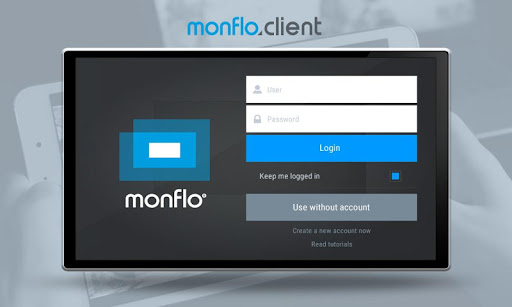
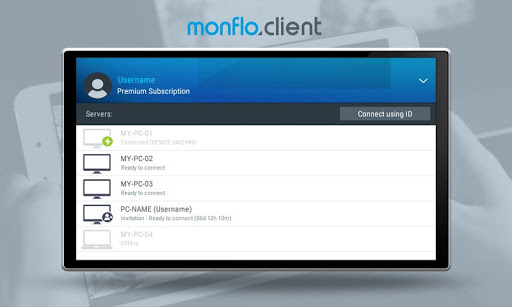
Monflo provides fast and smooth remote PC access! Play your favorite PC games and control your Windows desktop with Android devices!
Key features:
- The fastest PC remote access software for Android and Windows
- Use all Windows applications remotely on Android devices!
- Play all your PC games remotely on Android devices!
- Connect anytime anywhere
- Easy to use remote access software
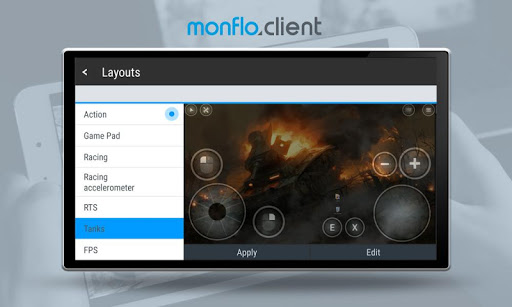
- Fully customizable game controls for android devices
- Comfort remote gaming with gamepads support
- Perfect remote access with smooth HD quality
- User-friendly and stylish interface
- Invite users to Connect and use your PC
- Easy to use and fast file transfer
- Watch movies, TV shows and LIVE streamed videos from your PC
- Real-time monitoring using webcams
- "Favourites" menu to easy run your most used apps on Android
- High performance with low resources use
- Fast and secure connection
- Easy to use file transfer
Getting started with the best Remote Gaming App:
- Install Monflo Server software on your PC
- Install Monflo Client app on your device
- connect to your PC and enjoy the best remote PC access on Android!
- You can use Monflo without account, but creating account is recommended to use all Monflo features
Minimum Requirements:
- Minimum Android 4.1
- Network connection
- Monflo Server software installed on Windows PC
Recommended Requirements:
- Recommended 5ghz WiFi or LTE for the best experience
- Windows PC with support for Intel Quick Sync Video, NVIDIA NVENC or AMD APP video encoding acceleration






9Apps 4.9














