
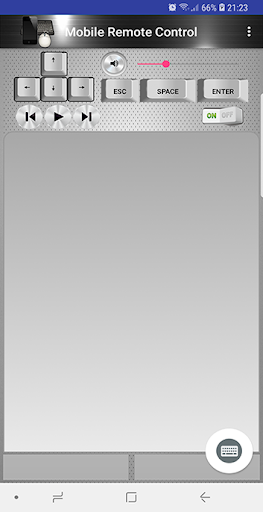
Mobile Remote Control is an app which allows to control a computer's mouse and keyboard. It works by connecting through the WIFI network to a server app running on the computer to be controlled. This app is perfectly suited for watching videos ,listening to music or doing presentations from a distance.
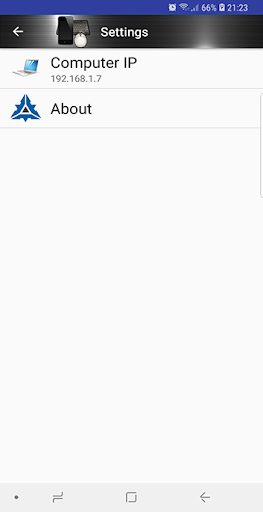
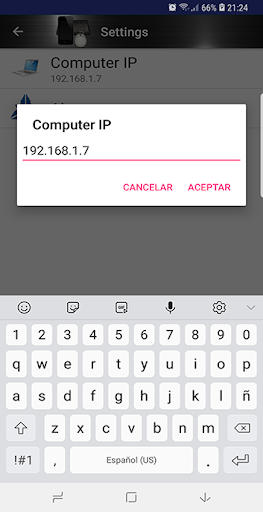
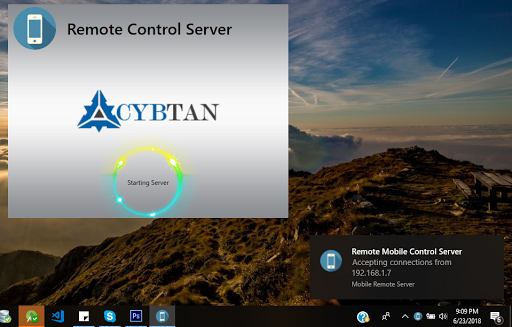
The app will try to automatically connect with the server application. In some cases the time for the connection expires but you can manually set the computer IP in the settings. You can find your computer's IP by doing right click on the "Remote Control Server" tray icon and then clicking on "Show IP" menu. It's important that the server application must be running on the computer and not blocked by the firewall in order to accept the connection from the mobile app. In addition you can control the computer's volume and multimedia keys.
The server application can be downloaded from here:
http://www.cybtans.com/product/remotecontrol
First release beta version




9Apps 4.9














