Material Icon maker has 4 simple steps to generate your own icons.
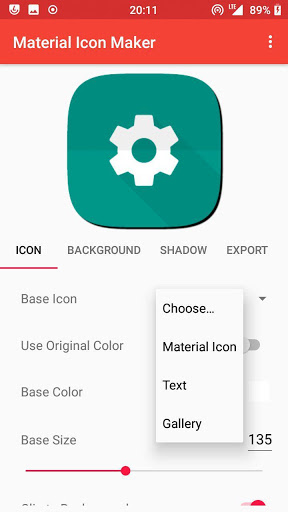
1) Choose a base icon.
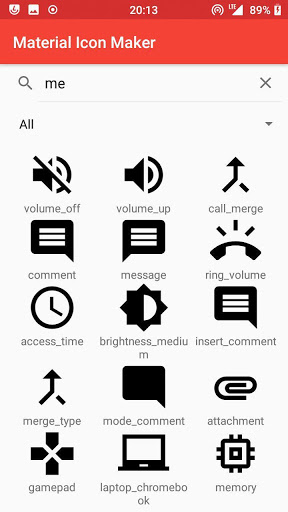
* Choose from 900 material icons.
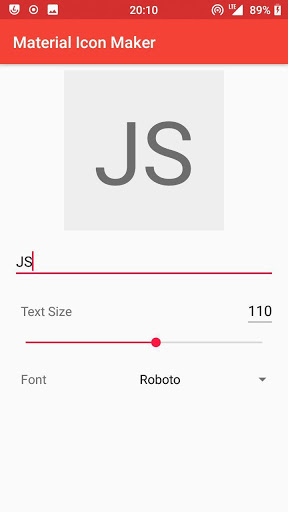
* Or enter and format your text / enter emojis.
* Pick your own image from the gallery.
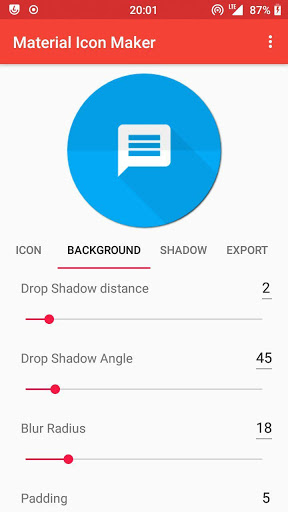
2) Customize the background
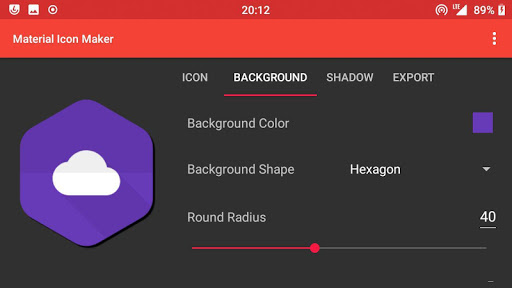
* Choose from various shapes from round to hexagon to squircle.
* Choose from attractive material colors.
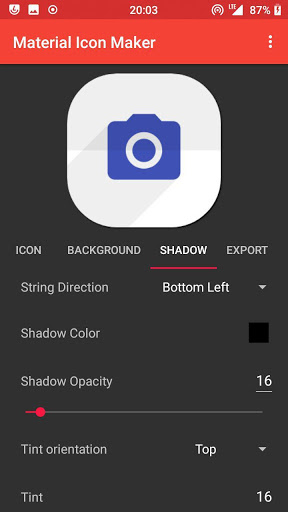
3) Apply shadows and tints
* Choose shadow directions
* Choose shadow opacity and colors
4) Export and use
* Export to different resolutions in just few taps.
* Export for android apps with support for adaptive icons.
* Enjoy the icons. No restrictions
Icon usage:
* Feel free to use the icons on your own commercial or non-commercial projects. I would love attribution. But it's not compulsory.
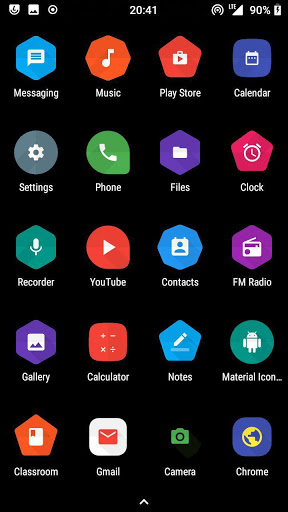
* Use these icons on custom launchers (such as Nova) that supports custom icons and make your desktop attractive.
* Developer? Generate icons for your app. Automatically export to various resolutions.
Features:
* No ads.
* More than 900, material icons by Google.
* Various shapes.
* Import your own images.
* Use on custom launchers and design your own icon packs.
* Use for commercial and non-commercial purposes.
* Works completely offline.
* Supports Dark mode.
The Google material icons are licensed under the Apache License Version 2.0.
Fonts are licensed under Apache License Version 2.0 or OpenFont License.
This app is completely free to use with no ads. But some features require a paid key that unlocks the feature. If you really love the app, you can purchase the key from the link inside this app.







9Apps 4.9