
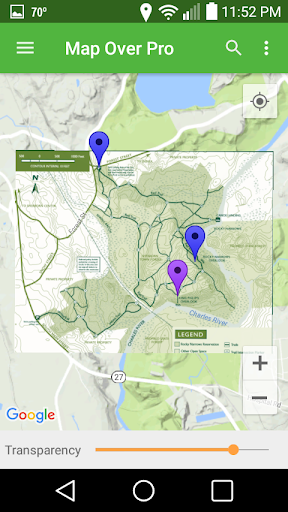
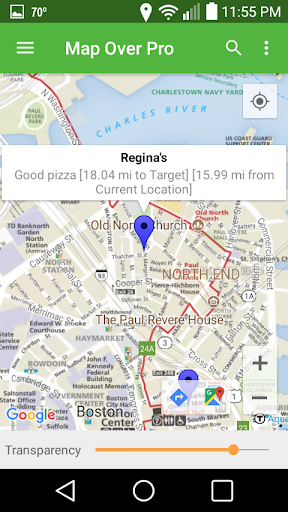
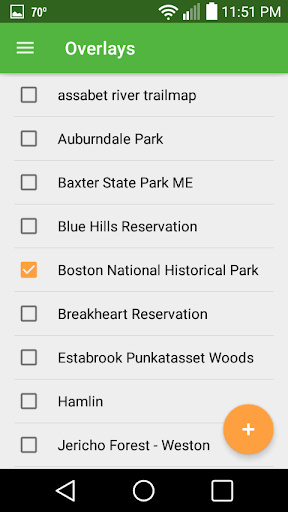
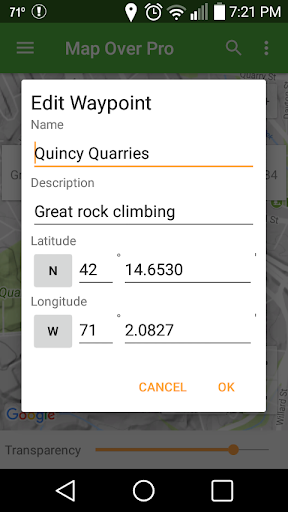
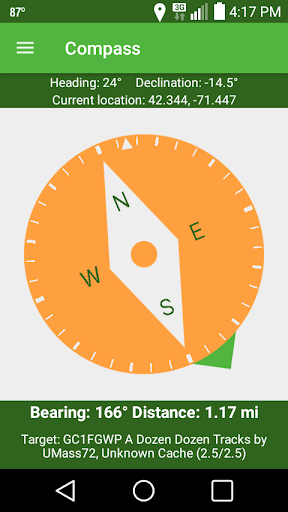
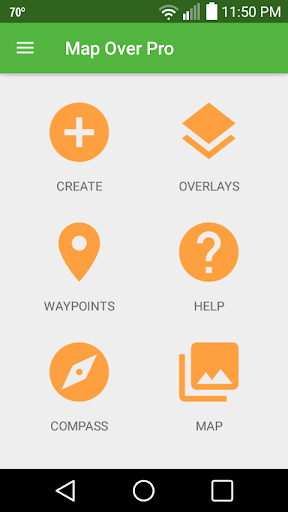
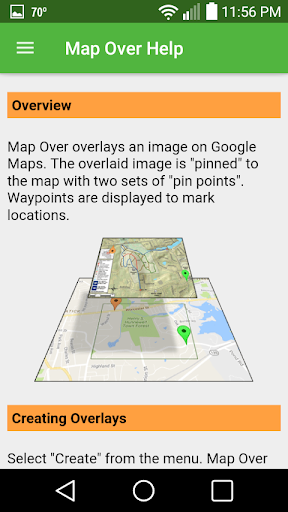
Navigate with your own maps or images overlaid on to maps from Google. Track your current location. Use waypoints to mark locations and calculate distances. Navigate to a waypoint with the built-in compass.
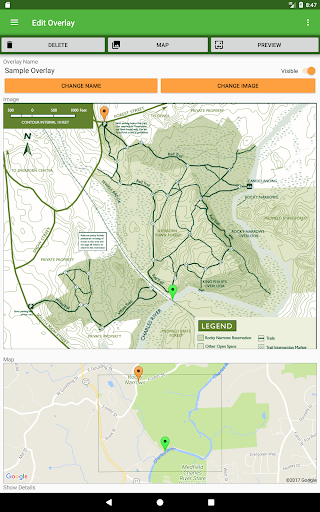
Creating an overlay is easy: select two points on any image and match them to the corresponding points on the map.
Usages include:
- Overlay a trail map of your local hiking, mountain biking, trail running or cross-country skiing area. Track where you are via GPS. Display the distance to your destination.
- Add an amusement park or zoo map and track where you are. Get the distance and direction to the next attraction, food area or restroom.
- Load a map of your golf course and track your location. See how far it is to the next hole or the club house.
- Are you involved in architecture, real estate, or building? Import a site map or plot plan to visualize boundaries overlaid on satellite images. Measure distances between landmarks.
Map Over Pro is ideal for geocaching. Import a list of geocaches as waypoints from any of the major geocaching web sites. Overlay a trail map and find the best route to the next cache. Drop custom waypoints for multistage caches (or mark where you park so you can navigate back to your car when you're done!)
Features:
- Overlays can be any image or a page from a PDF.
- Use GPS to display your current location.
- Create waypoints on the fly or import a list.
- Displays distances between your location and other waypoints.
- Map Over Pro supports unlimited overlays and waypoints.
- Use the built-in Compass to navigate to any selected waypoint.
- Adjust transparency of overlaid maps and images.
- Load images from phone memory, SD card, or Google Drive.
- Overlay images captured with your phone's camera.
- View base map in Road, Satellite, Terrain or other modes.
- Share overlays and waypoints via email, Google Drive, and more.
- Backup and restore functions.
- Built-in help.
Why use Map Over Pro?
- Have you ever found yourself navigating with a map in one hand and your phone's GPS app in your other hand?
- Have you ever thought "I wish there was a way I could overlay this map onto my phone's navigation app so it aligns, rotates and scales automatically"?
- Have you ever wanted the direction and distance to a location by just picking a point on a map?
Then Map Over Pro is for you!
Improved import image quality.
New search provider.
Enhanced compass.
Reduced power usage.
Upgraded to current APIs for better performance and security.









9Apps 4.9













