MK Explorer (File manager) icon

MK Explorer (File manager)

2.5.4 for Android
4.2 | 500,000+ Installs | Reviews

kormateusz

Description of MK Explorer (File manager)

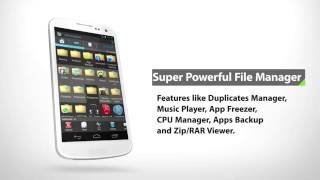
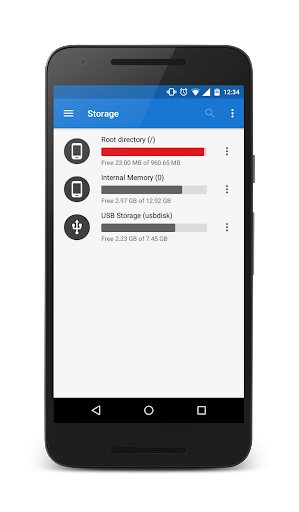
MK Explorer is another simple file manager.
Features and functions:
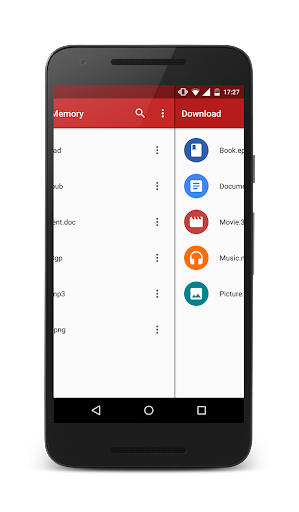
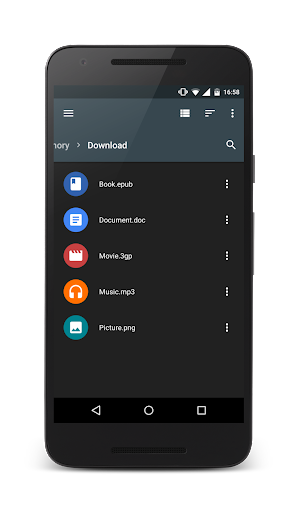
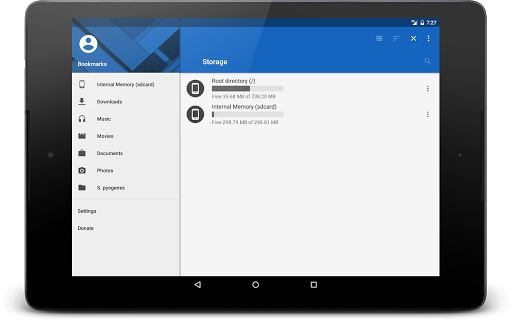
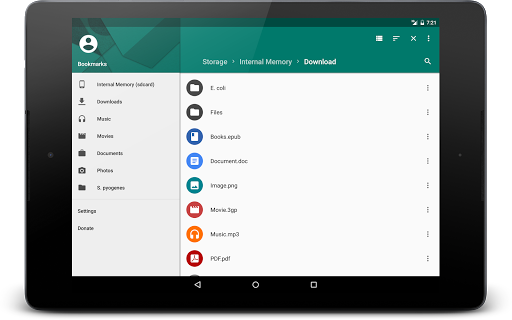
✓ Material Design
✓ Of course: delete, copy, paste, and move
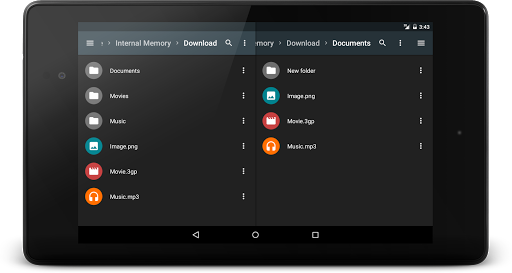
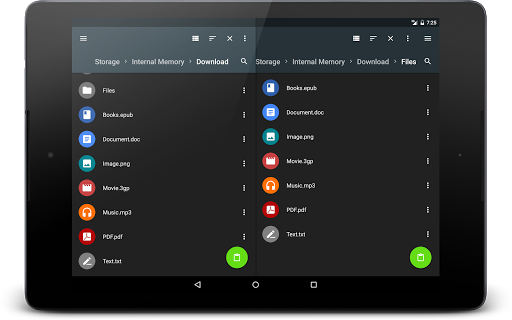
✓ Two windows (panels) to view files
✓ Shortcuts on the desktop directly from the main application
✓ Keyboard Shortcuts
✓ Search engine for files
✓ Thumbnails of images, videos and APK files
✓ Extracting ZIP and RAR archives
✓ Compression to ZIP
✓ Root access
✓ Android 5 SD Card support
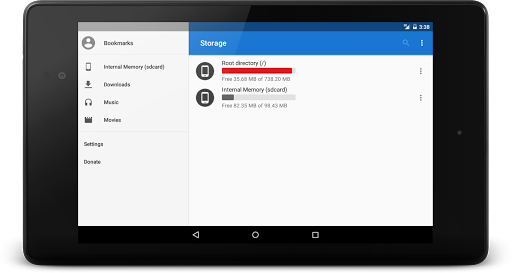
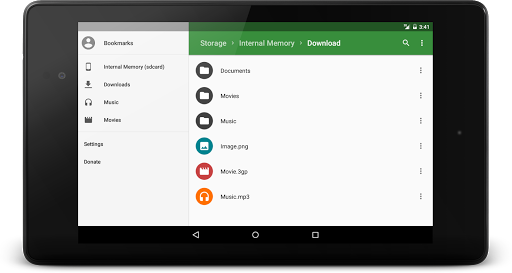
✓ Adapted to smartphones, tablets 7 and 10 inch
✓ Built-in gallery
✓ Built-in text editor
✓ Built-in music player
✓ Supports 20 languages
Translations:
✓ If you would like to help with translation to your language or if you would like to complete a current translation please contact me :)
Permissions:
✓ WRITE_EXTERNAL_STORAGE - need to write files
✓ READ_EXTERNAL_STORAGE - need to read files
✓ INSTALL_SHORTCUT - need to add shortcut to desktop
✓ ACCESS_SUPERUSER - need to get access to root
✓ WAKE_LOCK - need to properly perform operations on files when the screen is off
✓ WRITE_SETTINGS - need to set audio files as a ringtone

What's New with MK Explorer (File manager) 2.5.4

Version 2.5.4:
- Fixed: reported bugs
- Updated: Chinese Simplified language (Thank you guys! :) )
Note: if you have problems with SD Card access please clear data or reinstall app
Version 2.5.3:
- Added: an option to set music files as a ringtone (new permission WRITE_SETTINGS)
- Added: an option to set images as a wallpaper
- Fixed: reported bugs
Version 2.5.2:
- Improved: file operations (Android 5 )
- Updated languages: Fench, Czech, Hungarian (Thank you guys!)
- Fixed a few reported bugs

Information

  • Category:
    Productivity
  • Latest Version:
    2.5.4
  • Updated:
    2016-05-03
  • File size:
    3.7MB
  • Requirements:
    Android 4.0 or later
  • Developer:
    kormateusz
  • ID:
    pl.mkexplorer.kormateusz
  • Available on:
Reviews
  • avatar
    Great except for inability to read root folder.
    2020-10-03 06:45
  • avatar
    A solid file manager. The only issue I've had is that it always fails to gain access to anything not native to my device. It's a huge flaw in an otherwise excellent file manager.
    2020-09-27 05:57
  • avatar
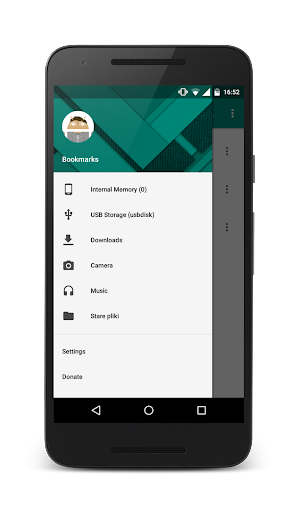
    This has all the features I'm looking for (scrollbar, bookmarking of folders, access to bookmarked folder links while copying and pasting, and unexpurgated display of all files in folders containing more than 1000 files). Some aspects of of the UI are very unintuitive though. It took me a while to figure out how to access the bookmarks and also how to access the filepath
    2020-09-22 06:37
  • avatar
    very cool! p. s. why does it show sandisk 4gb and 8gb flash drives when connected but doesn't show kingston 32gb?? total commander shows all of them
    2020-08-17 07:29
  • avatar
    It's a very simple and a good file explorer. Sometimes it becomes unresponsive like when I was deleting files in a bulk but overall it's good.
    2020-07-29 08:18
  • avatar
    File Selection is difficult. After select all and deselecting some files, all the selections become inversed.
    2020-05-23 08:20