
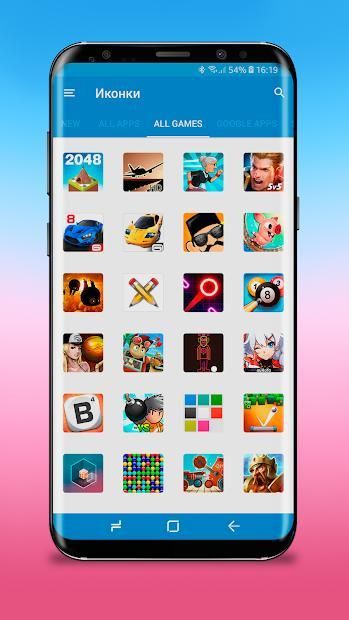
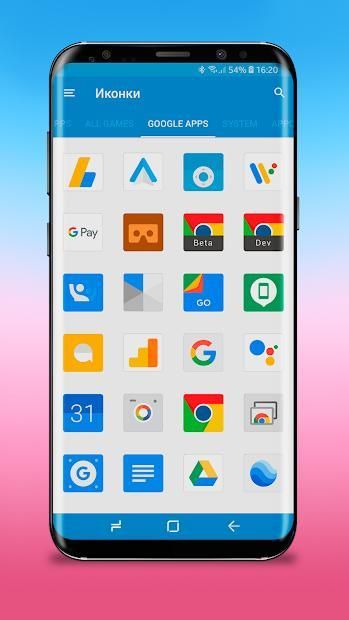
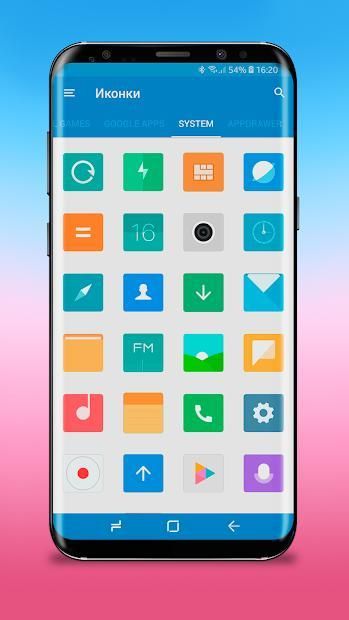
It can be said with certainty that 20,000+ users downloaded MIUI 10 Icon Pack latest version on 9Apps for free every week! When you click, the app will start downloading and wait till it completes installation you can start play. This hot app was released on 2018-09-11. Get the latest version now!
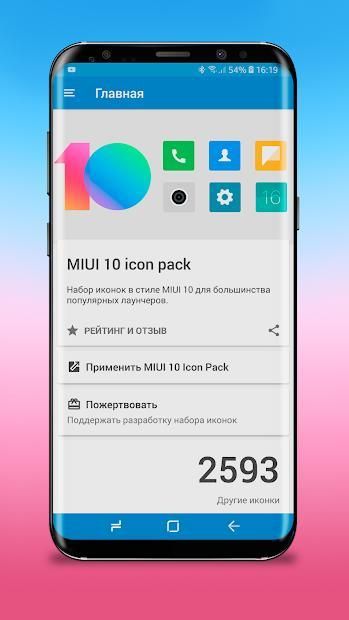
MIUI 10 - Limitless icon pack - Can be applied on any phone by installing a supported launcher.
Download and install Nova Launcher and make sure you are a Beta. user.
Now make the following changes to the Nova Launcher settings:
Desktop
✔️ Desktop Grid -> 7x5
✔️ Icon Layout -> Icon Size -> 110%
✔️ Field Width -> Medium
✔️ Search bar -> Style -> First with rounded corners
✔️ Search bar -> Color -> White with 10% transparency
✔️ Search bar -> Logo -> Color G with a voice search icon
Application Menu
✔️ Application menu grid -> 5x5
✔️ Icon Layout -> Icon Size -> 110%
✔️ Frequently used applications -> Yes
✔️ Application menu style -> Vertical
✔️ Background -> Off
✔️ Open with -> On
✔️ Opening indicator -> On
✔️ All other default options
Favorites panel
✔️ Icon Layout -> Icon Size -> 110%
✔️ Icon Layout -> Shortcut -> Off
✔️ Width and height Padding -> Medium
If you have any ideas or suggestions, for example you do not like an icon, and you have an idea how to make it better. Contact us at support@porting-team.ru
Features: ❗️❗️❗️
• Icon resolution of 192x192px (HD)
• Cloudy wallpapers
• Application in material style
• Support for dynamic calendars
• Supports MUZEI
Icon Pack supports launchers:
• Action Launcher
• ADW Launcher
• Apex Launcher
• Atom Launcher
• Aviate Launcher
• CM Theme Engine (not supported in some versions)
• GO Launcher
• Holo Launcher
• Holo Launcher HD
• LG Home (not supported in some versions)
• Lucid Launcher
• M Launcher
• Mini Launcher
• Next Launcher
• Nougat Launcher
• Nova Launcher
• Smart Launcher
• Solo Launcher
• V Launcher
• ZenUI Launcher
• Zero Launcher
• ABC Launcher
• Evie Launcher
Icon Pack can be applied from the settings:
• Arrow Launcher
• ASAP Launcher
• Cobo Launcher
• Line Launcher
• Mesh Launcher
• Peek Launcher
• Z Launcher
• Launch by Quixey Launcher
• Top Launcher
• KK Launcher
• MN Launcher
• New Launcher
• S Launcher
• Open Launcher
• Flick Launcher
Please note: - This is a set of icons and for it to work it requires a special launcher for Android. For example, apex, nova, etc. It will not work with Google Now Launcher, Pixel Launcher or most launchers supplied by your phone OEM. Before you leave feedback that it does not work, please install one of the compatible launchers and try to apply them.
How do I apply icons?
Very simply, install Nova Launcher and MIUI 10 - Limitless icon pack. Open MIUI 10 - Limitless icon pack and click Apply!
Why choose MIUI 10 - Limitless icon pack?
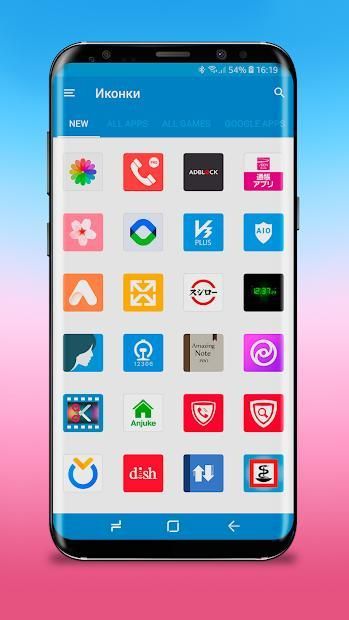
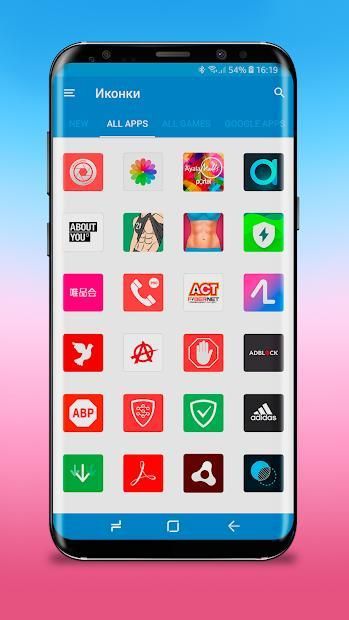
• MIUI 10 - Limitless icon pack contains the largest number of icons in the style of MIUI 10.
• MIUI 10 - Limitless icon pack is free.
• MIUI 10 - Limitless icon pack is updated regularly.
Are you having problems with Icon Pack?
Do not hesitate, write to us at support@porting-team.ru
— Добавлены иконки по запросу



![[MIUI Theme] Experience UI 9.5 V10 screenshot 3](https://i.ytimg.com/vi/mQAm9SdSW2k/mqdefault.jpg)



9Apps 4.9













