
MAGic Remote icon

MAGic Remote

1.4.1 for Android
5.0 | 100,000+ Installs | Reviews

Infomir

Description of MAGic Remote

You don't need to look for your remote control to switch the channel anymore!
Control your set-top box of MAG series by single tap on your Android device.
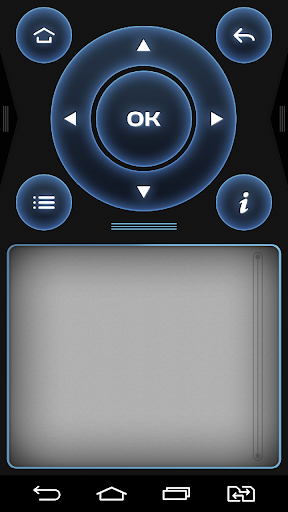
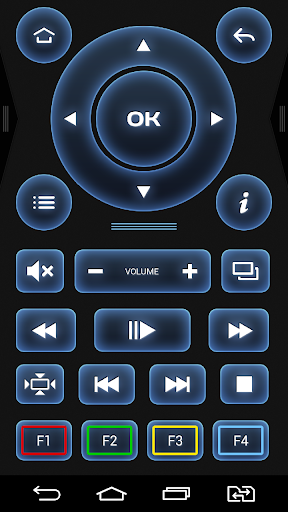
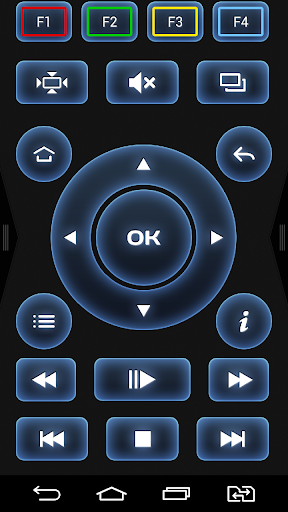
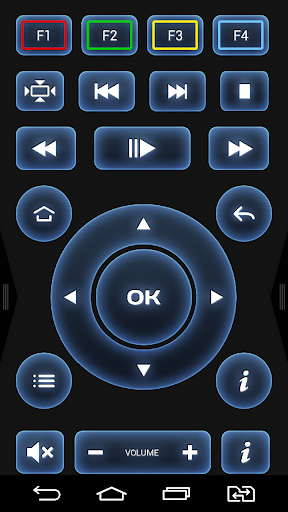
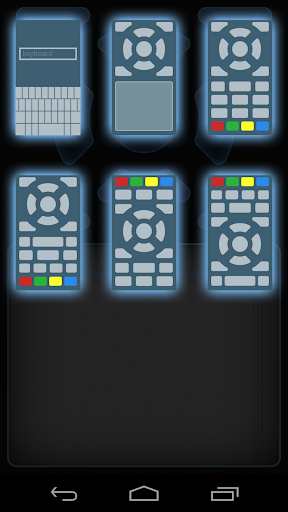
There are several buttons layouts for better usability. And Internet surfing fans and social network users will profit the full-size keyboard and touchpad.
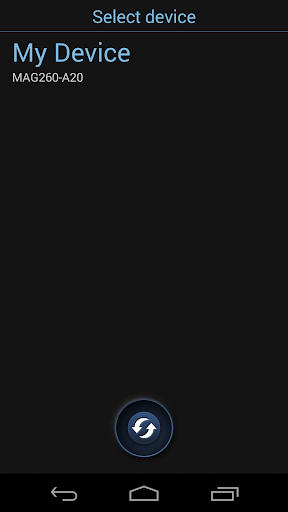
To begin, connect your STB and Android device to the same Wi-Fi network.
Ensure that the remote control option of your set-top box is turned on. (Setting->System settings->Remote control).
Compatible with:
MAG245
MAG245D
MAG250
MAG254
MAG255
MAG270
MAG275
MAG260
The App works with Android 4.0 (All versions).
This app doesn't run on ANDROID 5 AND/OR ART VIRTUAL MACHINE now, we are working on this problem.

What's New with MAGic Remote 1.4.1

Bug-fixes and discovery optimization.

Information

  • Category:
    Tools
  • Latest Version:
    1.4.1
  • Updated:
    2015-06-03
  • File size:
    5.8MB
  • Requirements:
    Android 3 or later
  • Developer:
    Infomir
  • ID:
    com.infomir.magicRemote
  • Available on:
Reviews
  • avatar
    was working fine But now it need updates and Doesn't work last Update in 2015
    2020-08-29 02:55
  • avatar
    Doesn't work on stbEMU
    2020-08-28 12:15
  • avatar
    How about adding power button. Vibration setting dosen't work properly.
    2020-06-11 03:40
  • avatar
    Works like a charm. Don't get why it's got such bad reviews.
    2020-05-27 02:14
  • avatar
    GUYS YOU MUST ENABLE THE PASSWORD FROM MAG DEVICE.... First go into the internal embedded portal Settings Make sure you're connected to a network via LAN or Wi-Fi Go to remote settings Create a Pin Save & Exit Open this app and if all was done correctly Your device will show in the app Click it, input pin, & enjoy
    2020-03-19 09:49
  • avatar
    Used to work fine. Now it requires a password, that is nowhere to be found
    2020-03-12 07:34