
Lumin icon

Lumin

2.12.3 for Android
4.0 | 500,000+ Installs | Reviews

Lumin PDF

Description of Lumin

Discover a digital toolkit that brings manual paperwork into the future. No more printing, scanning or red pen.
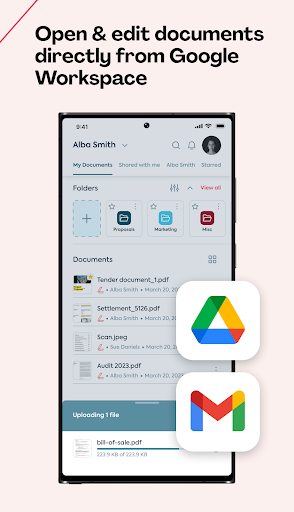
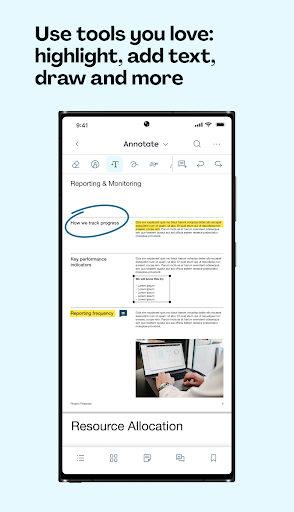
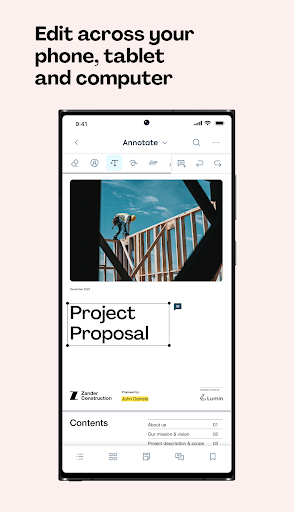
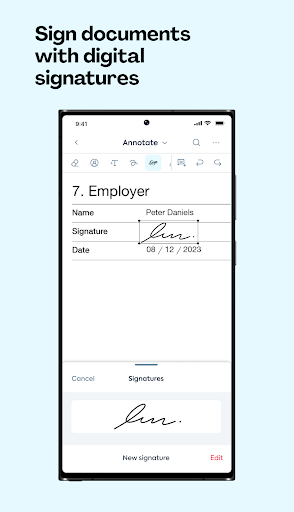
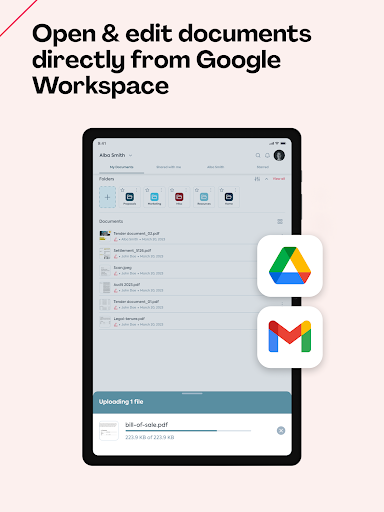
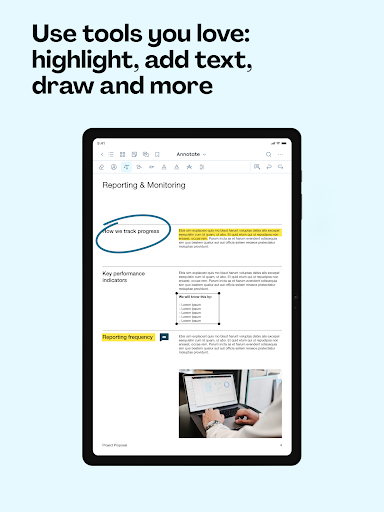
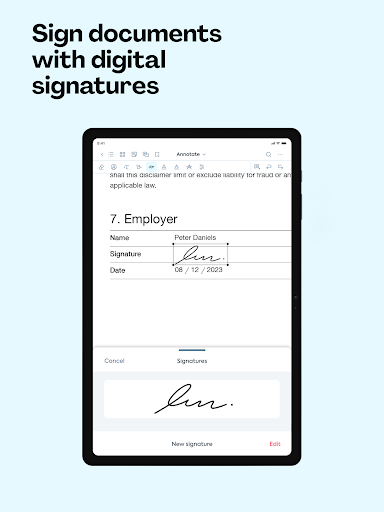
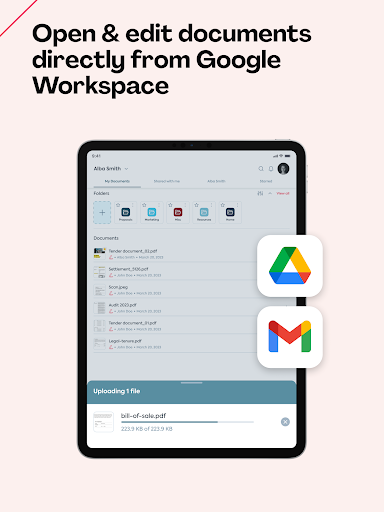
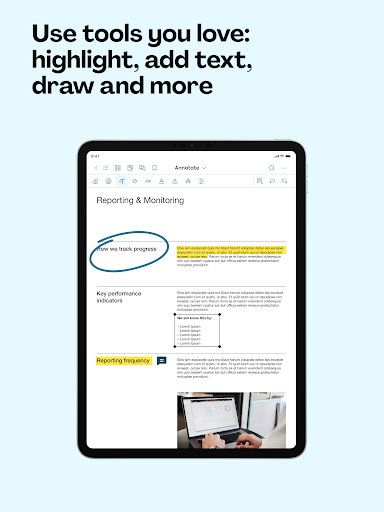
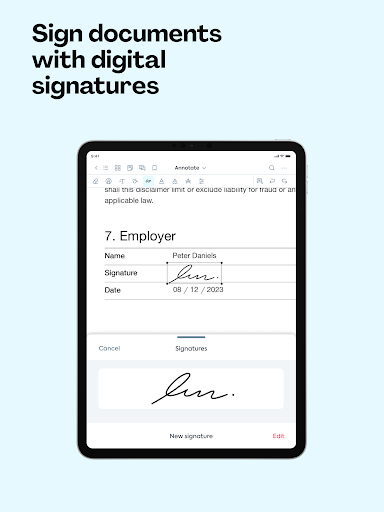
Upload documents straight from your phone’s storage or import directly from storage platforms you love like Google Drive and Dropbox. Use our PDF editing features to add text, comments or sign documents straight from the app.
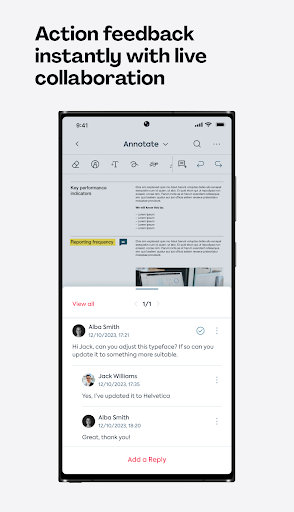
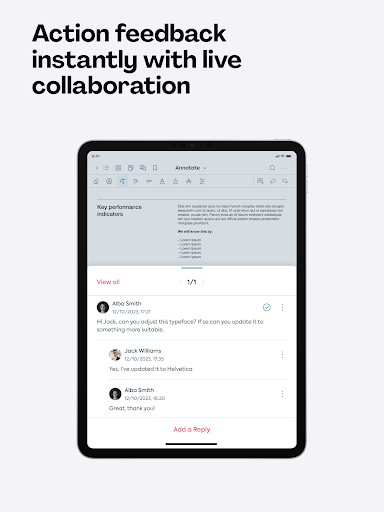
Whether you’re collaborating on a team project or filling out a form for school, Lumin’s tools make paperwork easy.
Our mobile app is designed to optimize Lumin’s PDF editing toolkit for use on mobile devices. If you enjoy using Lumin on your desktop, you’ll love using it on-the-go!
Key features include:
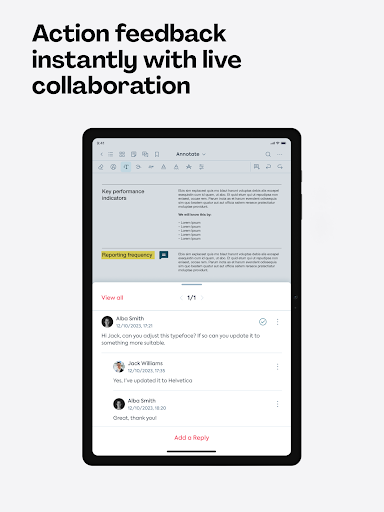
- Comment on or annotate PDF documents
- Upload documents for collaboration via Dropbox, Google Drive or your phone storage
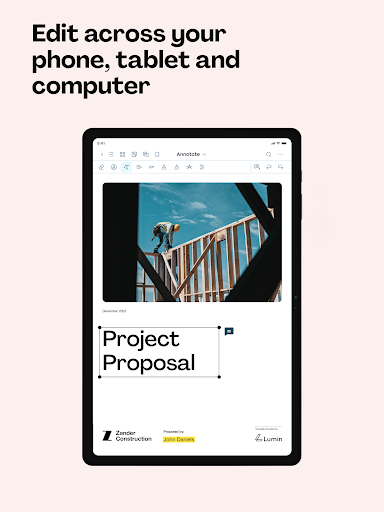
- Work on the same document across all your devices
- Document changes are automatically saved in the cloud
- A centralized, customizable storage space for all your work
Terms & Conditions: https://www.luminpdf.com/terms-of-use/
For more information on Lumin, head to https://www.luminpdf.com/

What's New with Lumin 2.12.3

We squashed some nasty bugs faster than Santa eats cookies! This update shines brighter than Rudolph's nose, making your holidays bug-free and merry. Ho ho ho, update now!


Information

  • Category:
    Productivity
  • Latest Version:
    2.12.3
  • Updated:
    2023-12-19
  • File size:
    139.7MB
  • Requirements:
    Android 5.0 or later
  • Developer:
    Lumin PDF
  • ID:
    com.luminpdfapp
  • Available on:
Reviews
  • avatar
    I cannot log in to my account on mobile, no matter how much I tried. Its showing network error status code 422..I've checked my internet connection and it was working just fine. Please fix this
    2020-10-08 10:32
  • avatar
    Application to Standard and easy to use. Very satisfied with the application. There are also more talking functions. Amazing, it's like a tool to help me read and learn !!
    2020-10-07 11:45
  • avatar
    Great functionality . I did not expect synchronization with my S.pen but it did and automatically asked me to activate. Thank you for developing a good program that will recommend it to all my Note fans.
    2020-10-06 03:36
  • avatar
    Absolutely love the application. The application responds to me. Light and responsive even with large PDF documents. Plus, the Multi-Purpose Sidebar includes everything you need to scroll through your documents like never before: Page Thumbnails, PDF Borders / Bookmarks, Search Table.
    2020-10-05 12:34
  • avatar
    I would give 0 stars if possible. I was trying to view something from a friend and it wanted me to download app ok so I did that then it wanted me to sign up I am like ugh ok but it kept giving me an error code when I tried signing up. Horrible app I DO NOT RECCOMEND DONT WASTE YOUR TIME
    2020-10-03 09:00
  • avatar
    I use it for most of my documents . It integrates well with other applications where I upload my pdf files. Very accurate and less battery drain than other applications
    2020-10-03 04:15














