Logitech Arx Control icon

Logitech Arx Control

1.3.290 for Android
2.6 | 500,000+ Installs | Reviews

Logitech Europe S.A.

Description of Logitech Arx Control

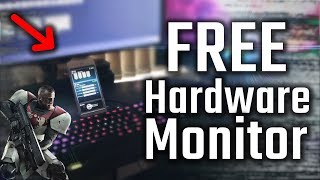
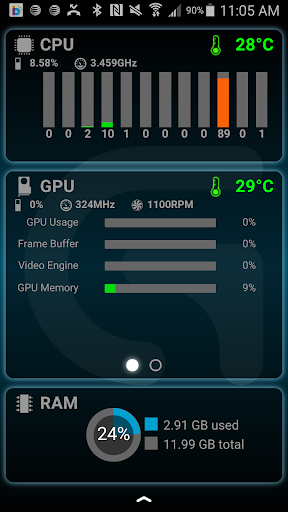
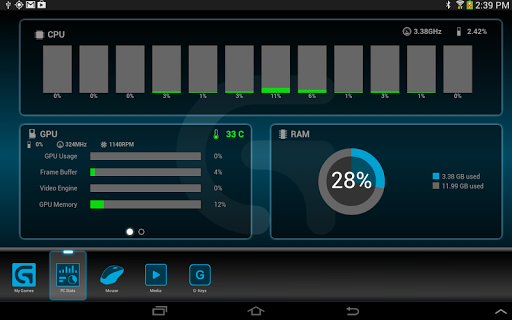
Bring PC Game and Vital system stats to your mobile device
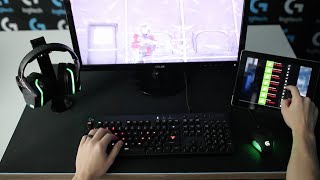
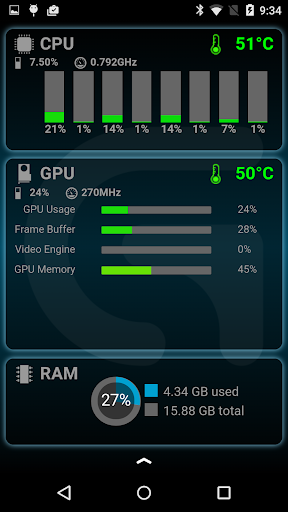
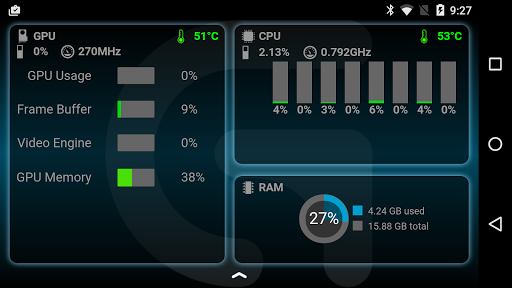
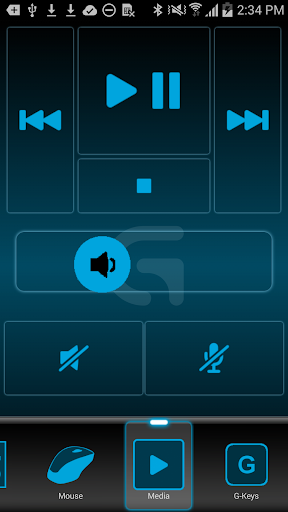
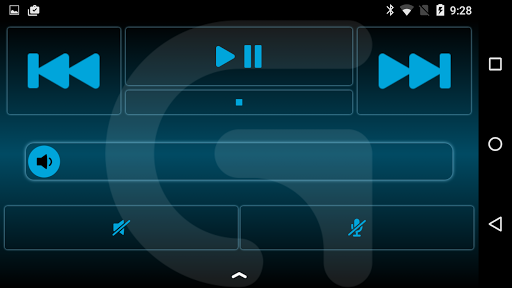
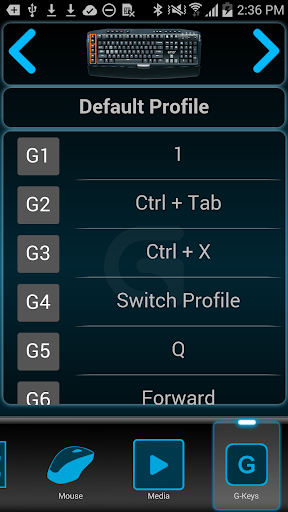
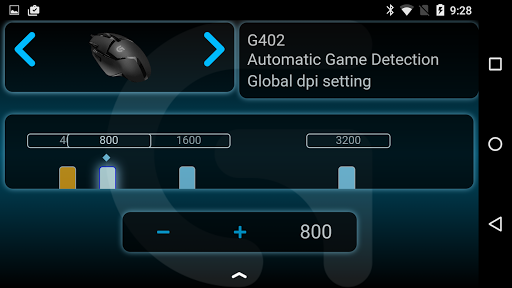
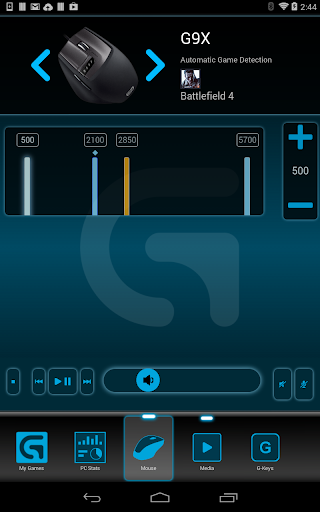
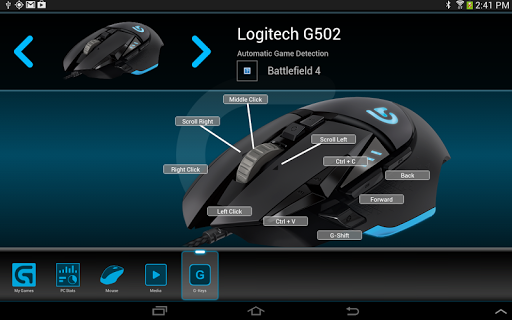
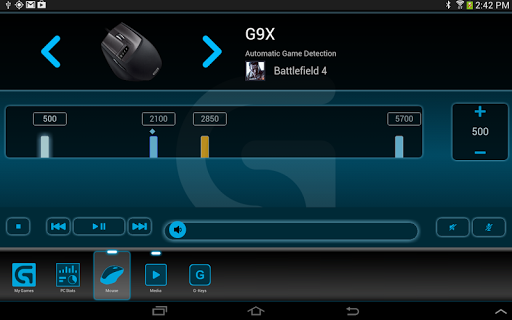
The Logitech Arx Control™ app connects with Logitech Gaming Software to give you exclusive in-game display information, vital systems statistics, and PC remote control functions that extend the PC Gaming experience to your mobile device.
Features:
* Exclusive in game information on your mobile device in real time (supported games only)
* Check PC performance and vital system stats on your mobile device
* Remotely control media setting on your PC
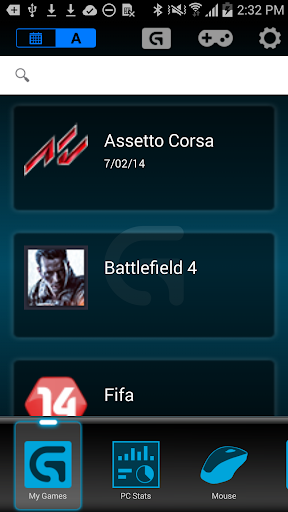
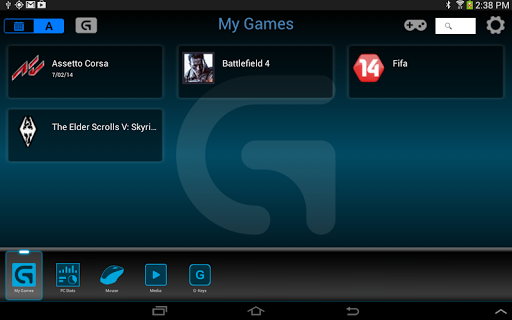
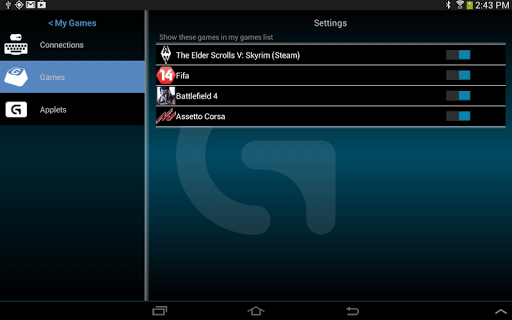
* See all of the installed games on your PC
Requires Logitech Gaming Software 8.70 or above available here:
http://support.logitech.com/software/gaming-software

What's New with Logitech Arx Control 1.3.290

- Fixed compatibility issue with latest System WebView
- Added new features for Arx development
- Minor bug fixes
Note: This version requires Logitech Gaming Software version 8.70 or higher

Information

  • Category:
    Entertainment
  • Latest Version:
    1.3.290
  • Updated:
    2016-03-01
  • File size:
    2.1MB
  • Requirements:
    Android 4.0 or later
  • Developer:
    Logitech Europe S.A.
  • ID:
    com.logitech.gaming.arxcontrolapp
  • Available on:
Reviews
  • avatar
    Bought the g733 wireless headphones for my Xbox, arrived late, then found out it didn't work for xbox as it was listed on Amazon, then found out Logitech won't let me return it due to its late delivery as the package arrived late and I was out of time to return, don't buy. There goes 170 dollars.
    2020-10-24 06:55
  • avatar
    Been waiting for updates for ages, Logitech really hasn't changed much from bloated repetitive software.
    2020-09-16 01:17
  • avatar
    Failed the show anything my Risen 5 3600XT, and my 3700 XT graphic card is working with 36 000000 % usage.... Impressive.... good overclocking 🤣🤣🤣🤣 Do not download this software, absolutely garbage.... P.S. I use with gaming Hub software, the source of problem has been found....
    2020-09-11 07:24
  • avatar
    It's been shown not as full screen app and I am getting a notification saying rne the app is developed for old android phones My device is old, yet having this issue is unacceptable from Logitec S8+ android 9.0
    2020-08-22 11:56
  • avatar
    Used to work and I loved it. Now it won't even connect to my PC. Tried all of the troubleshooting tips. If it gets fixed I'll change the rating
    2020-08-12 02:08
  • avatar
    It's a bit of fun! Now my kit is a few years old now, so I am not having any problems with it not recognising newer tech. I've installed it just because I got myself the G910 keyboard, and so this little app on my phone sat in the dock is just because I could! If this software is now dead, I shall enjoy it while it lasts, it didn't cost me, so I will not lose anything if I upgrade, or it gets taken away. I agree with others, that it would have been better to be able to modify the hardware monitoring. I am getting all the basics, but I wouldn't say no to some mainboard stats.
    2020-08-08 08:31