

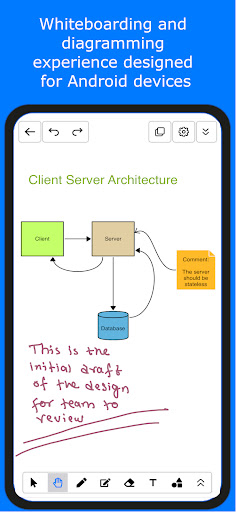
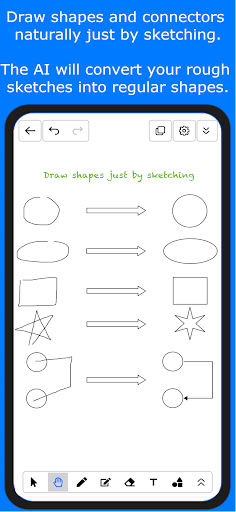
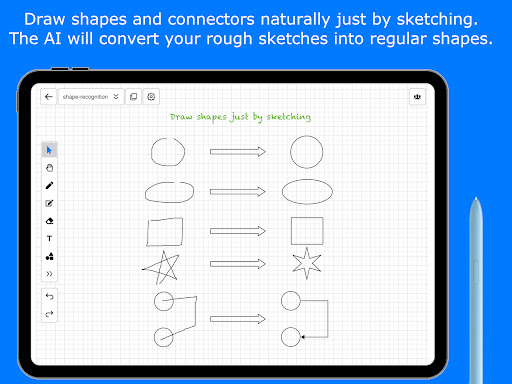
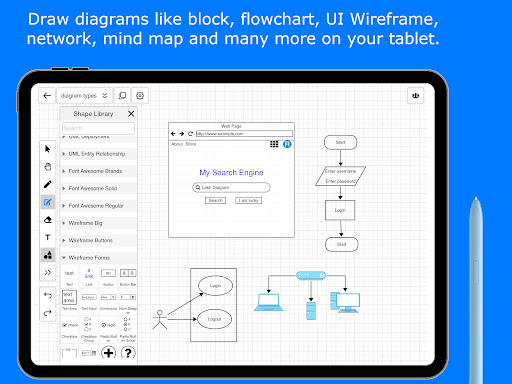

Lekh is an online whiteboard and intelligent diagramming tool. It empowers you to express your ideas simply by sketching shapes with your finger. The best in class shape recognition technology of the Lekh will recognize your rough sketches and will convert them into shapes.
You can use Lekh to:
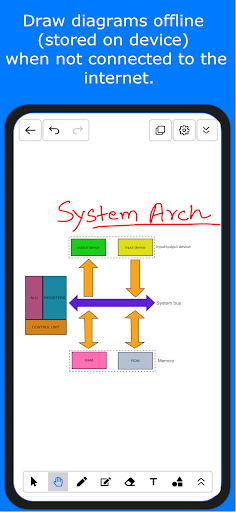
• Draw diagrams on device in offline mode
• Online whiteboarding for visual collaboration
Offline mode:
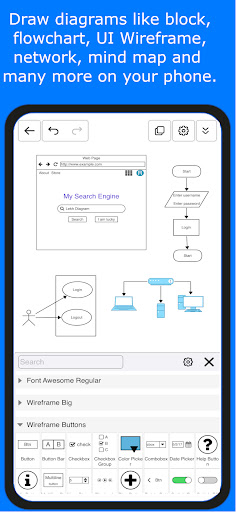
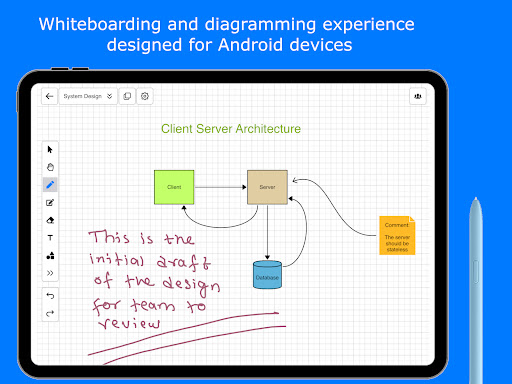
You can use the offline mode to draw diagrams. You can use smart drawing mode to simply sketch and get high quality diagrams like flowchart, block diagrams, system architecture and mindmaps. You can also drag drop shapes from the shape library to create diagrams like UML, Network, UI Wireframe, flow chart, organizational chart, business process diagram, venn diagram, mind maps and any kind of illustrations.
Online mode:
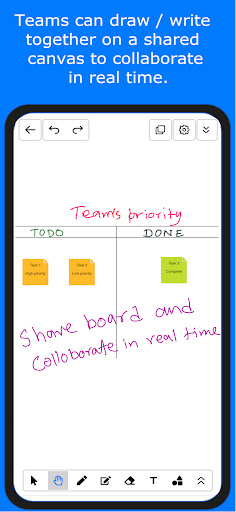
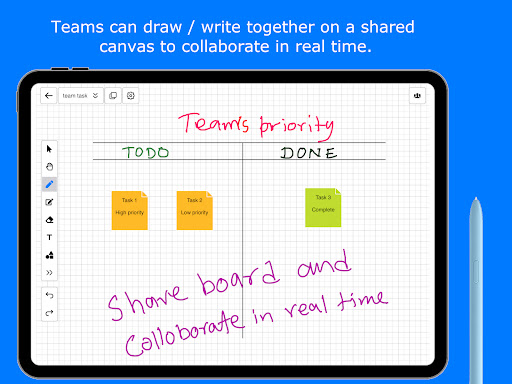
You get a shared canvas (we call it Lekh Board) on which multiple users can draw at the same time. You can draw anything on it. You can draw all kinds of diagrams that you can draw in offline mode or you can simply scribble on it. You can also add sticky notes on the canvas. You can control the sharing of the board that means you can set write permission or read only permission to others.
Use the online mode for following:
• Store your drawings on the cloud and access them from other devices such as desktop, any mobile device etc.
• Collaborate with others in real time. Multiple users can draw the canvas at the same time.
• Share your drawings with others.
Lekh’s powerful and unique shape recognition engine can recognize various shapes and connections. Draw shapes and connections by dragging your finger on iPad/iPhone and the Lekh will recognize drawing and will convert them magically into beautiful shapes.
These shapes will be recognized: Line, Polyline, Polygon, Bezier Curve, Circle, Ellipse, Rectangle, Triangle, All types of connection lines between shapes, drawing / erasing arrows etc. For the full list please check in-app help.
You can export the drawings in various formats. The supported formats are jpg, png, pdf, svg and Lekh.
We appreciate every feedback we receive. Your constant interest and improvement ideas keep the updates coming.
Check out https://lekh.app for more info.
Reach out to us at info@lekhapp.com for any query.
Visit our youtube channel https://www.youtube.com/channel/UCiNazNZGwEkefO_kJXXdX6g for video demos.
Bug fixes







9Apps 4.9














