



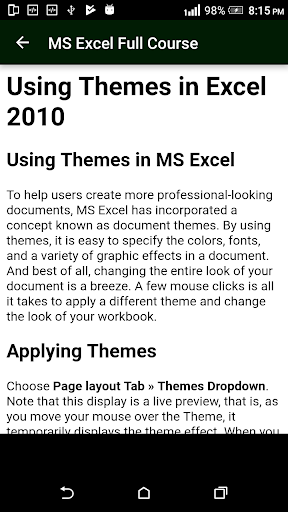
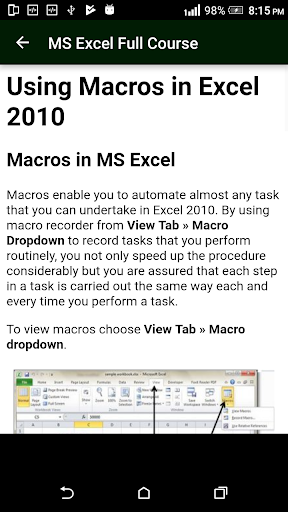


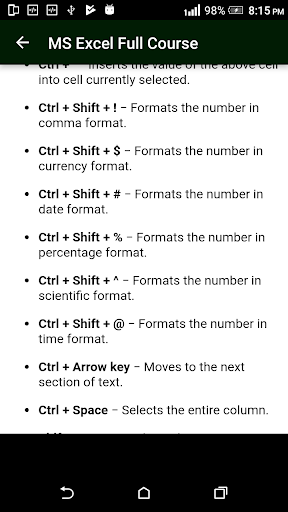
Learn MS Excel (Basic & Advance Course)
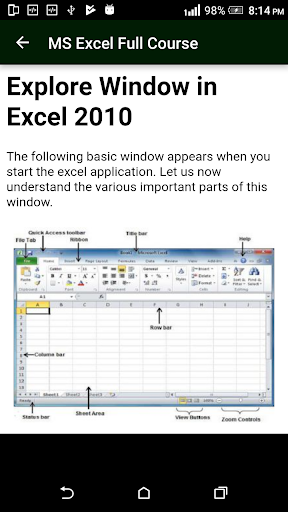
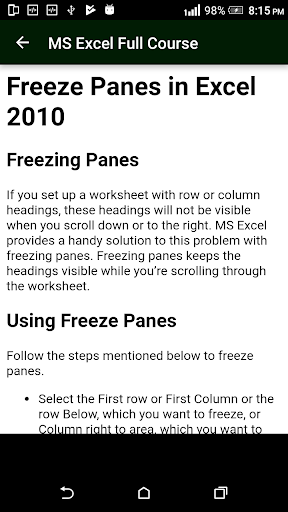
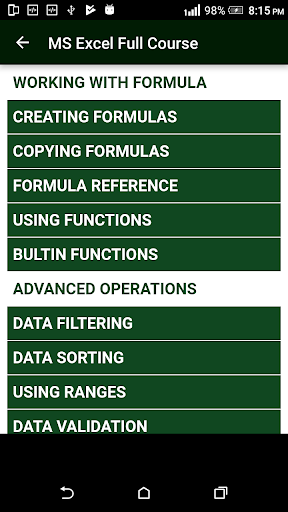
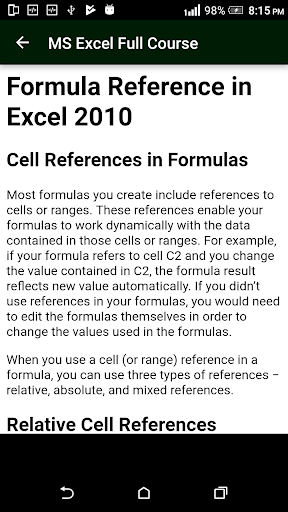
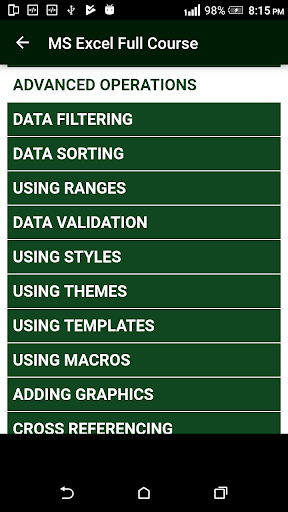
MS Excel Full Course - Complete learning of Microsoft excel software. user friendly design and offline app. any user can access app from anywhere anytime without internet.
This app also contains below points :
Basic of excel
Charts
conditional
spreadsheet
advance
ms excel learning
easy to use excel
excel course
learning from home
excel from home
Basic of MS Excel
Charts
formulas
functions
processing
This is the simple and minimal app designed for Learning and Developing skills in MS Excel.
These days MS Excel is in demand for each and every data entry jobs.
Microsoft Excel is a very versatile tool and can be used for almost anything that you can imagine:
Agendas
Budgets
Calendars
Cards
Charts and Diagrams
Financial Tools (Loan calculators etc.)
Flyers
Forms
Inventories
Invoices
Lists and to-do checklists
Planners
Plans and proposals
Reports
Schedules
Timesheets
We combine a complete step by step guide to learn Microsoft Excel.
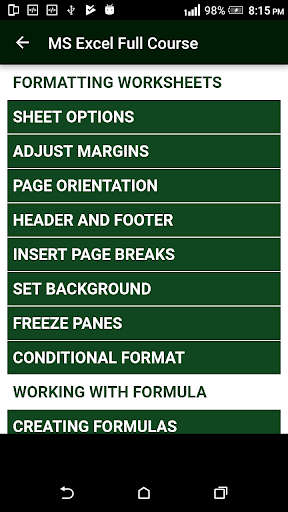
From Formulas to Setting Margins
From Setting Dependencies to Basic Operations in Excel
** The App can be used to Learn Microsoft Excel Full Course to create:
Reports, Budgets, Planners, Plans and proposals, Schedules, Timesheets, Accounting, Auditing or Financial Tasks, Calendars, Cards, Charts and Diagrams, Financial Tools (Loan calculators etc.), Flyers, Forms, Worksheet, Inventories, Invoices, Lists and to-do checklists, Agendas, etc
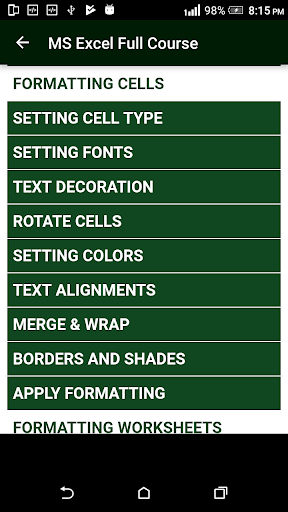
- Align text to the top of the cell
- Change the background color of a cell
- Draw a border around a cell
- Center text across multiple cells
- Change the width of a column
- Delete a column
- Delete a hyperlink from a cell
- Delete a row
- Create a hyperlink to another cell
- Display comment indicator next to cells with comments
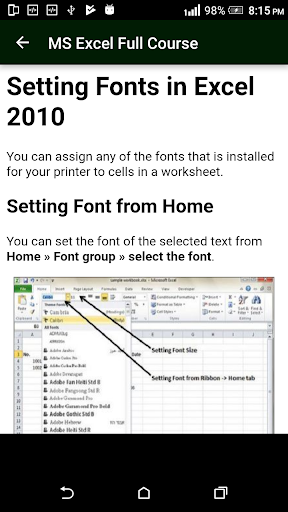
- Change the font in a cell
- Change the font color in a cell
- Change the font size in a cell
- Format display of text in cell (ie: numbers, dates, etc)
- Hide a column
- Hide formulas from appearing in the edit bar
- Hide a row
- Hide a sheet
- Insert a new column
- Insert a new row
- Merge cells
- Wrap text in merged cells
- Protect a cell
- Rename a sheet
- Rotate text in a cell
- Change height of a row
- Draw a line through a value in a cell (strikethrough)
- Create a subscript value in a cell
- Create a superscript value in a cell
- Unhide a column
- Unhide column A
- Unhide all columns to the right
- Unhide a row
- Unhide row 1
- Unhide a sheet
- Set up a cell to only allow (EXACTLY) 10 characters, to only allow up to a certain number of character, to only allow positive numbers, Wrap text in a cell
Download for Free !!
Best app to learn MS Excel - Become expert !
Download for Free - find surprises inside this app !









9Apps 4.9














