Large Text: Banner Creator icon

Large Text: Banner Creator

2.6.0 for Android
4.5 | 100,000+ Installs | Reviews

Bloco

⚠️ You need 9Apps App to install .XAPK File. How to install XAPK?

Description of Large Text: Banner Creator

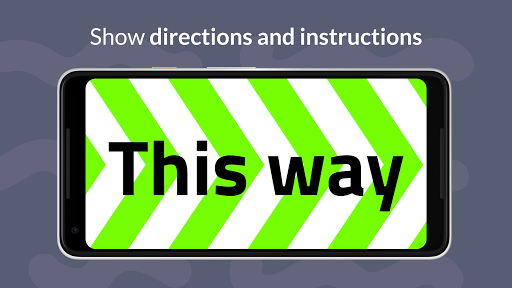
Write and show big messages and emojis on fullscreen for phones and tablets.
No Sign Up required. No permissions needed, no ads and no tracking. Works offline.
Just a simple application to show messages in large text.
GREAT TO
• Pick someone at the airport
• Show directions
• Share your phone number
• Ask DJs for *that* song
• Flag a taxi
• Ask for your beers in loud nightclubs
• Display concert fan signs
FEATURES
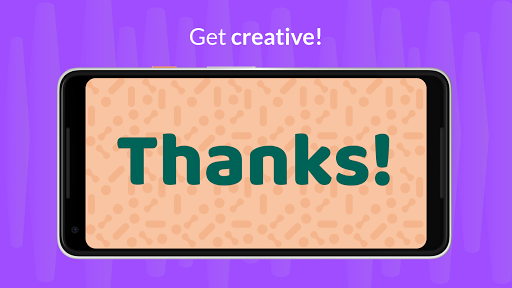
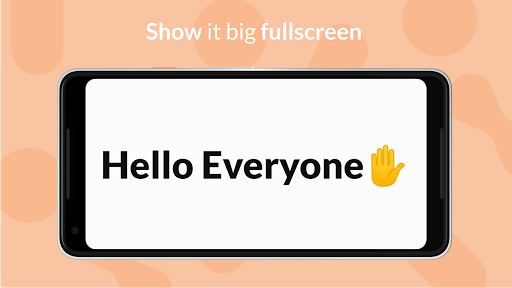
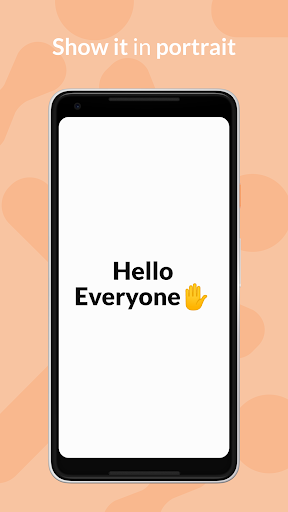
• Show it in two modes Landscape or Portrait 🆕
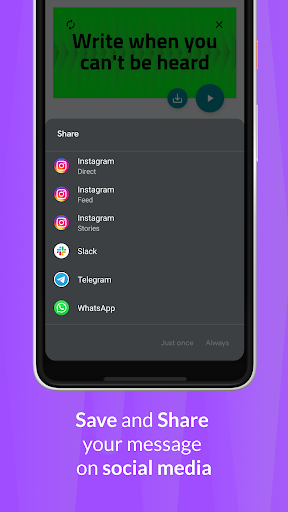
• Export and share as image 🆕
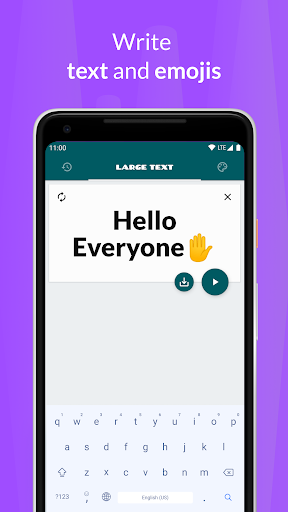
• Write with text and emojis 😁 👻 ⚽️ 🚀
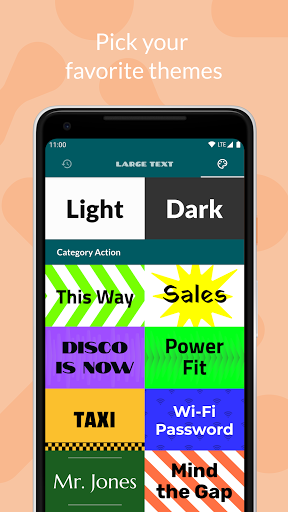
• Multiple themes (some are paid)
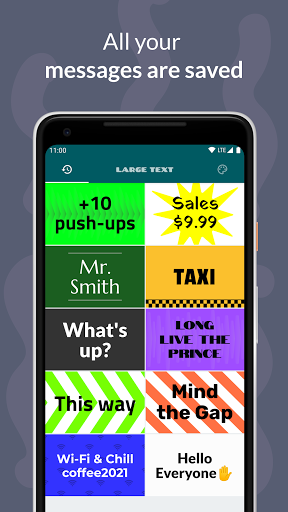
• Saves your past messages
• Can receive a text from other apps to display
• App shortcuts for your latest messages (only Android 7.1 )

What's New with Large Text: Banner Creator 2.6.0

Small maintenance update.

Information

  • Category:
    Tools
  • Latest Version:
    2.6.0
  • Updated:
    2023-11-08
  • File size:
    7.9MB
  • Requirements:
    Android 5.0 or later
  • Developer:
    Bloco
  • ID:
    io.bloco.largetext
  • Available on:
Reviews
  • avatar
    It does just what it says. I had to use a rotation controller to get it to display in portrait mode, but for those having problems, it is possible to do, though it took me quite a few tries.
    2020-09-26 12:03
  • avatar
    Nice application Love it
    2020-09-25 07:32
  • avatar
    Mega Useful. Must have
    2020-09-19 12:43
  • avatar
    Does what it says
    2020-07-31 12:06
  • avatar
    This is gonna help me so much when helping deaf/hoh customers. Thank you so much for this app ❤️
    2020-06-03 09:49
  • avatar
    I tried a bunch of apps with similar features, and this one has be best UI, but lacks some features (swiping between saved messages, choice of portrait or landscape), and while you can pay to get more than just black and white, the paid version apparently only has a bunch of (weird) pre-feb designs, not the ability to just, say, choose a red background and yellow text. I ended up choosing a different app that has more free features, but a less user-friendly UI. Would still recommend this one for anyone who just want the simplest, clearest UI and doesn't need anything more than black-and-white (which I'm fine with).
    2020-05-08 10:30