LAN drive - SAMBA Server & Client icon

LAN drive - SAMBA Server & Client

8.0 for Android
3.6 | 100,000+ Installs | Reviews

webrox

Description of LAN drive - SAMBA Server & Client

Works without ROOT
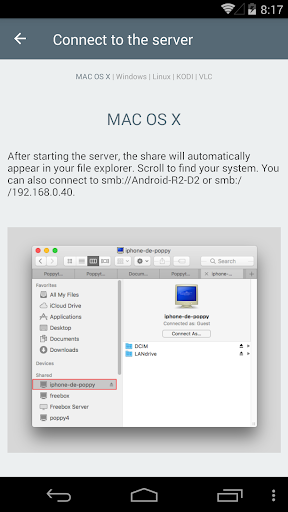
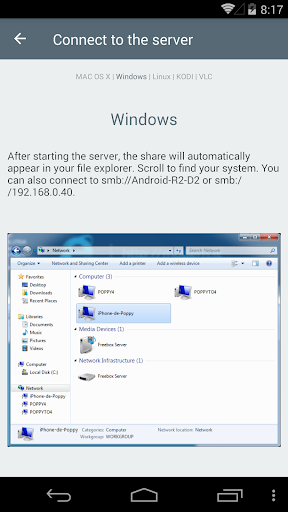
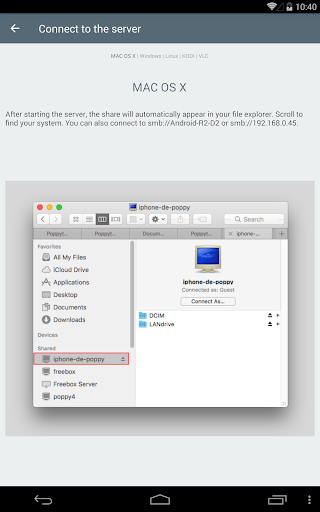
: Read the tutorial inside the app (works on Windows / MAC / Linux)
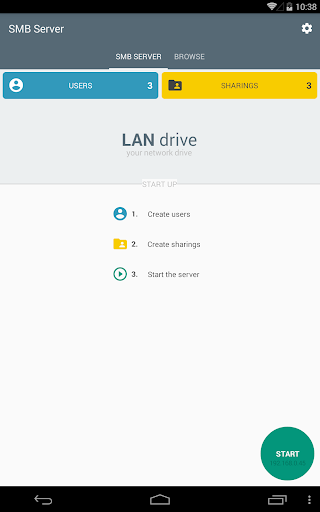
Transform your phone as a network drive (also known as "z drive").
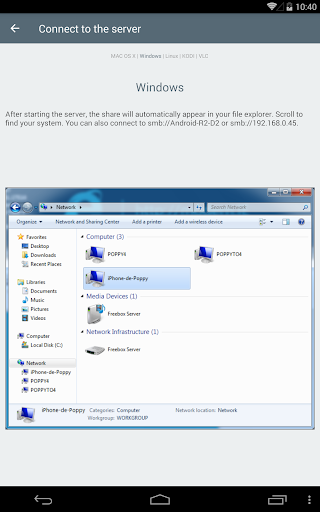
Access your phone/device files with common softwares : MAC OS Finder, Windows File Explorer, Android ES Explorer, VLC, Kodi etc.
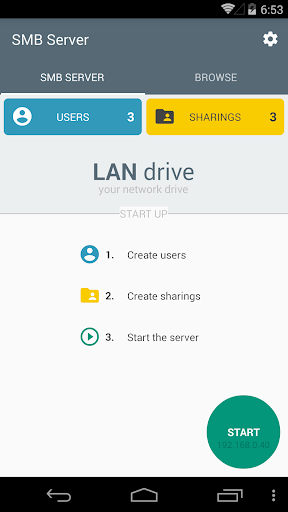
LAN drive is a powerfull and easy SMB server - also known as SAMBA server - designed for filesharing.
LAN drive is also a powerfull client to connect to SMB servers, and view/copy/paste files easily.
You could forget your usb key or your usb cable, you will never forget LAN Drive.
TRIAL version
:
* Limited bandwitch to 0.5 MB/s. Buy the app and transfer up to 50 MB/s (100 times faster) - depending your max wifi speed.
Features
:
* Copy/paste/rename files and folders on your device with MAC OS Finder, Windows File Explorer, Android ES Explorer, etc.
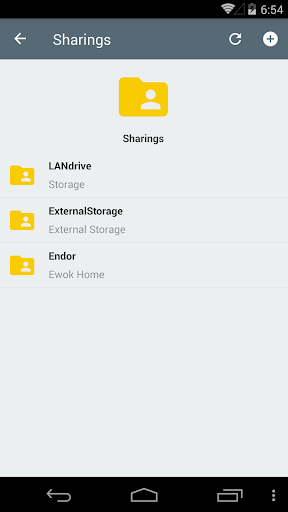
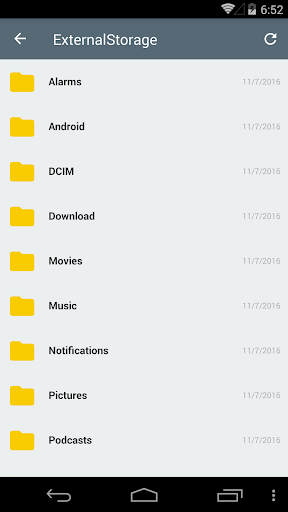
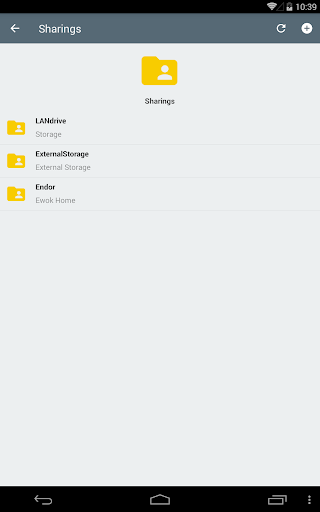
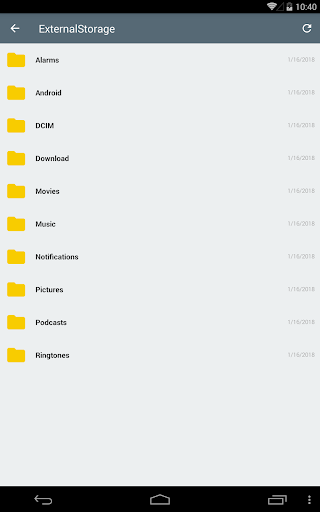
* Access the 'external' storage (Photos and Videos included) in your device as a network shared folder.
* Access the Root folder and all directories including SD Cards or external HDDs as network shared folders
* View your multimedia files with embedded mediaplayer (or external app).
* Your device name appears automatically in MAC OS Finder, Windows File Explorer, Android ES Explorer, VLC, Kodi etc.
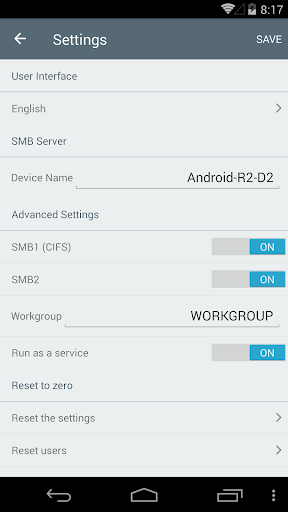
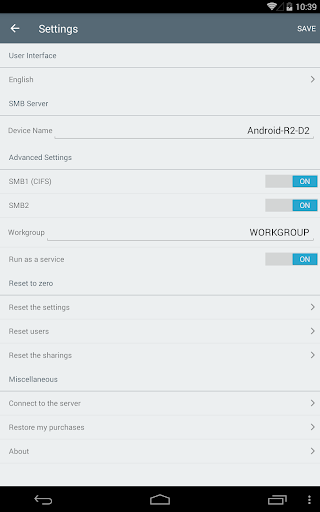
* Manage your device name (NetBios) and Workgroup name.
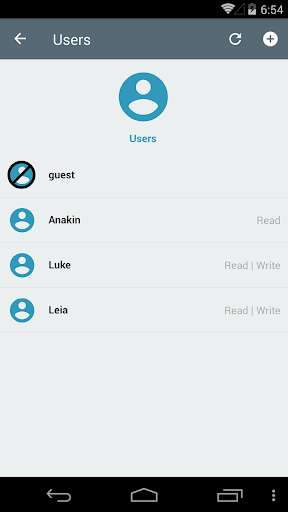
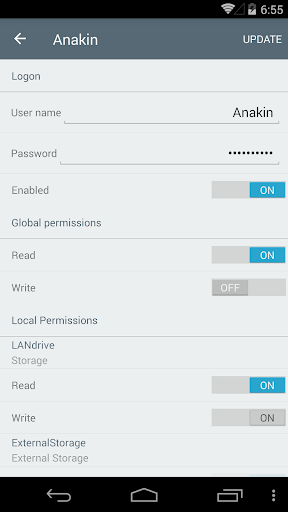
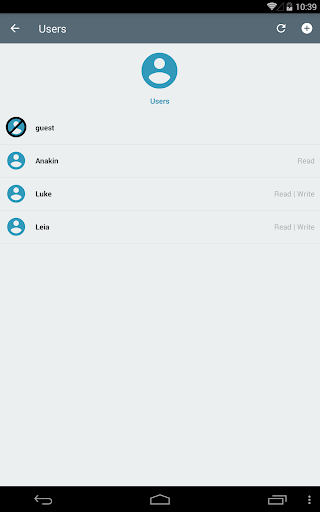
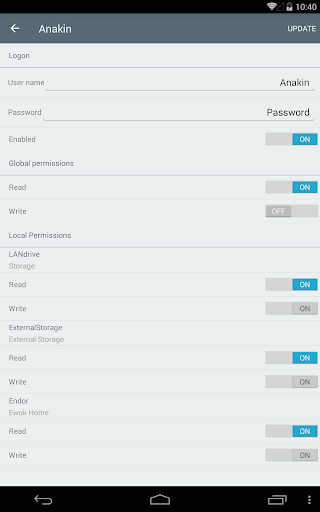
* 3 authentication types : Anonymous with popup confirmation, Anonymous and Users with custom rights
* Manage users and create your own shared folders with credentials.
* View users connected and disconnect them.
* Unlimited connections (several users can access your sharings at the same time)
* 5 languages : English, Spanish, French, German, Italian.
* Launched as a service in the background : Access your SMB server while using other apps
* Protocols SMB1 (CIFS) and SMB2 protocol (enable/disable via settings)

What's New with LAN drive - SAMBA Server & Client 8.0

Fix bugs and improvements: see https://bit.ly/landrivechanges for more details.

Information

  • Category:
    Tools
  • Latest Version:
    8.0
  • Updated:
    2020-10-30
  • File size:
    32.6MB
  • Requirements:
    Android 4.0.3 or later
  • Developer:
    webrox
  • ID:
    fr.webrox.landrive
  • Available on:
Reviews
  • avatar
    Many a time files get corrupted after complete transfer.
    2020-12-07 12:55
  • avatar
    Does not work at all. Uses old SMB protocol. Since latest versions of windows SMB protocol has changed a lot in terms of authentication and this still uses old protocol and authentication that is not compatible with os like windows 10 to share.
    2020-12-06 11:59
  • avatar
    Can't even copy paste files. Garbage
    2020-11-19 01:07
  • avatar
    Works great to allow me quick, easy access to my network drives. Highly recommend.
    2020-11-13 03:46
  • avatar
    Despite my reservations about using the interface with an Android TV Box, I found a way to work with it and decided to buy the full version to take advantage of the faster transfer rate. Unfortunately, the transfer speed is significantly slower than claimed. In the app, it states that the speed will be restricted to the slowest part of the network connection and thus if one part is 2,4GHz, that will be the bottleneck - that is pretty clear. I have all devices connected at 5GHz, so the connection between all devices should be comparable. However, from my Synology to my Mac the transfer rate is around 100 Mb/s and from my Mac to my A95X Max running this app is about 20 Mb/s, i.e. a fifth of the speed and actually more like a 2.4GHz connection. As far as the WiFi connection is concerned, there is no explanation for this. It is annoying but I just have to make the pretty laboriously slow transfers when it is convenient rather than when required. On top of this, I discovered that all the video files I have transferred with this app play with glitches. I rewound whenever they occurred and they repeated so I checked the original files on my Mac at the glitch point and they are fine so I removed the HDD from my A95X Max Android Box and connected it to my Mac and the glitches occurred in exactly the same place, and videos transferred via USB on my Mac are fine, so I have to assume that the files were damaged during transfer with this app. Consequently, the only use I have for it now is to delete files remotely. If I could give the app 1.5 stars, I would - I almost hate it because of the hassle it has caused me troubleshooting the video problems I have had.
    2020-11-05 11:38
  • avatar
    It works really good. Thanks from tutorial
    2020-11-03 08:28