

Kernel Manager ★ Best Kernel Settings Manager ★ ROOT
► Full themed with Material Design ◀
This app requires of root access and busybox to run.
With Kernel Manager you can manage the following settings of your kernel (if the kernel support them)
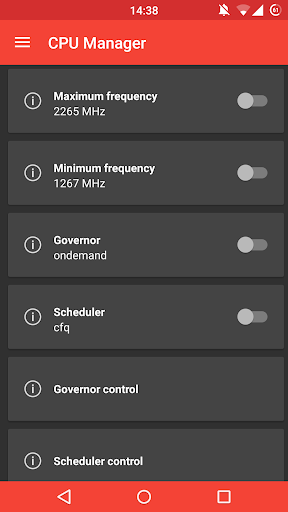
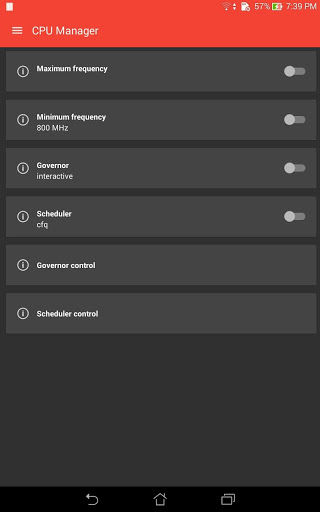
- Change CPU frequencies (min, max, min at screen off, max at screen off)
- Change CPU governor and manage advanced settings of them
- Change I/O scheduler alghoritm and manage advanced settings of them
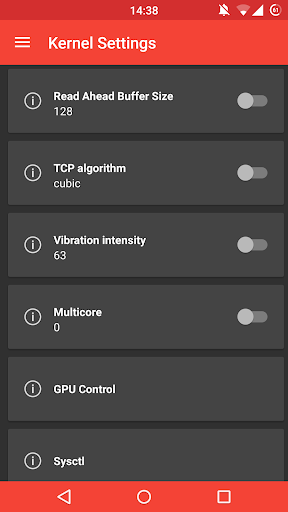
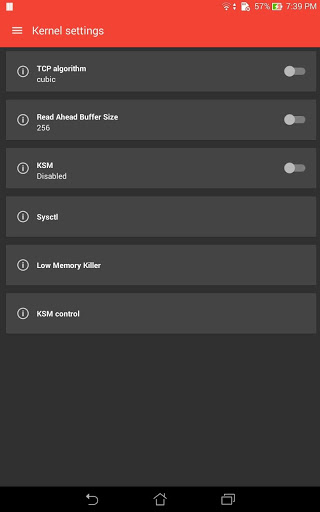
- Change Read Ahead Buffer Size (RABS) value
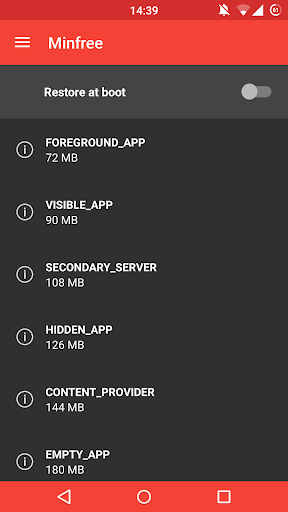
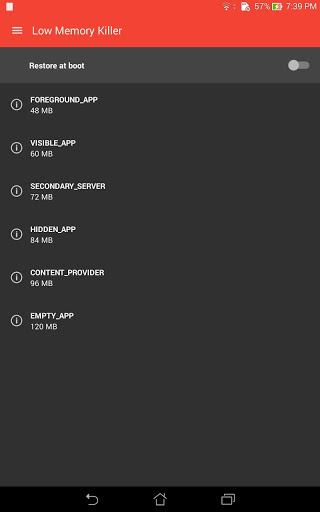
- Manage all minfree values
- Change GPU frequencies and GPU governor
- Undervolt and overvolt
- Vibrator strenght
- CPU temp limit
- Headset volume boost
- High performance sound
- Force fast charge
- Battery live extender
- Touch wake and touch wake duration
- Enable or disable fsync and dynamic fsync
- DoubleTap2Wake and Wake Timeout
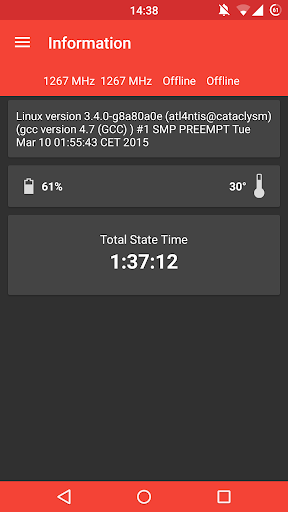
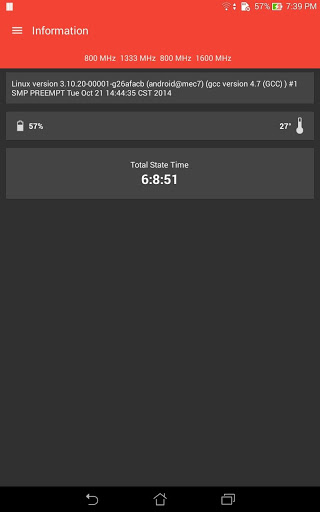
- See information about kernel version, cpu cores frequencies, battery temperature
- Sound control
- Screen control
- More
Many kernel settings depend of the kernel that you have installed!
- Reduced application weight of 50%
- Fixed many bugs
- ADS removed






9Apps 4.9















