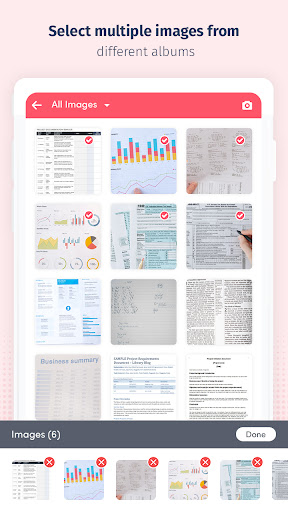
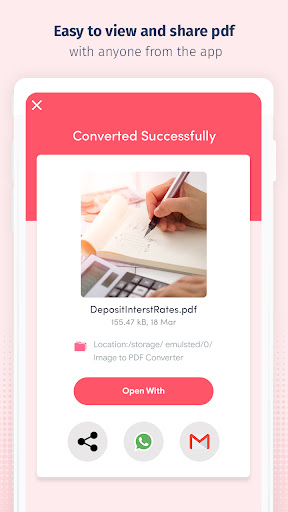
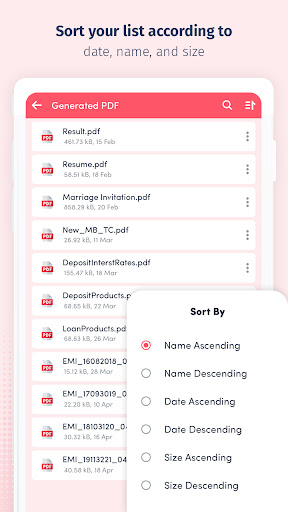
JPG to PDF Converter, IMGTOPDF app allows the combining of multiple images into a single PDF document. Besides JPG/JPEG, this tool supports the conversion of PNG and BMP files too.
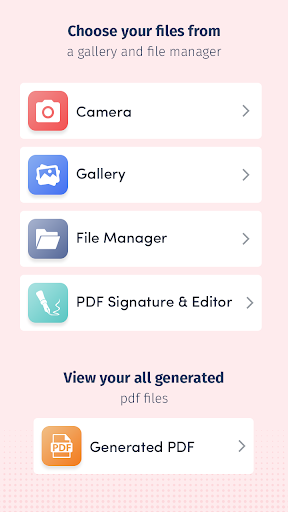
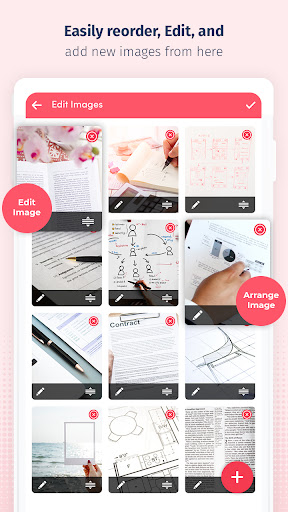
Image to PDF converter offline you can choose the images from the gallery in order with the image reorder option and convert it to PDF in a single click.
🔹How it works:
- Take picture of the documents that you want to convert or send.
- Choose the picture (PNG, JPEG, XPS, TIFF, JFIF, and GIF) or the document that you want to convert or send as a pdf.
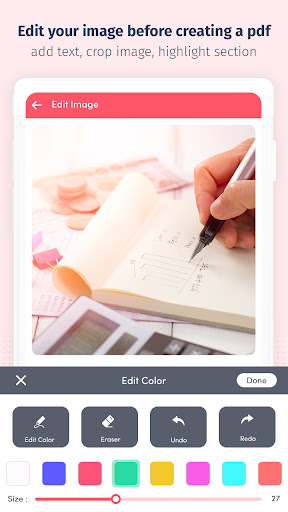
- Resize it Apply Effects Change rotation.
🔹JPG to PDF Converter, IMGTOPDF app Features :
- Image to PDF converter can use in offline mode.
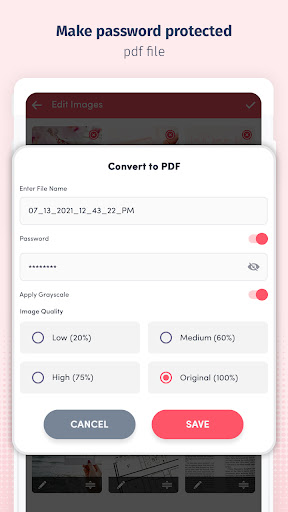
- Protect your documents with a passcode.
- Convert multiple images into a single PDF.
- JPG to PDF converter supports the generation of password-protected PDF.
- Grayscale and black-white image effects settings.
- Image Quality setting including no compression, low, medium, and high.
- Choose Single Page, Continuous scroll, or Reading mode.
- Use your device camera to snap a photo of anything—a document, whiteboard, form, picture, receipt, or note and save it as a PDF.
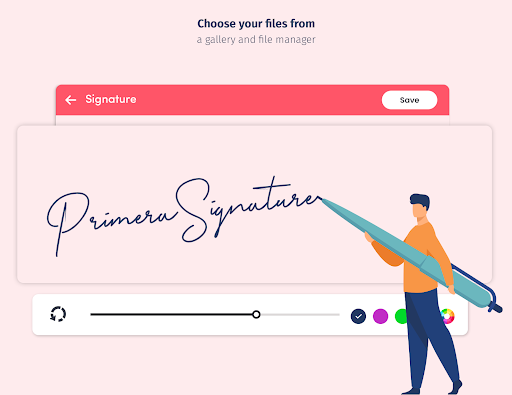
You can add your e-signature or text to your document easily.
Fill forms and Add Signature Features:
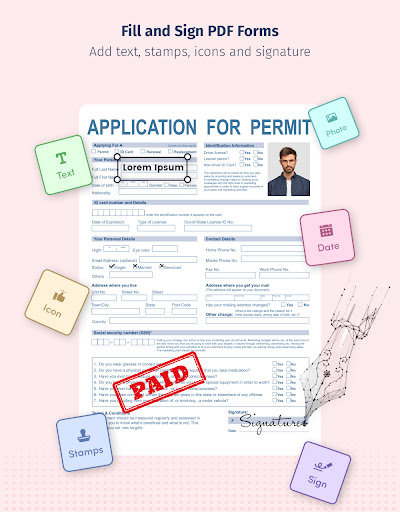
- Type anywhere on your document or sign your form in the PDF Editor
- Fill and edit PDF forms with text
- You can easily edit PDF documents on the go as the software detects fillable fields, forms, check boxes, and word documents.
Add Text on forms:
- Create multiple texts and list them out it, then select text and place them anywhere.
- Select the color of the text and save it.
Add Icon on PDF Document:
- Add multiple default icons, and place them anywhere in the pdf document.
- Rapidly fill forms by putting a tick on to a box
Insert Images on PDF:
- Select a photo from the gallery, and crop it as per your requirement, you can resize an image on PDF.
- Add multiple default icons, and place them anywhere in the PDF document.
Insert Images on PDF:
- Select a photo from the gallery, and crop it as per your requirement, you can resize an image on PDF.
-- bug fixed in version 1.39
-- share PDF issue resolved
-- Crop image issue resolved








9Apps 4.9