

** This app will only work on ROOTED Stock Android 4.1+ or AOSP ROMS **
** Xposed framework is required http://forum.xda-developers.com/showthread.php?t=1574401 **
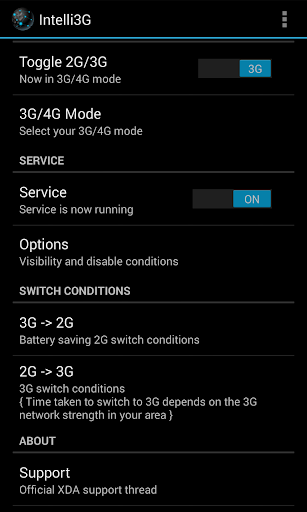
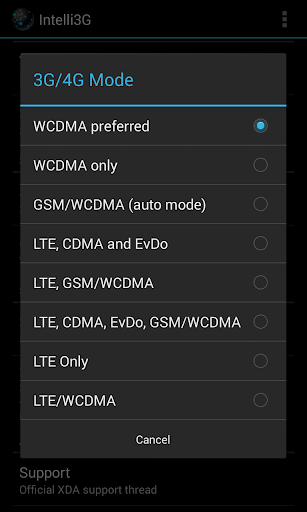
Intelli3G will intelligently manage your 3G connection and prevent your phone from losing battery when you are not using it. Intelli3G will put your phone on 2G network when it is your pocket. It will not disable your data like most other apps. You will still get all your notifications with minimal battery drain.
Features:
- Manual 2G/3G toggle
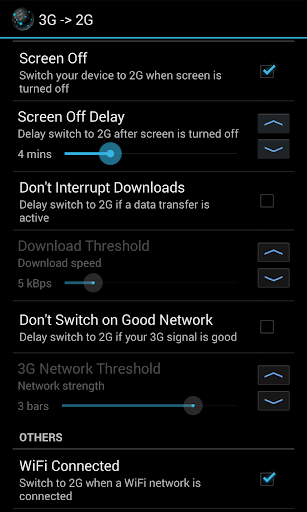
- Switch to 2G on screen off without interrupting any downloads
- Switch to 2G when you are connected to a WiFi network.
- Switch to 2G when data is disabled
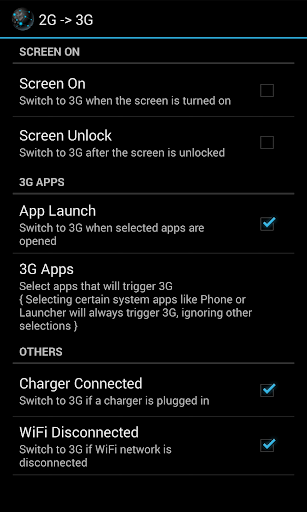
- Switch to 3G on screen unlock
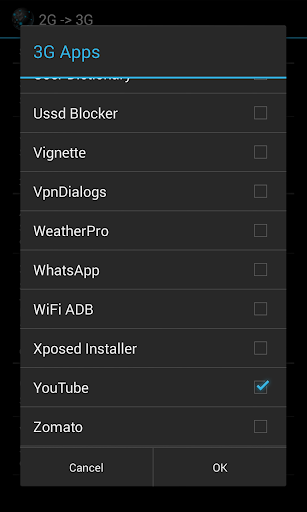
- Switch to 3G when bandwidth intensive apps are launched
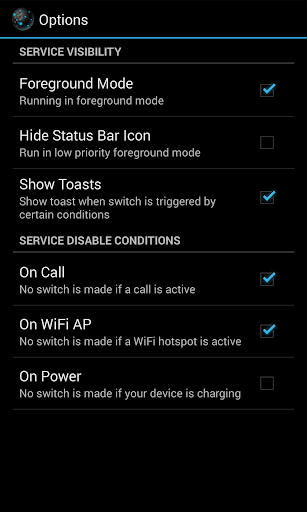
- Disable service on call/hotspot/charge
Intelli3G featured on XDA:
http://www.xda-developers.com/android/get-the-most-from-your-battery-with-intelli3g/
I observed the below facts about the Nexus 4:
- On 3G idle, you lose around 3-4% battery per hour depending on your 3G network strength.
- On 2G idle, you will lose less than 1% per hour.
I realized that I was constantly disabling 3G to get through the day. Then, I wrote this app to replace all the manual toggling to conserve battery.
If you have had the following problems on your Nexus 4, do try this app
- You lose a significant amount of battery charge overnight.
- You see msm_hsic_host wakelock (related to 3G radio) eating away most of your battery.
- You get less than 3 hours screen on time on a full charge.
Installation:
- If you are rooted, install Xposed framework from here http://dl.xposed.info/latest.apk and reboot your device.
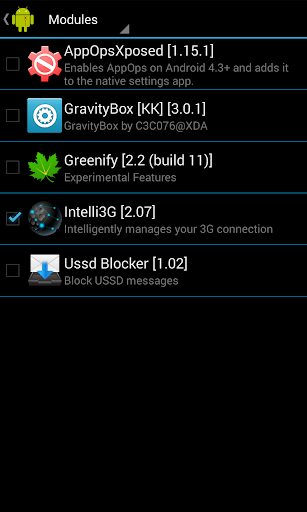
- After installing the app, enable the Intelli3G Xposed module and reboot
FAQ:
http://www.vrezo.com/intelli3g
XDA support thread:
http://forum.xda-developers.com/showthread.php?p=48720914







9Apps 4.9


![-5 [Xposed Xorware 2G/3G/4G] Xposed Guida e dimostrazione screenshot 4](https://i.ytimg.com/vi/A_BK0Uix3lc/mqdefault.jpg)














