

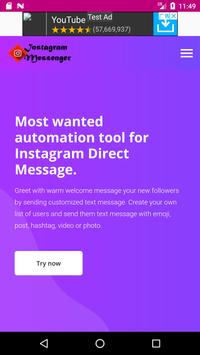
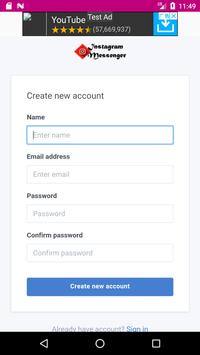
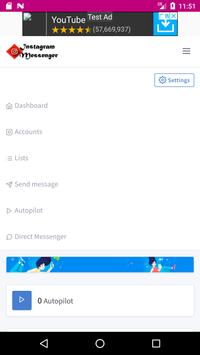
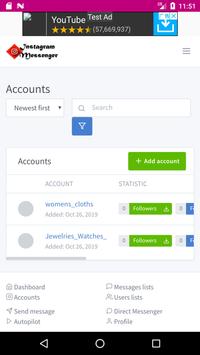
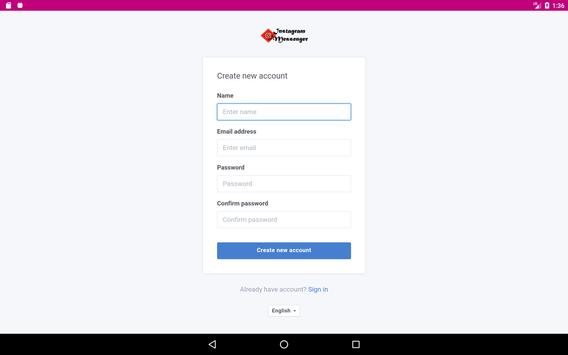
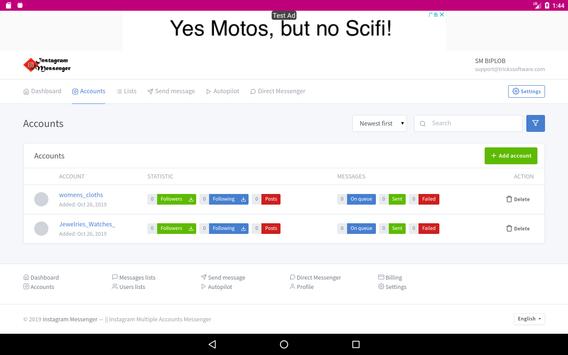
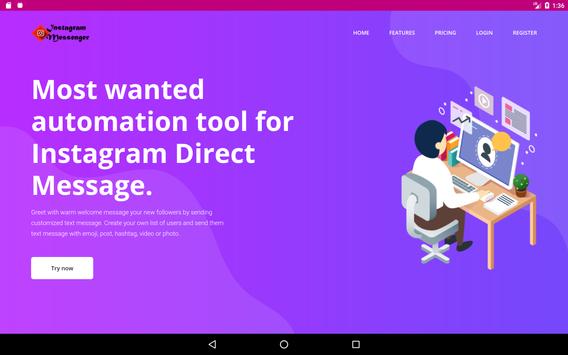
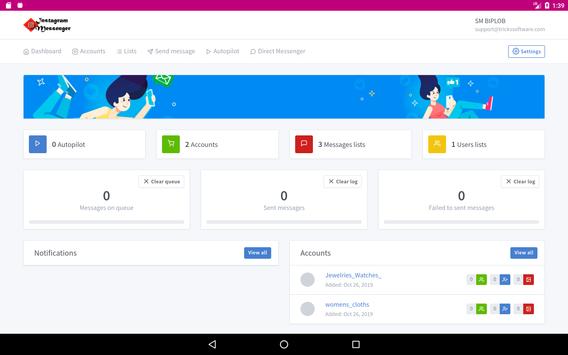
Instagram Messenger is a Multiple Instagram Accounts Messenger system or you can say management tool. You may be searching something, through which you can manage your multiple Instagram accounts messaging. If the answer is "yes " then you will definitely be happy to know that this app can give you complete management system for you multiple Instagram accounts message management. or can act as single account message manager.
Just visit the google app store and download this app into any device running on android.
Let me tell you the benefits you are gonna get.
1. This app has very little ads, only one banner above no other ads.
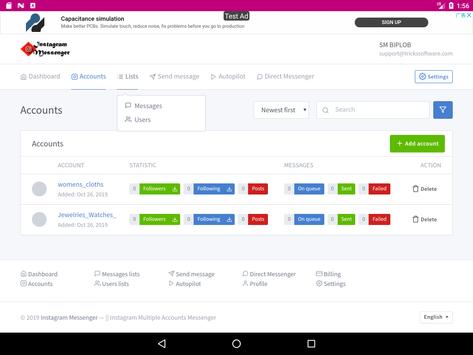
2. You can add multiple accounts. and do messaging marketing with it.
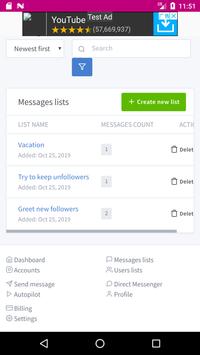
3. there is a option in the app call "list", This list is for you to add your leads. To add your customers. Suppose you are a E-commerce business owner. You just need to send message to some particular person. You can list them here and get start messaging. You can send same message to your particular list of people.
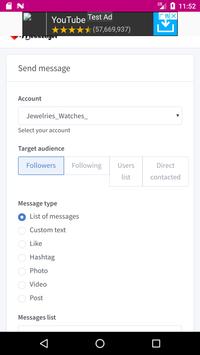
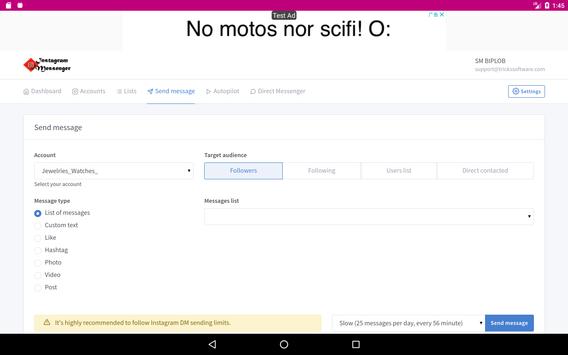
4. "Send Message" is another option which will make you astonished. Because In account section you will be able to select account from the account lists. Whenever you select a account you will see sub-section for message handling.Those sub-section are
* Message type
*Target audience
*Messages list
*Send Message (Number of message you wish to send per day automatically.)
Let me explain one by one.
Message type: This is the best section in Instagram Messenger which will help you to select the type of message you wish to send to your customer. Such as you message can be custom text message , or can be just "like" or hashtag or photo or videos or sharing post with some text. This is the section which will give you complete customization of your communication.
Target Audience: Target Audience is the section which you can use to target your audience type. you may be confused about "Audience types" your audience can be your followers or you are following or you have made list of your customers, or you can do direct contact with anyone in Instagram. So, Target Audience will make e-com business owner so happy.
Message List: Actually this section is the list of those people whom you already have added in your list or just newly followed you.
Send Message: This is the most useful section in Instagram Messenger. because you will be able to scale your marketing plan. You will be able to scale number of messages you wish to send per day. Such as , 200 message per day 7 minutes interval. or you can select 25 message per day every 56 minutes interval. So, This is really awesome for the marketers specially for eCommerce business owners.
Now move to next tab called Autopilot. This is the automatic action handler of messaging system in Instagram Messenger. you can select your targeted customer and message you wish to send automatically whenever action is taken. Such as, you want to send a particular message whenever you get a new follower in your particular account. You can do automation here. Just check it out you will get complete idea about it.
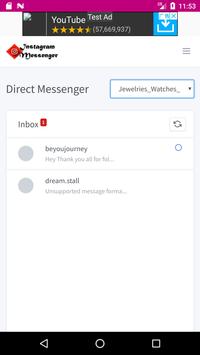
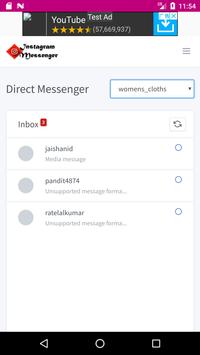
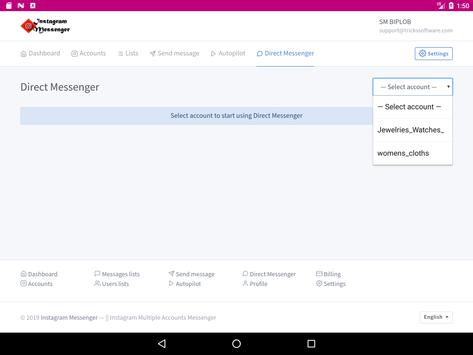
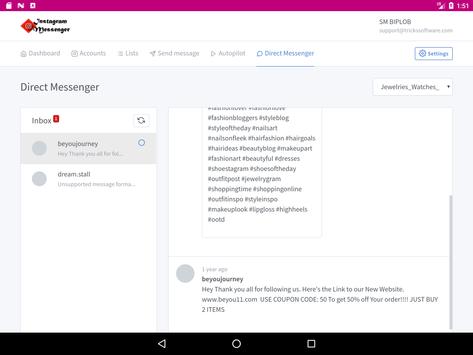
Direct Messenger: One more Very important option in Instagram Messenger to talk that is Direct Messenger option. If you tab it you will be able to see all your messages according to your account. You will be able to do messaging if you wish instantly. All accounts are listed in list section just select the account from account section to check messages.
Instagram Messenger - Multiple Instagram Accounts Messenger is the tool to help people grow their business through Instagram marketing. We wish you good luck in your business.
Let us know if you face any problem at the time of installing or handling the app. We will be happy to help. Feel free to knock us in our customer care.
Thanks




9Apps 4.9














