
Infomaniak kDrive icon

Infomaniak kDrive

4.2.14 for Android
4.2 | 10,000+ Installs | Reviews

Infomaniak

Description of Infomaniak kDrive

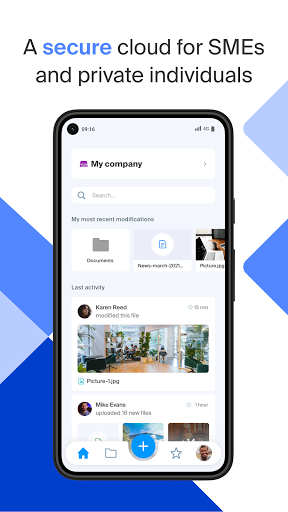
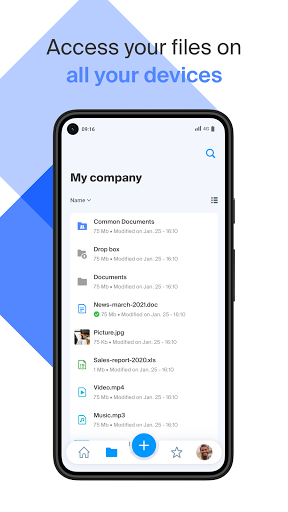
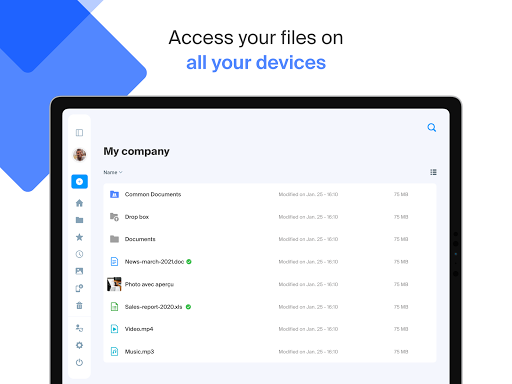
kDrive is a secure Swiss cloud for collaborating online and accessing your documents, photos and files on all your devices. Your data is stored exclusively in Switzerland in the heart of Europe, in environmentally-friendly data centers.
The free offer includes 15 GB storage via the etik.com page. For only 5 euros / month you can store up to 2 TB of data in a sovereign cloud that respects your privacy.
With the kDrive app, you can:
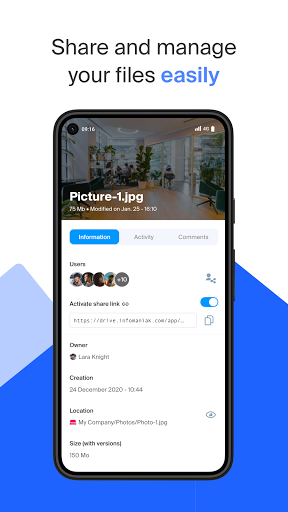
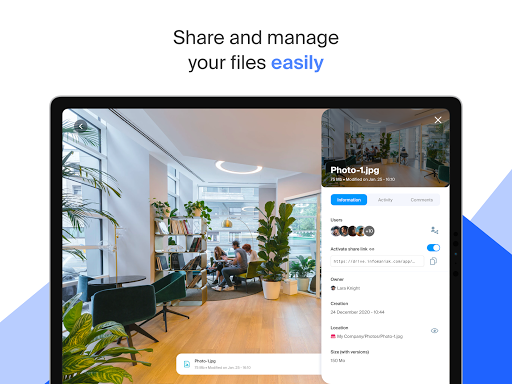
- Manage, share and view your documents, photos, videos and audio files
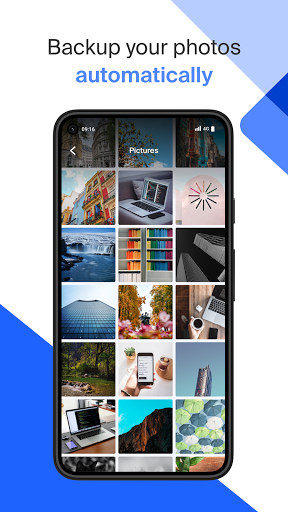
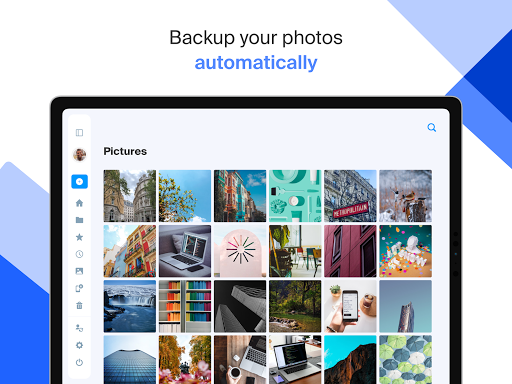
- Automatically back up your photo gallery
- Add any file to your kDrive
- Scan documents using the camera on your device
- Store files locally for offline access
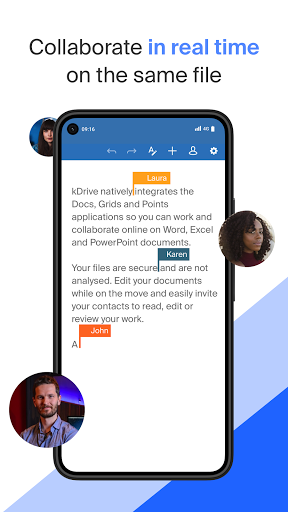
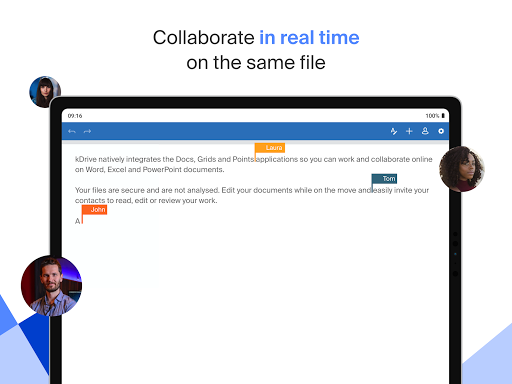
- View, create and edit Word, Excel and PowerPoint files
- Manage multiple Infomaniak kDrives
Infomaniak is an independent company owned exclusively by its employees. We don’t analyse or resell your data. You retain full control of your data and can work and collaborate without any limits in a secure ecosystem. The kDrive app is open source and you can consult its code on the Infomaniak github.

What's New with Infomaniak kDrive 4.2.14

- Manage categories in multiselection
- Deep link: A kdrive link now opens directly in the app and not in the browser
- Document scanning with saving of the previously selected folder
- Improved PDF display


Information

  • Category:
    Productivity
  • Latest Version:
    4.2.14
  • Updated:
    2023-02-08
  • File size:
    62.0MB
  • Requirements:
    Android 5.0 or later
  • Developer:
    Infomaniak
  • ID:
    com.infomaniak.drive
  • Available on:
Reviews
  • avatar
    The app is easy to install and the connection to my drive was easy enough. However, what I haven't figured out yet is how I can specify which folder I want to sync on my phone... So for now I have removed my account again, since I don't have enough space on my phone.
    2020-09-02 04:33
  • avatar
    Categories and commands are non-intuitive. What is On Device? Why can't you auto-upload entire folders instead of categories decided by the devs or just files? Even worst, when trying to upload directories on All Files or Uploads (redundant?), it doesn't do a thing and get stuck with a notification that I can't even make disappear. The apps only manages Uploads of files: in bulk, ok, but not directories. BTW, the Sync means "Available offline" on your local device (be careful, eats space).
    2020-06-04 10:45
  • avatar
    Excellent app, thanks!
    2020-04-02 11:59
  • avatar
    Fantastic.
    2020-02-20 04:04