
All your PC controlling solutions in one android app! InfiniMote lets YOU decide how you control your PC.
How to get started:
Visit our website at: http://infinimote.wixsite.com/home/get-started and follow the instructions.
So what makes InfiniMote so awesome?
•
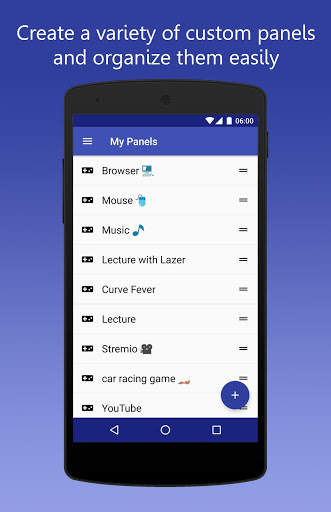
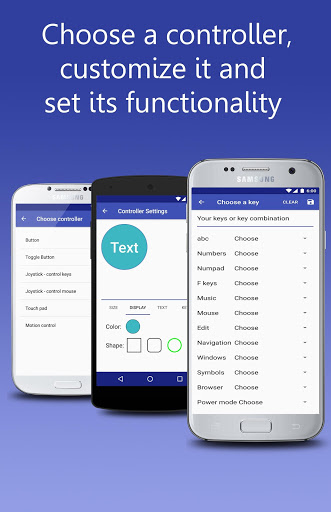
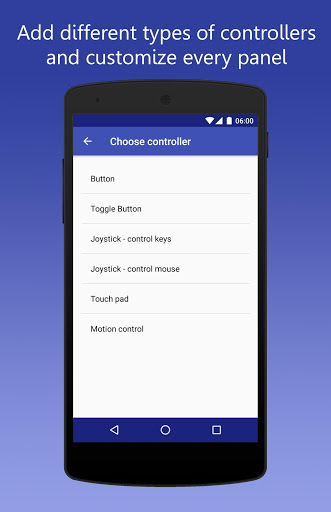
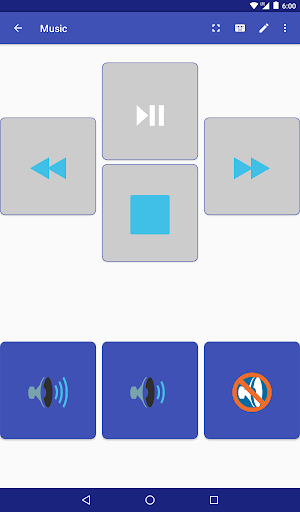
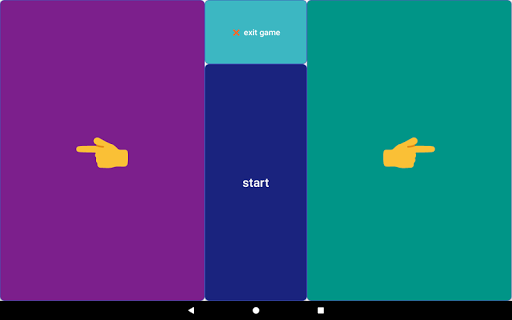
With InfiniMote you can create and customize your own remote panels to best suit your needs: add controllers of different types and customize their appearance, position and functionality. This way, you can build a remote for whatever you want: media player, online game, gallery etc'. The possibilities truly are INFINITE! We provide 6 default useful remotes to inspire your creativity.
•
With InfiniMote you can control the same computer from multiple phones simultaneously. This is perfect for playing multi-user online games.
Features:
•
Create and customize an infinite number of remotes.
•
6 default preinstalled remote panels for your own use and inspiration.
•
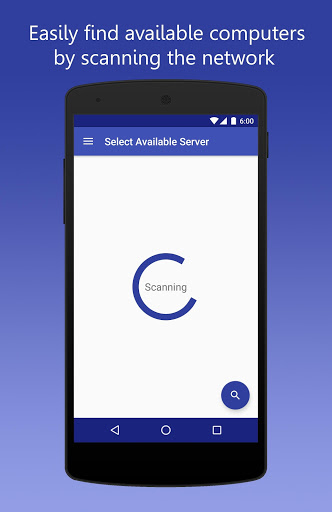
Automatic network scan to find your computer easily.
•
Excellent performance: zero lag.
•
Many types of customizable controllers: buttons, touchpads, movement sensors, mouse and keys joysticks.
•
Control your computer from multiple devices simultaneously.
•
Define programs or links on your computer which can be quickly opened from your phone.
•
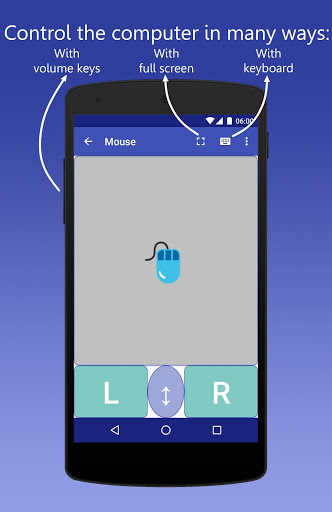
Write text on your computer with your phone's favorite keyboard.
•
Utilize your phone's physical buttons to control your computer.
•
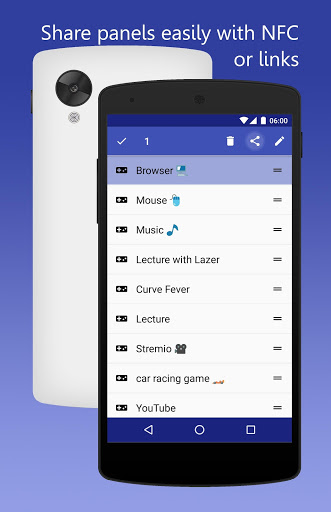
Share your custom remote panels with your friends. Supports Links and NFC.
•
Beautiful User interface designed by Google's material design guide lines.
•
Safe and secure phone-computer connection.
•
Custom main theme, panels theme and controller colors.
•
2 Full screen modes to control your computer.
•
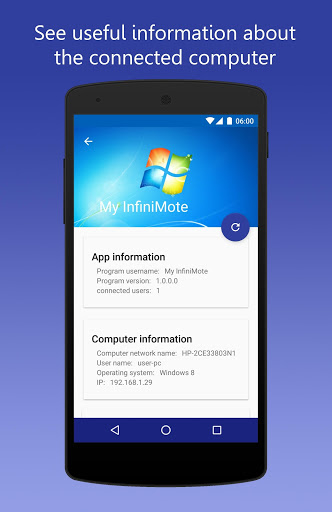
Useful computer information to be watched from your phone.
•
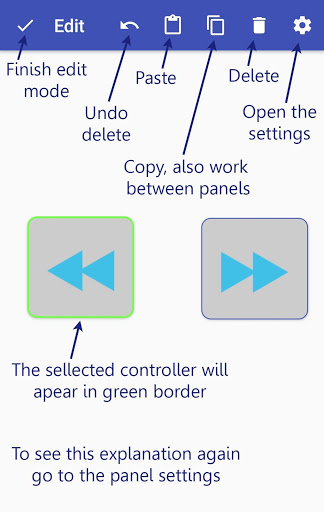
Drag and drop technology for customizing your remote panels.
•
Drag and sort technology for organizing your remote panels list.
Our website: http://infinimote.wixsite.com/home
What's on our website: how to get started, PC server program download, frequently asked questions, our main features and more explanations.
Our email: infinimote.info@gmail.com
You may contact our support team anytime. We welcome ideas and improvement suggestions :-) .
Why do we need those permissions?
# receive data from Internet - for communication with your computer
# view network connections - for scanning computers on your network
# full network access - for both connecting and communicating with your computer
# control Near Field Communication - for sharing panels through nfc
# prevent device from sleeping - for keeping the screen open on your remote panels
version 2.1.5
# adding the ;
keys to the possible control keys
# better support for newer android versions
# bug fixes
version 2.1.4
#fixe bug on android 8.1
version 2.1.3
# Add option to disable swipe to delete method
version 2.1.2
# performance improvements
# bug fixes
version 2.1.1
#bug fixes










9Apps 4.9













