
**
PLEASE READ CAREFULLY BEFORE USING THE APP. WE CAN'T STRESS THIS ENOUGH
**
* Internet connection is required
* Pictures need to be clear for the app to be able to read them
* The app
WILL NOT
read blurry or handwritten text.
* Use the default Android cropping tool. Otherwise, disable the cropping tool from settings
* This app doesn't support all languages. Read below for a list of supported languages
* This app is
NOT
completely free
* Android versions 4.4 and lower are
NOT
supported
* Read more about the app here:
https://goo.gl/hXN1ik
Wanted to convert photo to text but your picture to text app failed you? Are you in for one of the most precise OCR online apps with the best language recognition and direct translation? Well, you must try our OCR online app.
CONVERT PHOTO OR DOCUMENT TO TEXT WITH ONE OF THE BEST OCR SCANNERS
Image to Text
, or Optical Character Recognition (
OCR
), is an app that can detect text in images, and subsequently extracts the defined characters into a machine-usable character stream. By doing so, text can be generated and searching is enabled. This feature will undoubtedly help save time and provide more convenience for the users, by allowing them to simply take photos of text instead of expending extra effort to transcribe text. It also supports PDF OCR which lets you convert
PDF to text
and
PDF to Word
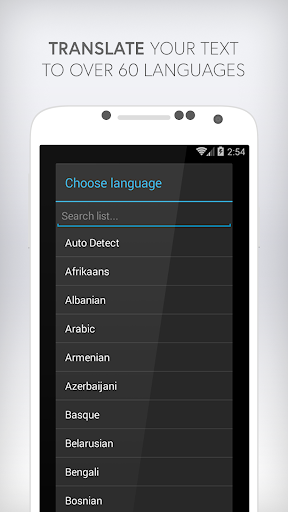
Most of OCR apps (like ours) work perfectly for English. But what happens when you try to do OCR recognition for other languages? Most of apps fail to deliver. Contrary to that our app supports and will convert image to text in more than 60 languages. Additionally, it will directly translate the text to more than 60 supported languages directly within the app. If you are looking for a
PDF to Text
tool, this app also works great as
PDF scanner
. The ultimate
PDF to Word converter
►
KEY FEATURES THIS OCR APP
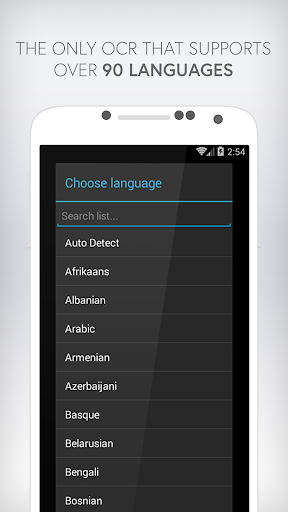
★ Supports over 60 languages
★ Automatically detect language
★ Ability to choose a default language
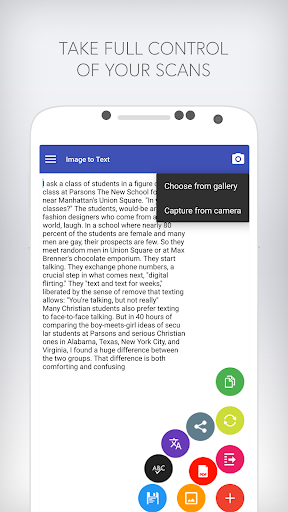
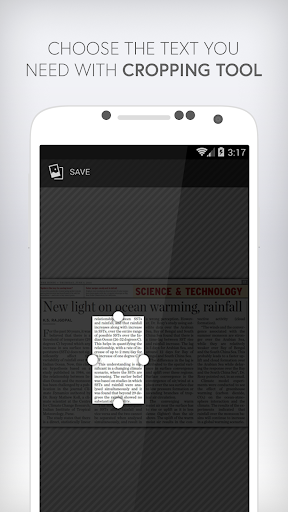
★ Ability to crop images
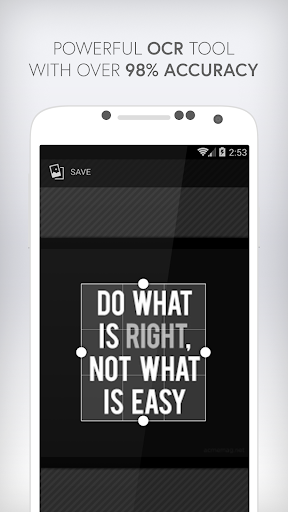
★ Over 98% accuracy
★ Ability to instantly translate text to more than 60 languages
★ No need to install language packages. They are all pre-installed for you
★ Ability to remove all ads
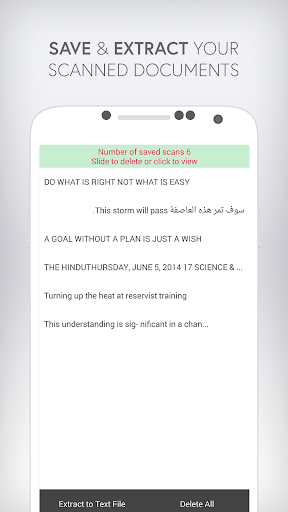
★ Ability to save text
★ Option to save scanned documents automatically from settings
★ Extract saved documents to a TXT file
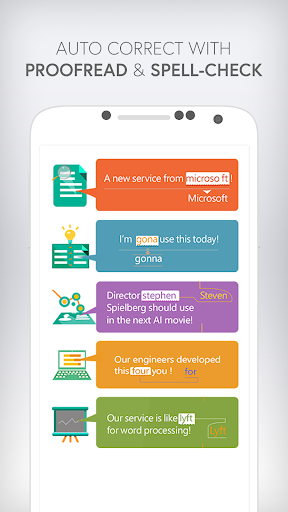
★ Ability to proofread and spellcheck your scanned text
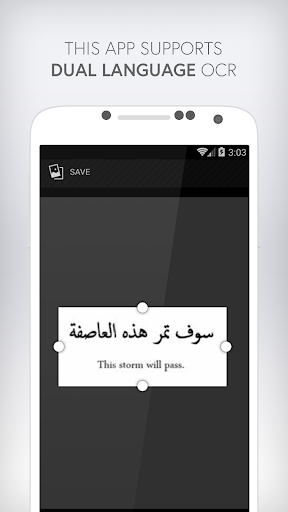
★ Supports dual languages within the same document
★ Supports major image file types including JPG, PNG, JPEG, GIF, BMP, WEBP, RAW and ICO
★
Convert PDF to text
- PDF to DOC - PDF to TXT
★ Supports TXT to PDF
★ Award system. Watch videos and earn daily scans
★ Lightweight app. It won't take a lot of space
★ Can be used to scan documents, books, newspapers, billboards, menus, etc
★ Works great for students who want to copy notes
★ Compatible with
Google Talkback
►
SUPPORTED LANGUAGES ON THIS OCR APP:
Afrikaans, Arabic, Assamese, Azerbaijani, Belarusian, Bengali, Bulgarian, Catalan, Chinese, Croatian, Czech, Danish, Dutch, English, Estonian, Filipino, Finnish, French, German, Greek, Hebrew, Hindi, Hungarian, Icelandic, Indonesian, Italian, Japanese, Kazakh, Korean, Kyrgyz, Latvian, Lithuanian, Macedonian, Marathi, Mongolian, Nepali, Norwegian, Pashtu, Persian, Polish, Portuguese, Romanian, Russian, Sanskrit, Serbian, Slovak, Slovenian, Spanish, Swedish, Tamil, Thai, Turkish, Ukrainian, Urdu, Uzbek and Vietnamese
Light and beautiful OCR online scanner. PDF to word converter.
This OCR Text Scanner is easy to use with lots of extra features.
The best multi-language OCR online recognition for Android!
It is by far the best document scanner
If you like our app, please support us by leaving a positive review ★★★★★
* Read more about the app and most asked questions here:
https://goo.gl/hXN1ik




9Apps 4.9















