


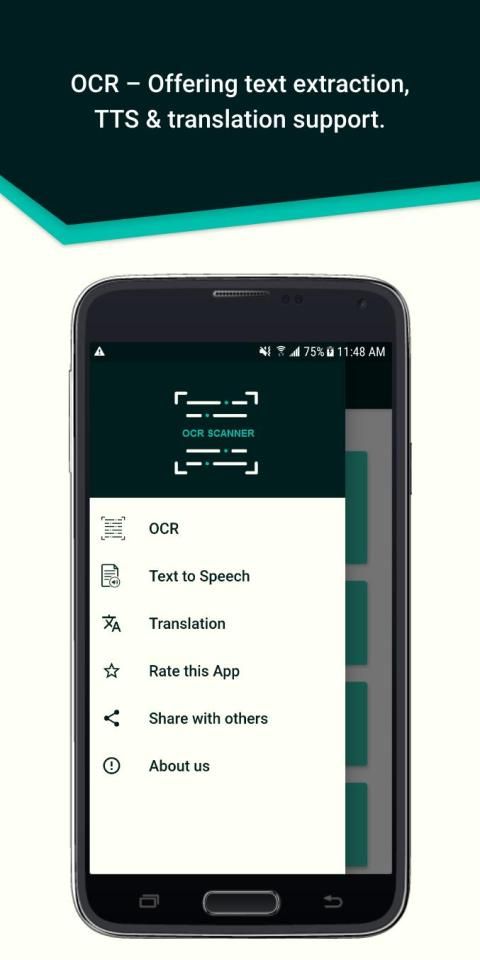
I would like to recommend you an application with large number of downloaders. 20,000+ users downloaded Image to text scanner - OCR - TTS - Translator latest version on 9Apps for free every week! It is a wonderful app that amazes every player. This hot app was released on 2019-11-16. 9Apps allows you to download more apps and updated daily!
Tapping vigorously on text in an image only to know that it does not allow selection? We know the frustration. Now manipulate any type of text with OCR scanner. You can easily benefit from the features that were never available before:
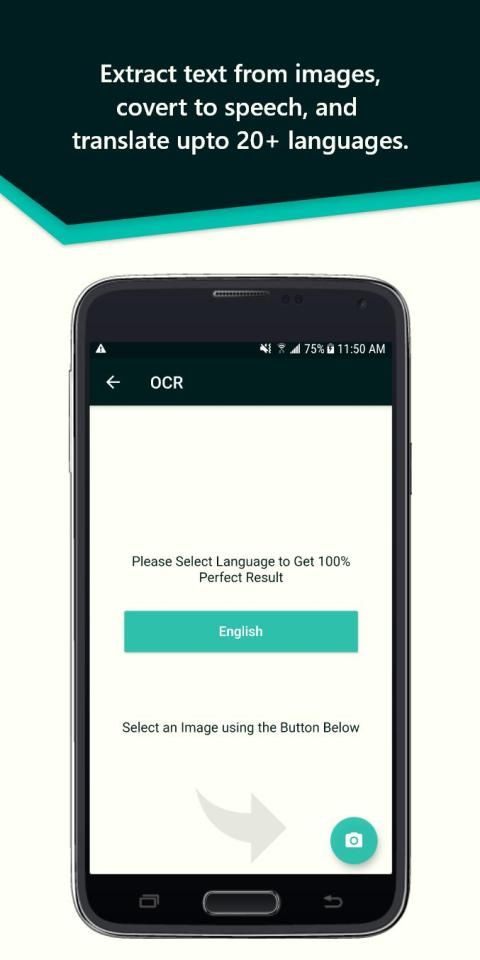
• Image to text conversion/ Read text from an image.
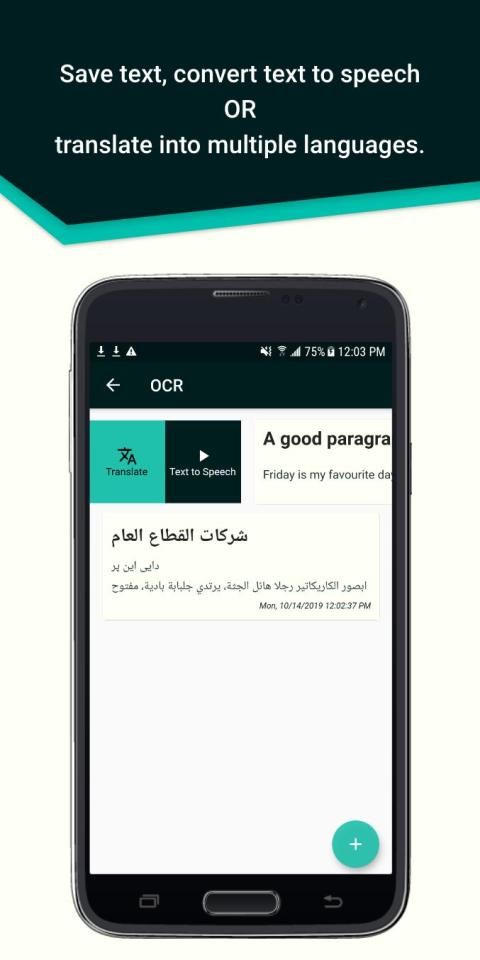
• TTS – Text to Speech.
• Translator – conversion from 1 language to another.
OCR Scanner is an image to text converter, with which you can extract, translate, save and share any text. Whether it is a picture or some handwritten characters, OCR Scanner is the best extractor and converter. You can even translate the scanned text into multiple languages. You can turn the scanned text into speech and read text from images with TTS (Text to Speech) conversion. Just sit back and listen to the information you need. App features are described below:
- Extracts text from images (.bmp, .jpeg, .png, etc.)
- The application is free from any premium and subscription scams.
- It preserves hyperlinks in the scanned text, so you can get directed to them easily.
- It provides an option to save each document.
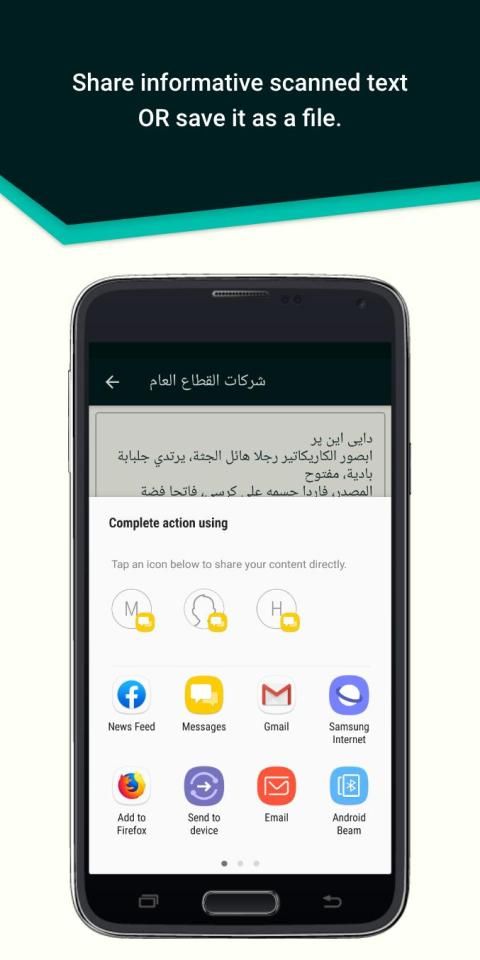
- You can share the document easily across different platforms.
- Convert to quality text file, save it and review it.
- Translations, Image to text conversions and Text to speech are possible between the following languages:
Arabic
Chinese
Czech
Danish
English
Finnish
French
German
Greek
Hindi
Hungarian
Indonesian
Italian
Japanese
Korean
Dutch
Norwegian
Polish
Portuguese
Romanian
Russian
Spanish
Slovak
Swedish
Thai
Turkish
Urdu
How should I use it?
OCR Scanner is the Top image to text recognition app for daily use. Typing can be time-consuming, but now you can scan your notes with OCR text reader. It is a professional text scanner to convert your brainstorming boards to manipulative text, so that you can add to the original ideas and preserve creativity. You don’t have to type, just take a picture and convert it from picture to text and you have an editable file.
App Permissions:
OCR Scanner will require the following permissions:
Storage: This app needs permission to store documents on your phone.
Camera: OCR Scanner needs permission to use the camera to scan images.
* Handwritten text will also be translated and read by the OCR app.
- Minor Bug Fixes



![How to Extract text from images. -- Text Scanner [OCR] screenshot 3](https://i.ytimg.com/vi/8cRVZo1_EIo/mqdefault.jpg)

![[ocr] text scanner app - image to text || Optical text reader app 2019 screenshot 5](https://i.ytimg.com/vi/yMyeP6NxnsA/mqdefault.jpg)






9Apps 4.9














