


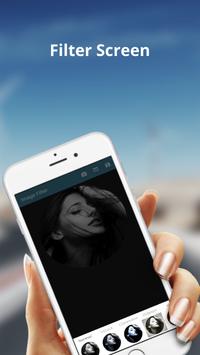

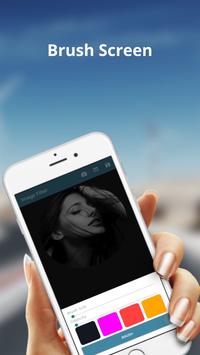
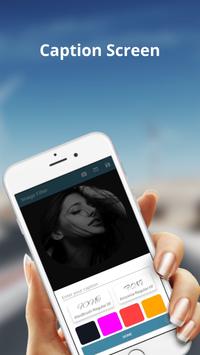
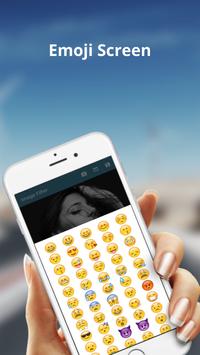
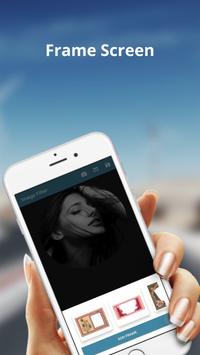

Image Filter offers to everything you want to edit pictures. Stylish effects, edit, brush, emoji, caption for images, add pictures, photo frame, crop etc are including here.
How do you use it -
First of all select the image from your device or capture the image instantly.
Secondly you can choose any tools whatever you like.
After finish the editing, you click top of the right icon. Image is saved in your device.
Key Features -
Filters – Multiple filters are including here. Select any filters whatever you like .
Edit – Brightness, Constraint, Saturation are included. You can handling increase or decrease .
Brush – Multiple brush colors are included. You can brush your image using any colors.
Emoji – Multiple emoji are including here. You can choose anyone whatever you like.
Text – Multiple fonts are including. Write the caption and choose any fonts and text color.
Images – People can set any images from your device like sunglasses, hat etc on current image .
Frames – Multiple frames are including here. You can choose any frame as you like it.
Crop – You can crop your image with different position and angle .
N.B – Don't use any tools without first selecting your images.
So enjoy our apps and stay with us
Developed by – WEB & IT Solutions




9Apps 4.9














