
Icedrive #Secure Cloud Storage icon

Icedrive #Secure Cloud Storage

2.7.5 for Android
4.2 | 100,000+ Installs | Reviews

Icedrive

Description of Icedrive #Secure Cloud Storage

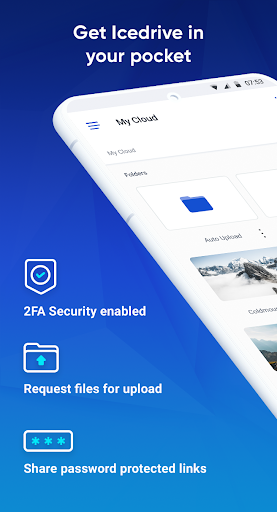
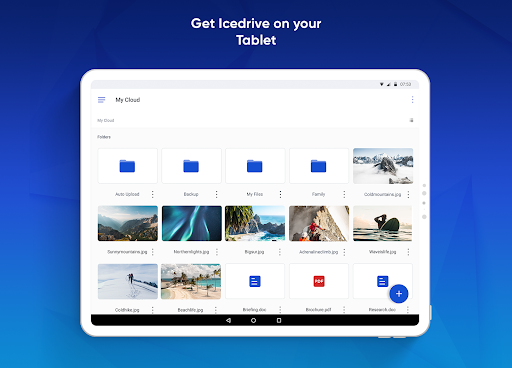
Backup your photos, documents and videos with Icedrive, the coolest cloud storage and backup service to hit the scene.
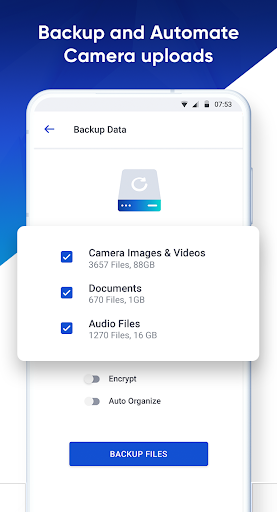
Need a quick solution? Instantly backup your entire device with our backup wizard.
Never lose a photo again with our auto camera uploading feature.
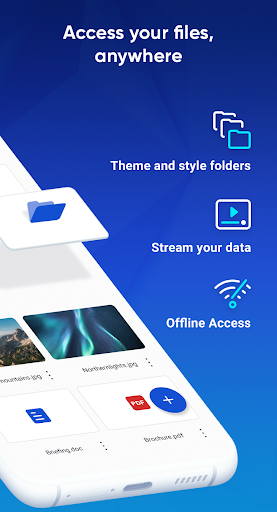
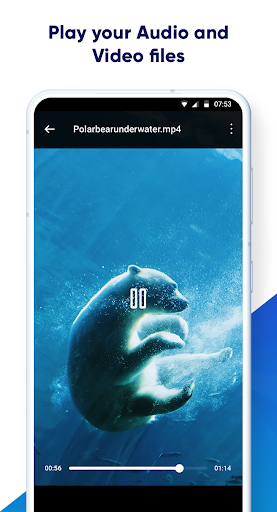
Stream your media on-the-go with our built-in audio and video streamer.
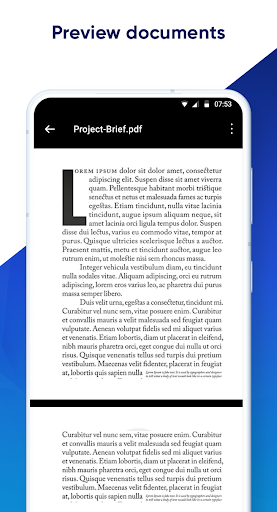
Busy professional? We've got you covered. Preview & Share all popular document and vector file types with our built in document preview tool.
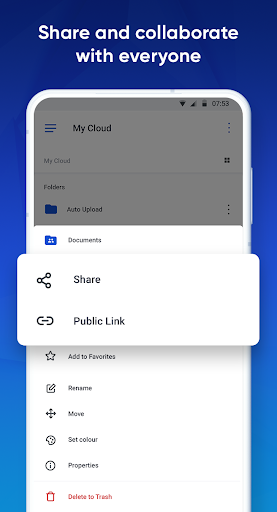
Keep your friends, family and colleagues in the loop with our advanced file sharing options. Send files instantly to other Icedrive users or create a public page with a link.
What are you waiting for? Make the switch to Icedrive today!

What's New with Icedrive #Secure Cloud Storage 2.7.5

- fixed scrollbar behavior in grid view mode
- scroll position remembered when browsing folders

Information

  • Category:
    Productivity
  • Latest Version:
    2.7.5
  • Updated:
    2023-12-30
  • File size:
    30.7MB
  • Requirements:
    Android 4.4 or later
  • Developer:
    Icedrive
  • ID:
    com.icedrive.app
  • Available on:
Reviews
  • avatar
    This is excellent but it lags when organising folders & using the app on general. however it will be replacing Google drive as it has more storage for same price, very fast uploads- shows you how fast its going (haven't seen this bonus feature in any other cloud storage app) & it does public sharing so the person with the link isn't required to also have the app like some other apps make you do. this exactly what I was looking for
    2020-10-21 02:46
  • avatar
    Excellent 👌. I purchased the life time subscription of 5TB. Very good service.
    2020-10-20 05:25
  • avatar
    This is excellent will be replacing Google drive as it has more storage for same price, very fast uploads- shows you how fast its going (haven't seen this bonus feature in any other cloud storage app) & it does public sharing so the person with the link isn't required to also have the app like some other apps make you do. this exactly what I was looking for
    2020-10-17 03:35
  • avatar
    Wow, Any files that were sent to this have to be "downloaded" other apps you send and thats it, then the real kicker, you can't share a file to other apps etc except sharing it to an email, then you have to go into email and click a link to yes you got it "download again" but by doing so it opens sharing to anyone, i tried to send 3 pics, error ! You can only send 1 at a time, seriously bad.
    2020-10-17 12:15
  • avatar
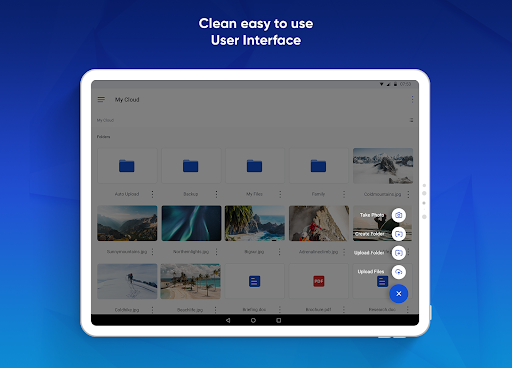
    The best cloud storage. Loved it. Its damn fast and superb UI
    2020-10-13 04:32
  • avatar
    Signed up for a lifetime plan. Refused to rate it after one day as I wanted to see how it behaves for longer time. So far I have following to say. Pros: - Quite simple and friendly design. Hope it will evolve with time. - I was able to install it on a very old Android tablet! - It kindly installed itself to SD card, not to internal storage! This is quite useful, because all my other cloud apps take up internal space. - Quite fast. Cons: - Seemingly no way to check which of my files are currently shared, and which are available offline. One day I made one file offline, then when I needed it I had to spend half an hour trying to find it and remember which folder it was in. It would be much faster to just bring up a list of all offline files (same with shared files). - Seemingly no way (or maybe this is just for the PC application) to download multiple files at once. One can select a few files, start downloading... but only one file get downloaded. Also: - Would be great to be able to rightclick on a folder or a file and see their size. - Would be great to be able to know how much space is taken by file versions and remove old versions - Code viewer is a really good feature. Unfortunately, it seems unable to open files with certain extensions. E.g., Arduino code (.ino). Yes, you can try renaming the file, but changing extension is not an option in mobile app (can only change the name itself). So, download, rename in Total Commander, upload back again, view, enjoy, repeat while true. - the "home" icon on the PIN prompt is like the infamous "Power" button on some old PC keyboards located next to cursor buttons. One misclick - and the app logs out. My password is 20 symbols long, so entering it again is quite a trouble. It would be much better if the app asks if I really want to log out when I click this icon. Other than that, still quite a good app and service. I think I will like it.
    2020-10-13 07:54