

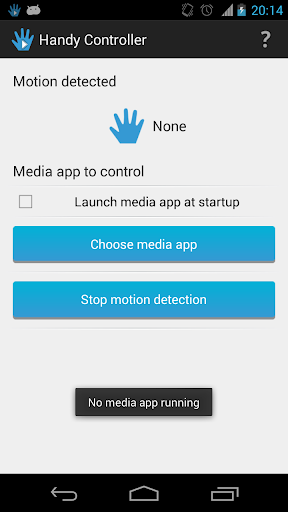
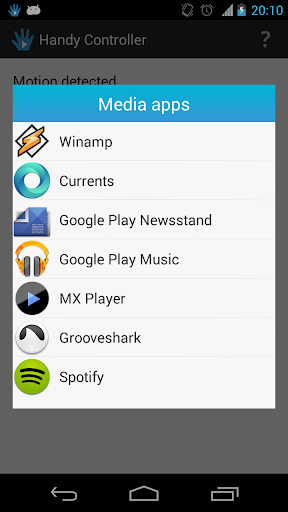
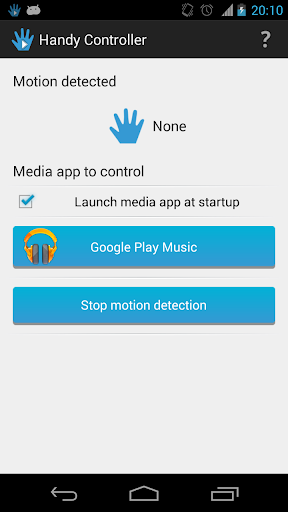

Handy Controller
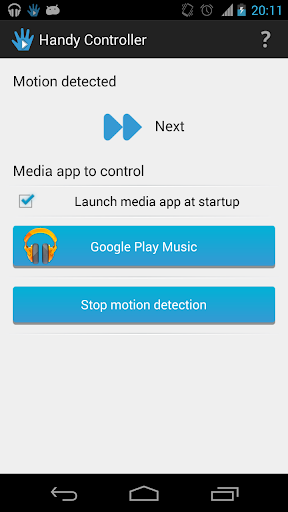
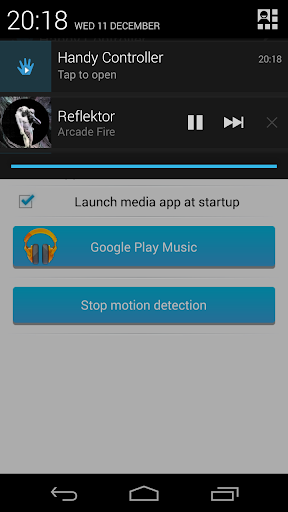
allows you to control your media applications (music and video) without the need to unlock or even touch your device.
Tired of having to unlock your device to change track? Want to skip to the next video by simply hovering over the device?
Handy Controller
is the answer!
•
WARNING: This app works only
on devices that have a proximity sensor. Even if it is possible to install the app on your device, please make sure it has the mentioned sensor -
Handy Controller app tells you when a gesture is detected.
→ In general, the proximity sensor is located next to the speaker of the device.
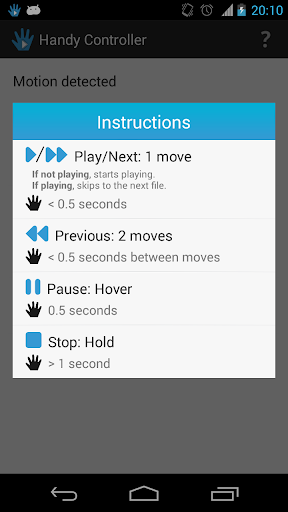
• Controls:
→ Play
→ Pause
→ Stop
→ Next
→ Previous
These controls are issued by the
Handy Controller
app as
Headset Controls, which are supported by the majority of media apps. However, some media apps have to be configured to allow the use of these commands.
Example:
To use
Handy Controller
with Winamp, launch the Winamp app and go to
Settings
and enable
Control headset
.
•
NOTE
:
In case you have any problem, please send me an email reporting the issue and how it occurs before leaving a bad comment. This way I can try to fix it and we all get happy :)
• Languages:
English
Portuguese
• Permissions Needed:
GET TASKS: To get recent apps
WAKE LOCK:
Keeps the app running while the screen is off
INTERNET:
To display Adds
ACCESS NETWORK STATE: To display Adds
• Others:
→ Uses Action Bar Sherlock to display an Action Bar on pre-HONEYCOMB devices
(










9Apps 4.9














