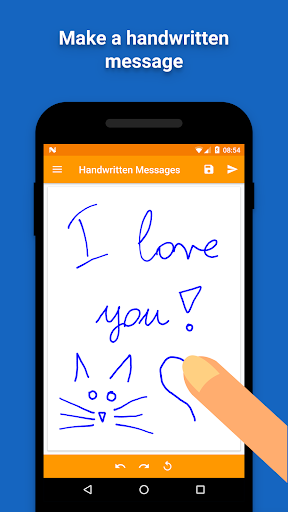
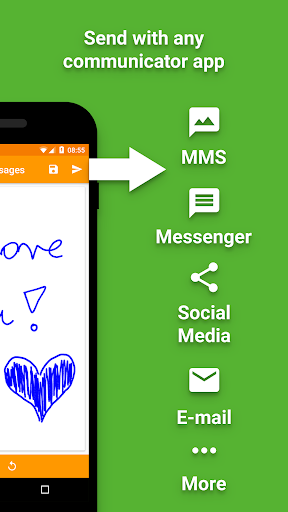
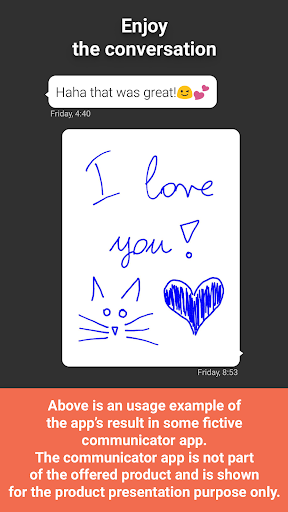
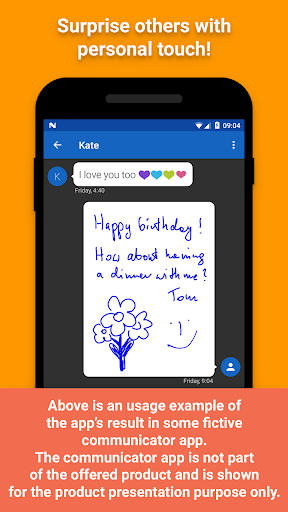
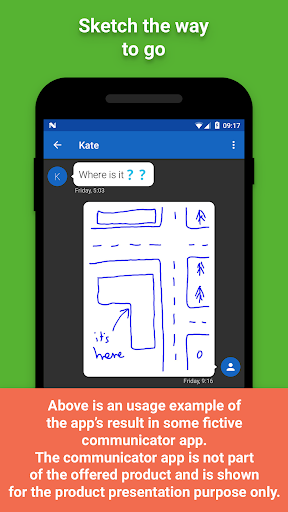
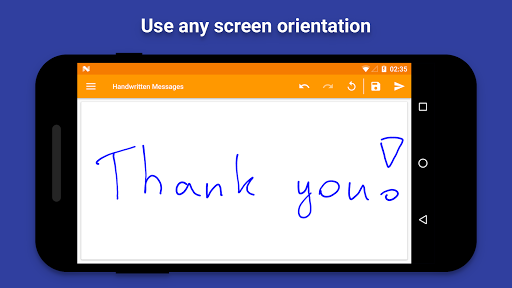
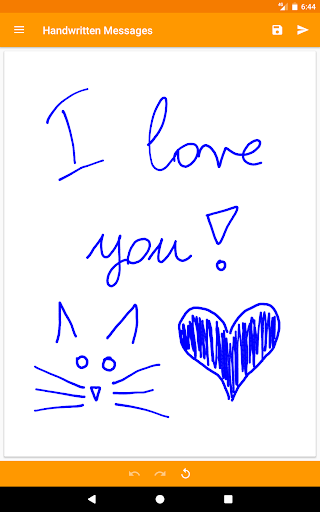
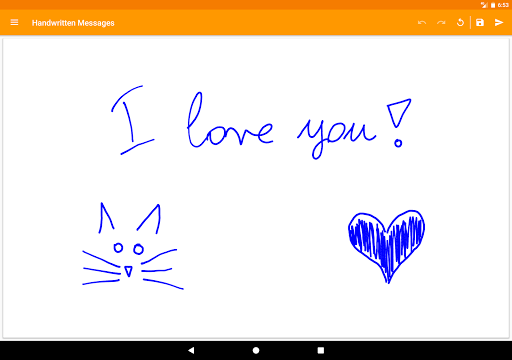
Surprise your friends with original, unique and personally handwritten messages. Send from any SMS (MMS), messenger, social media or e-mail app you prefer, using this great tool. Write a text, draw a sketch, a piece of art or create whatever you like.
Advanced pen simulation
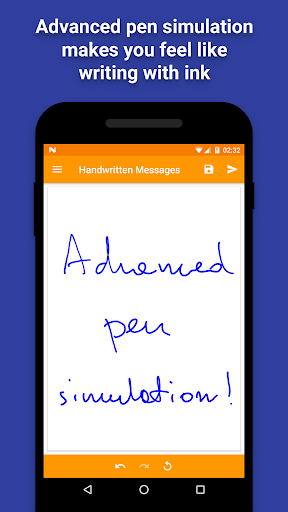
This app utilizes an advanced pen simulation technology to make your handwriting look as if you were writing with a real pen that uses ink. Nothing makes your messages more elegant and original than ink and your own handwriting. Through the use of a stroke smoothing algorithm lines will look amazing and smooth.
How it works
• Hand write with your finger or stylus.
• Use Handwritten Messages as a standalone app to send result to any messanger or other app.
• Use this app as an image source from any messenger or other app that opens images.
• This app works as a virtual camera too, so you can use it in any app that launches the camera app to take pictures.
• Save your messages as pictures in the gallery.
Other features
• Correct your message easily using the "Undo" and "Redo" buttons.
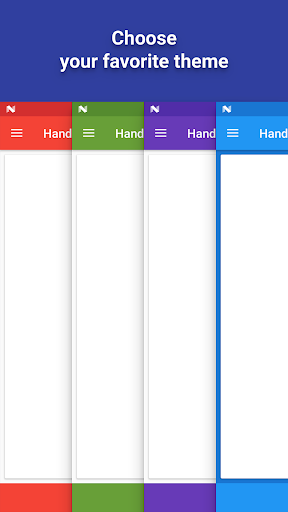
• Make this app personal by customizing the app theme.
• Lightweight - very quick installation.
Permissions
Storage: required to save and send your messages.
Network access: to allow bug reporting (optional) and showing ads (not many).
Changes:
- Preview of shared image is shown before sending on supported devices.
- Better support for newest Android versions.
- Devices with Android 4.3 and earlier are no longer supported.
Bugfixes:
- Fixed drawing in shifted position relative to touch.





9Apps 4.9