Gravity Gestures icon

Gravity Gestures

1.5 for Android
3.4 | 100,000+ Installs | Reviews

TinoooApp

Description of Gravity Gestures

Gravity Gestures is a revolutionary application that helps you save a lot of time.
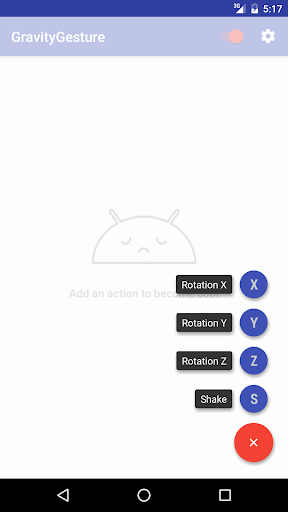
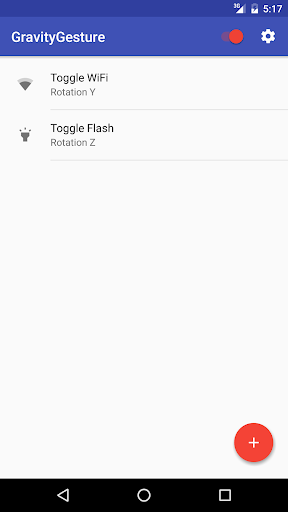
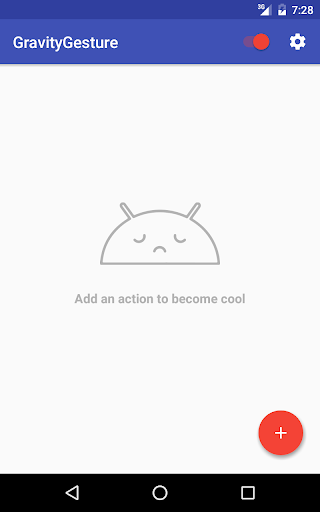
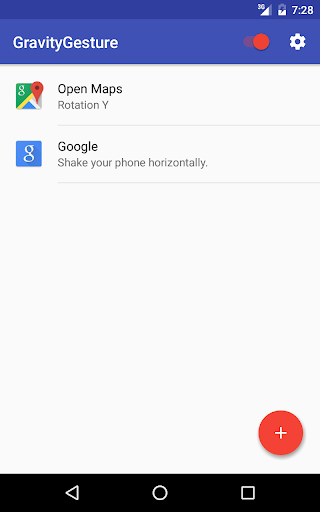
The four gestures you can make are: rotation X, rotation Y, rotation Z and shake.
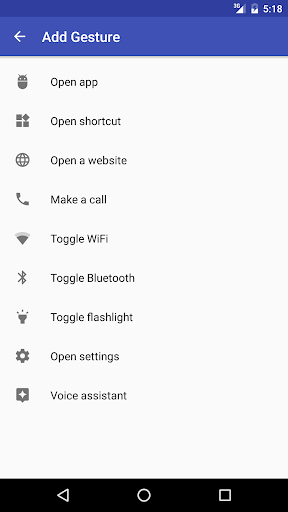
You can link different actions to these gestures: open an app, toggle settings (like wifi and Bluetooth), make a call, etc.
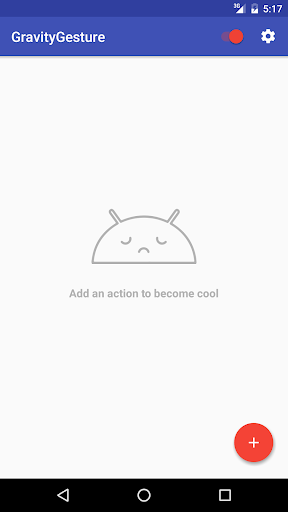
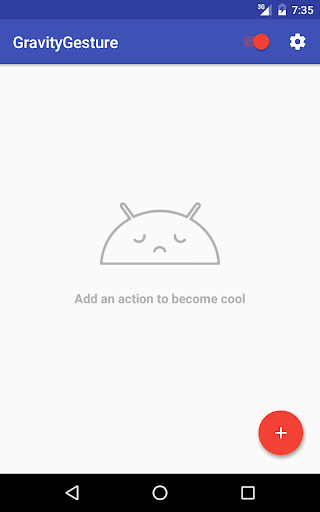
The interface is easy, friendly and follows the material design specification. You can add as many gesture as you want and delete them anytime with just a swipe.
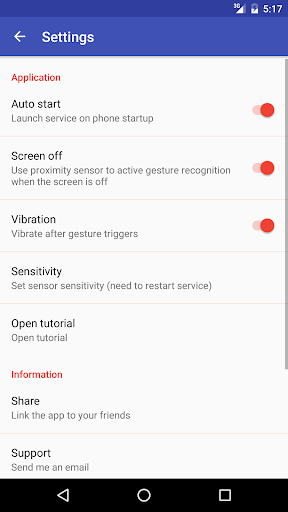
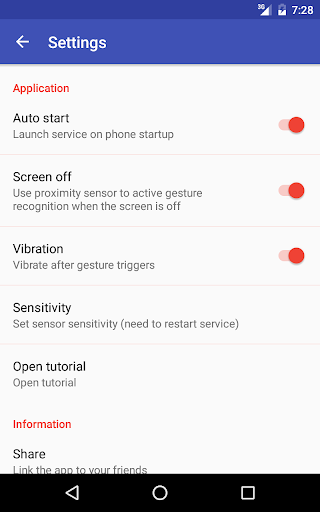
The app automatically starts when you turn on your device, you don't need to open it every time. You can even use your gestures, when the screen is off.
The battery consumption is really low considering the type of application thanks to an innovative sensors polling algorithm.
Gravity Gestures is free.
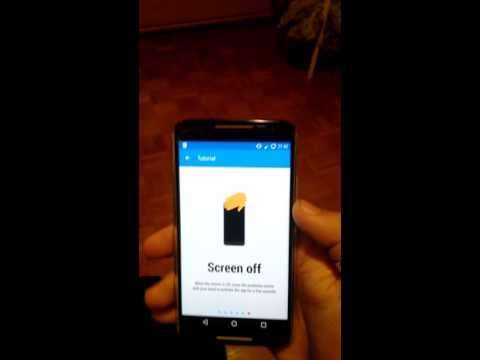
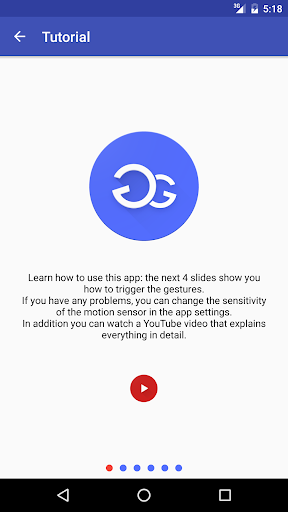
You can watch the video to know more about the app.
This app needs gyroscope and accelerometer sensors to optimally work.
Google Community: https://plus.google.com/communities/103788201798277273396

Information

  • Category:
    Productivity
  • Latest Version:
    1.5
  • Updated:
    2019-10-13
  • File size:
    3.9MB
  • Requirements:
    Android 5 or later
  • Developer:
    TinoooApp
  • ID:
    com.tinoooapp.gravitygestures
  • Available on:
Reviews
  • avatar
    Great app to replace Moto action features, on non-Motorla phones.
    2020-10-08 06:22
  • avatar
    I wanted to recreate Moto chop for flashlight on my pixel 4a. This works perfectly. Thanks!
    2020-09-29 01:56
  • avatar
    Works with gestures just once before nothing works anymore. It acknowledges the gesture input but doesn't launch the actions.
    2020-08-03 04:34
  • avatar
    I shake all day and it doesn't trigger the flashlight. the next day I shake it and it turns on and off instantly. Trash.
    2020-08-03 02:05
  • avatar
    The app gestures work which is great. However it seems to time out or something. I want it running all the time in the background so when I need it, it's available. Right now, after a few hours of not using it (sometimes even just 15 minutes) it doesn't come on. I've changed my battery saving settings to never turn it off, all the permissions are allowed, and I've tried using the screen proximity sensor setting in app. I still have to open the app to get the gesture to register.
    2020-07-13 11:51
  • avatar
    Amazing app, I had expected an app like this to freeze on me but it never has. If I wanted something to be added it would be the ability to change the sensitivity of each gesture
    2020-06-07 06:58